
Yes, you can collect honest feedback without forcing anyone to sign in. Use an anonymous share link, a disposable feedback room, or a quick-share form configured to skip identifying fields. Setup usually takes minutes, not hours. The details that matter are how you protect respondent anonymity and which platform makes follow-up possible without breaking that anonymity.
TL;DR:
- Disposable feedback rooms are ideal for single events and auto-expire to prevent long-term responses, but they lack ongoing tracking capabilities.
- Link-based forms can be reused for continuous feedback collection, provided they are configured to omit identifying questions and responses are accumulated over time.
- Tools like Pinhub enable precise visual feedback by allowing reviewers to pin comments directly onto specific pixels in images or designs without requiring user accounts.
- Ensuring true anonymity requires platforms to explicitly avoid logging IP addresses, cookies, device data, or timestamps, with privacy policies serving as key indicators.
- When following up on feedback, two-way anonymous reply features let you clarify comments without breaking respondent anonymity, making these approaches suitable for honest input and sensitive topics.
Table of Contents
- What Are the Main No-Login Feedback Approaches?
- How Do You Set Up Anonymous Feedback in Minutes?
- Is Anonymous Feedback Actually Anonymous?
- When Should You Actually Use No-Login Feedback?
- How Does Pinhub Handle Guest Feedback Without Accounts?
- When Should Feedback Stay Anonymous vs. Identified?
- Try Pinhub for Guest-Friendly Design Feedback
- Sources
- FAQ
What Are the Main No-Login Feedback Approaches?
You have four practical routes for collecting feedback without login screens, and each one fits a different situation.
Disposable feedback rooms work best for one-off events, retros, or workshops. You spin up a temporary session, share the link, and responses land in a single view only you can see. These rooms are built to auto-expire, which limits how long an anonymous link stays live and reduces the odds of stray responses trickling in weeks later. JoinByKey's disposable room model is a clear example: the creator sees replies, no respondent data gets stored, and the room disappears once its purpose is served.
Link-based anonymous forms suit ongoing collection, like ongoing NPS tracking or ongoing pulse checks. You build the form once, distribute the same link repeatedly, and responses accumulate over time. Standard form builders can be configured this way. Jotform's anonymous feedback guide explains how to strip out identifying questions so a familiar tool becomes a genuinely anonymous channel.
Embeddable widgets live directly on a website or app as a floating button or inline prompt. Visitors click, type, and submit without ever leaving the page or creating credentials.
Suggestion boxes are the oldest model reimagined for the web: a static link that stays open indefinitely for whoever wants to drop a comment.
- Disposable rooms: fast, low-commitment, best for single events, but not built for long-term tracking.
- Link-based forms: reusable and template-friendly, but require more upfront question design.
- Embeddable widgets: always-on and contextual, but need a bit of technical setup to install.
- Suggestion boxes: zero friction for respondents, but weaker at generating structured, comparable data.
Many of these tools also support two-way anonymous replies, letting you ask a clarifying question without ever learning who sent the original comment. That single feature separates a genuinely useful anonymous channel from a one-way drop box.
How Do You Set Up Anonymous Feedback in Minutes?
Speed is the entire point of no-login feedback. Here's the sequence that gets you from idea to live link fastest.
- Pick your workflow. A one-off event or retro calls for a disposable room. Ongoing tracking calls for a reusable link-based form.
- Create the room or form. Most platforms offer templates for common uses, pulse checks, post-event reviews, and client testimonials, so you rarely start from a blank page.
- Write a tight prompt. Ask one specific question per field. Skip any field that could identify someone, including "optional" name or email boxes; optional fields still get filled in by people who assume they're required.
- Distribute it. Share the link directly, generate a QR code for in-person events, drop it into a Slack channel, or embed it as a widget on your site.
- Set an expiry if the use case is time-bound. A post-event survey doesn't need to stay open for a year.
- Configure notifications and exports. Decide who gets notified of new responses and assign someone to triage them before they pile up unread.
Pro Tip: Draft your prompt, then read it back as if you're the most skeptical person on your team. If a question sounds like it's fishing for who said what, rewrite it before you publish the link.
Is Anonymous Feedback Actually Anonymous?
Not automatically. "Anonymous" is a design choice, not a default setting, and the gap between the two is where most feedback programs quietly fail.
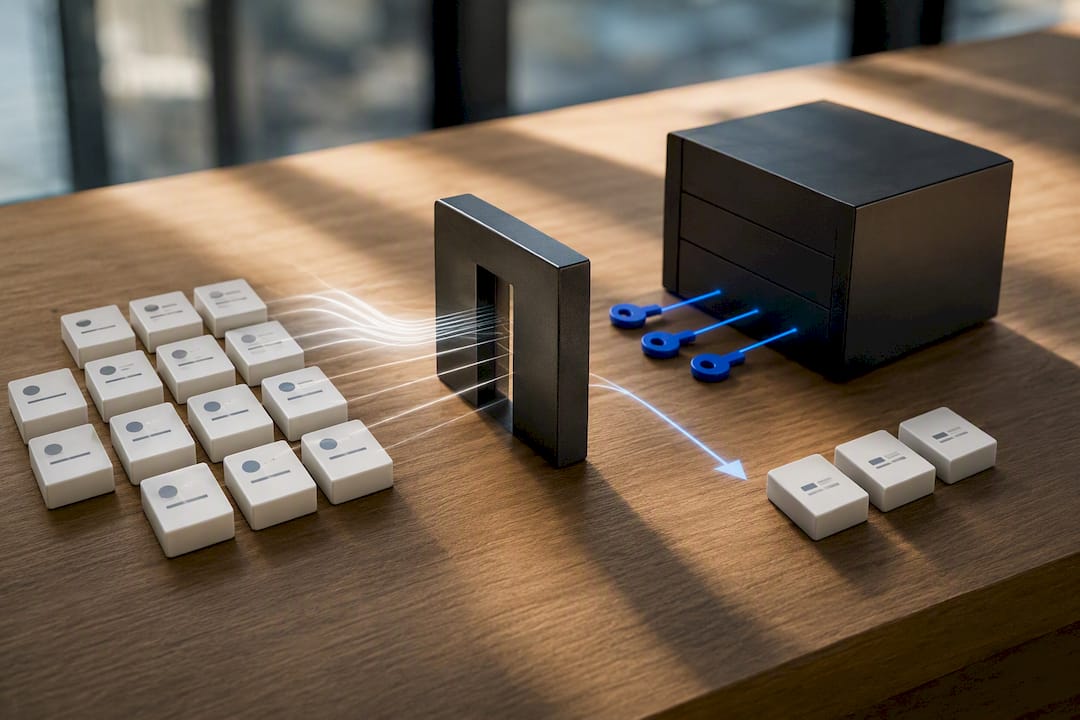
Standard web forms often log IP addresses, browser user-agent strings, and precise timestamps behind the scenes, even when no name field exists. That metadata can narrow a response down to one person on a small team, especially if only a handful of people had access to the link. The fix isn't complicated. Look for platforms that state plainly what they don't collect.
- No IP address logging, stated explicitly rather than implied.
- Cookieless forms by default, not opt-out cookies buried in settings.
- No device fingerprinting or browser tracking scripts.
- Anonymous reply flows instead of email-based follow-up.
Anonymeter's privacy policy is a useful benchmark here. The company states outright that it never stores a respondent's IP address, and it builds anonymous follow-up into the product instead of relying on identity-based contact. That's the standard to hold any vendor to before you trust it with sensitive feedback.
On the storage side, apply least-privilege access to response data. Only the people who genuinely need to read raw feedback should have access, and exports should strip metadata before they're shared beyond that group.
When Should You Actually Use No-Login Feedback?
No-login feedback has real limits worth naming upfront. Responses carry less context because you can't ask who submitted them or what situation prompted the comment. Verification gets harder, so a single bad-faith submission can look identical to a genuine one. Open links can also attract off-topic or abusive input if you share them too broadly.
Good prompt design offsets most of this. Ask specific questions rather than "any thoughts?" Mix structured ratings with one open-ended field so you get both comparable data and texture. Avoid optional identifying fields entirely rather than making them optional. This overlaps with standard survey design principles that apply whether or not the respondent is anonymous.
Distribution matters just as much as the questions themselves:
- Share through targeted channels, a specific Slack channel or intranet post, rather than a public social link.
- Add context in the message: what the feedback is for and how it will be used.
- Use QR codes at physical events for instant access without typing a URL.
- Assign a reviewer to tag and triage responses so useful comments don't get lost in noise.
How Does Pinhub Handle Guest Feedback Without Accounts?
Visual feedback has its own version of this problem. A comment like "fix the spacing" is nearly useless without knowing which spacing, on which screen, at which state of the design. Pinhub solves that by letting guest reviewers pin comments directly onto specific points of a screenshot or Figma import, no account required.
That pixel-anchored approach turns vague notes into precise, located feedback anyone on a project can act on immediately.
- Guest reviewers click a shared link and start commenting immediately, no sign-up wall in the way.
- Comments anchor to exact pixels, so "fix the spacing" becomes a pin pointing at the exact element in question.
- Threaded discussions keep each point's back-and-forth contained instead of scattered across email.
- Version control tracks what changed between design iterations, and AI-generated summary lists condense long threads into a quick action list.
- Password-protected shares let you keep a guest workflow open to reviewers while restricting who can see it.
Product design teams, marketing agencies, and remote collaborators use this most, largely because faster, clearer review cycles mean fewer rounds of "wait, which part did you mean?" For more on applying this to web projects specifically, see this guide to feedback for website design.
Pro Tip: When you share a Pinhub review link with a client, tell them explicitly they don't need to create an account. That one line in your message removes the biggest reason clients delay giving feedback.
When Should Feedback Stay Anonymous vs. Identified?
Anonymity earns its keep in situations where psychological safety drives honesty, whistleblowing concerns, candid post-event reviews, or anything where a real name attached to criticism changes what people are willing to say. Identified responses work better for performance reviews or any process where you need to follow up with a specific action tied to a specific person. The decision rule is simple: if you need to act on who said it, ask for identity; if you need to know what's really being said, don't.
— Pinhub
Try Pinhub for Guest-Friendly Design Feedback
Anonymous suggestion boxes and disposable rooms solve general feedback collection well, but visual work needs precision those tools weren't built for. Pinhub is the alternative for teams reviewing screenshots and designs. Guest reviewers pin comments directly onto the exact pixel in question, without creating an account first.

That means client feedback stops sounding like "the button looks off" and starts sounding like a pin on the exact button, at the exact size, in the exact state you shared. Version control keeps every iteration on record, and AI-generated summaries turn a sprawling comment thread into a short list your team can act on the same day. The Free plan works for solo use, while Pro runs $19 per month or $180 per year for unlimited screenshots, Figma import, and password-protected shares, and Team runs $39 per month or $384 per year for teams that need more members and shared workspaces, all available on Pinhub's site. Browse the templates and start a free workspace to see how a guest reviewer experiences it firsthand.
Sources
For deeper reading on anonymous workflows, see JoinByKey's disposable room approach, Anonymeter's privacy-first form policy, and Jotform's guide to anonymous surveys. For visual feedback tool comparisons, see best design feedback tools.
- Anonymous Feedback Tool — No Login Required
- Free Anonymous Feedback Forms · No IP Tracking - Anonymeter
- Anonymous Feedback Tool | Free Online Survey Creator
FAQ
Can You Really Collect Feedback Without Login?
Yes. Anonymous share links, disposable feedback rooms, and forms configured without identifying fields all let respondents submit feedback with no account or sign-in step.
Does Removing Login Make Feedback More Honest?
Sign-in friction tends to push responses toward guarded, polite answers, while removing it generally produces more candid feedback, though results still depend on how the questions are framed.
What Metadata Should a No-Login Tool Avoid Storing?
A privacy-first tool should avoid logging IP addresses, cookies, device fingerprints, and precise timestamps tied to individual submissions.
Can You Follow Up on Anonymous Feedback?
Yes. Many anonymous platforms support two-way anonymous reply flows that let you ask a clarifying question without ever learning the respondent's identity.
Does Pinhub Require an Account to Leave Feedback?
No. Pinhub lets guest reviewers pin comments directly onto screenshots or Figma designs without creating an account, and its Free plan supports this at no published cost, with Pro and Team plans available for teams needing more features.