
Send a review link that opens without a signup, then label the review type and maturity level, add a one-line ask, and confirm pixel-anchored commenting is on. Set access rules and a deadline, and attach a named version so nobody critiques the wrong screen. Industry guidance from Storyflow and Fastio backs every piece of this, and a platform like Pinhub builds it into the workflow directly.
TL;DR:
- Setting guest or no-signup access and confirming it on mobile ensures reviewers can comment easily without account barriers.
- Clearly labeling the review type, maturity level, and specific questions directs reviewers to provide targeted feedback appropriate to the current stage.
- Using expiring or versioned links for each review round prevents outdated comments and ensures discussions stay anchored to the correct design iteration.
- Implementing pixel-anchored comments and requesting reviewer identification improve feedback clarity and traceability across rounds.
- Batch feedback with a single deadline for multi-stakeholder reviews reduces confusion and prevents participation drop-off.
Table of Contents
- Checklist: Quick Best Practices To Follow Before You Hit Send
- Access, Security, And Privacy: Keeping Reviews Safe But Frictionless
- Preparing Context: Label The Review Type And Maturity Up Front
- Versioning, Link Lifecycle, And Analytics: Avoiding Stale Feedback
- Practical Templates And Workflows For Sharing Links
- Why Pixel-Anchored, Guest-Friendly Links Change The Math
- Pinhub: Built Around These Exact Share-Link Practices
- Sources
- FAQ
Checklist: Quick Best Practices To Follow Before You Hit Send
Most feedback problems trace back to a link sent in a hurry. Before you share, run through this sequence:
- Set viewing access to guest or no-signup mode where possible, and open the link on a phone to confirm it renders cleanly. Figma prototype links can be set to "anyone with the link" specifically so reviewers skip account creation.
- Label the review type. Is this an alignment check, a craft review, or a sign-off? Say so in the message, not just in your head.
- State the maturity level. A concept sketch invites different feedback than a release candidate, and reviewers need to know which one they're looking at.
- Ask one to three specific questions tied to what you actually need decided, not "thoughts?"
- Attach a named version or snapshot, and label which round it belongs to (Round 1, Round 2, and so on).
- Use expiring or versioned links rather than a permanent one that quietly updates underneath the reviewer.
- Confirm pixel-anchored comments are enabled, and ask reviewers to include their name or email so feedback stays traceable to a person.
- Set a clear deadline and describe what happens after they submit feedback, whether that's a synthesis call or an async summary.
Skip any one of these and you'll spend more time interpreting feedback than acting on it. A reviewer who doesn't know whether you want reaction to layout or a final sign-off will guess, and that guess usually costs you a second round.
Access, Security, And Privacy: Keeping Reviews Safe But Frictionless
The access model you choose should match the sensitivity of what's inside, not just your default habit. Password protection, SSO, and link expiration each solve a different problem, and mixing them up wastes reviewer goodwill.
- "Anyone with the link" works for early concept shares where speed matters more than lockdown.
- Password protection fits ad-hoc external shares, like sending a client a one-off prototype link over email.
- SSO and invite-only access suit enterprise reviews where audit trails and session logs matter.
- Link expiration prevents a stale prototype link from circulating months after the project shipped.
Set defaults by stage: loosen protection for rough concept work where friction kills participation, and tighten it for final assets that carry legal or brand risk.
Pro Tip: Set every external client share to expire automatically after your typical review window, usually 5 to 10 business days. It stops old feedback threads from resurfacing on a version you've already replaced.
Preparing Context: Label The Review Type And Maturity Up Front
Reviewers do their best work when they know exactly what decision you're asking them to make. State the review type directly: is this a direction check, a craft pass, or a final decision? Then declare maturity, since a wireframe at 30% and a build at 90% deserve completely different scrutiny.
Naming the session type before reviewers open the file prevents them from unintentionally reopening decisions your team already made, which is one of the most common causes of review fatigue.
Include in your share message:
- The review type and the specific decision you're seeking
- The maturity level, so reviewers scope their critique appropriately
- Two or three concise questions tied to acceptance criteria, not open-ended prompts
- A short pre-read or a 60 to 90 second walkthrough for anything with more than a couple of screens
Sending a pre-read with the problem, constraints, and review questions before reviewers even open the link gives them time to think instead of reacting in real time. If you're still deciding how to frame the ask itself, our guide to critique versus review breaks down the distinction in more detail.
Versioning, Link Lifecycle, And Analytics: Avoiding Stale Feedback
Nothing derails a review faster than three people commenting on three different versions of the same screen. Freezing a version through a named snapshot, a duplicated file, or a dedicated page per round keeps everyone anchored to the exact artifact under discussion.
- Label every share link with the round number and the date it went out.
- Prefer expiring or versioned links over one static URL that quietly changes underneath reviewers.
- Track opens and time-on-screen to spot who hasn't reviewed yet and where attention is thin.
- Log resolved comment threads against the specific version they were raised on, not the current file state.
View analytics turn a guessing game into a follow-up plan. If three of five reviewers opened the link but only one left a comment, that's your cue to send a direct nudge rather than wait out the deadline. A separate named snapshot for each round means nobody wastes a comment thread arguing about a screen you've already replaced.
Practical Templates And Workflows For Sharing Links
A repeatable workflow beats reinventing your share message every time. Run this pre-share check first:
- Open the link on mobile and confirm it renders correctly.
- Leave a test comment to confirm pixel-anchored commenting works as expected.
- Save a named version so the round is frozen before anyone reviews it.
Then adapt your message to the audience:
- Async reviewer: "Round 2, craft review, 70% polish. Please comment directly on anything that feels visually inconsistent. Deadline Thursday 5 PM."
- Stakeholder sign-off: "Final review before handoff. This is a decision, not a discussion, please confirm approval or flag blockers by Friday."
- External client review: "Here's the latest concept, no account needed to comment. We're looking for reaction to overall direction, not pixel-level polish yet."
For multi-stakeholder reviews, batch feedback into a single deadline rather than collecting it in a rolling window, and consolidate comments into a summary that marks each item addressed, deferred, or rejected. Our feedback template guide has ready-to-adapt versions of each message above.
Pro Tip: Batch external client feedback into one deadline rather than a rolling window. A rolling window invites late stragglers to reopen decisions the rest of the group already settled.
Why Pixel-Anchored, Guest-Friendly Links Change The Math
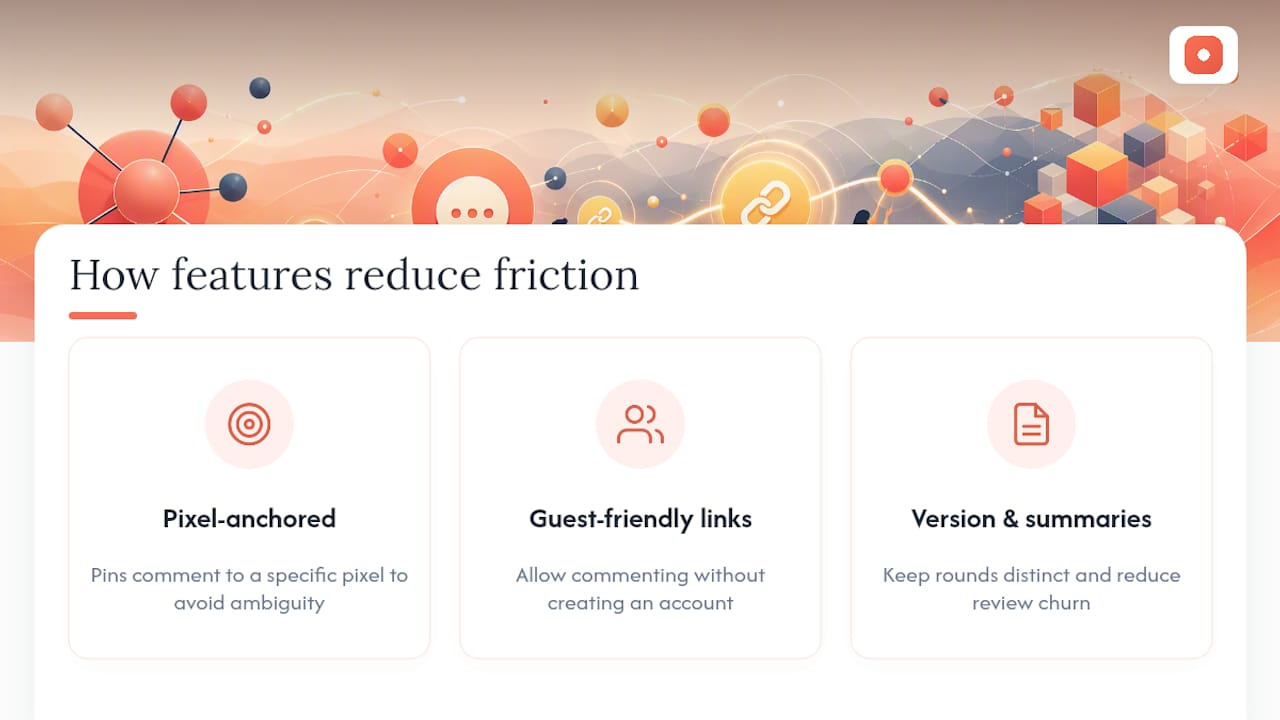
Vague feedback isn't a communication problem so much as a tooling problem. When a comment lives in an email thread instead of attached to a specific pixel, something gets lost in translation between what the reviewer meant and what the designer builds. Pixel-anchored comments close that gap directly.
Guest-friendly links matter just as much. A reviewer who has to create an account before commenting is a reviewer who often doesn't comment at all, and that's lost signal on decisions you needed. Version control and automated summaries do the quieter work of keeping rounds from blurring together, which is where most of the churn in a review cycle actually lives.
Pinhub: Built Around These Exact Share-Link Practices
Pinhub is the tool that turns this checklist into a two-minute habit instead of a manual process you have to remember every time. Guest reviewers open a link and comment directly on the exact pixel they mean, no account required, no email thread to untangle later.

A typical workflow looks like this: create a snapshot of your current design, share it as "Round 1" with a guest link and a deadline, collect comments pinned to specific elements, then let Pinhub's automated summary turn those threads into an assignable task list. Password protection covers the shares that need it, and version history keeps every round separated so nobody argues about which screen they're looking at. If your team is still passing screenshots through email or Slack threads, start a Pinhub workspace and send your next review round as a proper link instead.
Sources
For more on running the review conversation itself, see our guide on critique versus review and our remote design review guide for async-specific tips. For distribution and link-sharing habits beyond design tools, this guide on digital visibility is a useful companion read.
- How to Run a Design Review (Step-by-Step, 2026) | Storyflow
- How to Share Figma Prototypes with Clients in 2026 | Fastio
FAQ
What Should A Share Link Message Always Include?
State the review type, the work's maturity level, one to three specific questions, and a deadline. Leaving any of these out is the most common reason feedback comes back vague or off-target.
Should Reviewers Need An Account To Comment?
No. Guest-friendly links without signup, like the ones Pinhub supports, remove the biggest barrier to reviewer participation and typically raise response rates.
How Long Should A Review Link Stay Active?
Match expiration to your review window, usually 5 to 10 business days for external shares, and shorter for sensitive final assets that need tighter access control.
What's The Difference Between Password Protection And SSO?
Password protection suits one-off external shares like a client prototype link, while SSO and invite-only access fit enterprise reviews that need audit trails and session logs.
How Do I Prevent Reviewers From Commenting On An Outdated Version?
Freeze each round with a named version or snapshot, label the share link with the round number and date, and avoid one static link that updates silently underneath reviewers.