
Tracking clear, actionable visual feedback on design changes is fragmented and slow across most teams. Most visual feedback tools require account creation for every reviewer or bury comments, which adds friction and delays action. This comparison covers pricing, account requirements, and integration support, so teams can match one to their feedback and collaboration needs without running blind trials.
Table of Contents
Pinhub
At a Glance
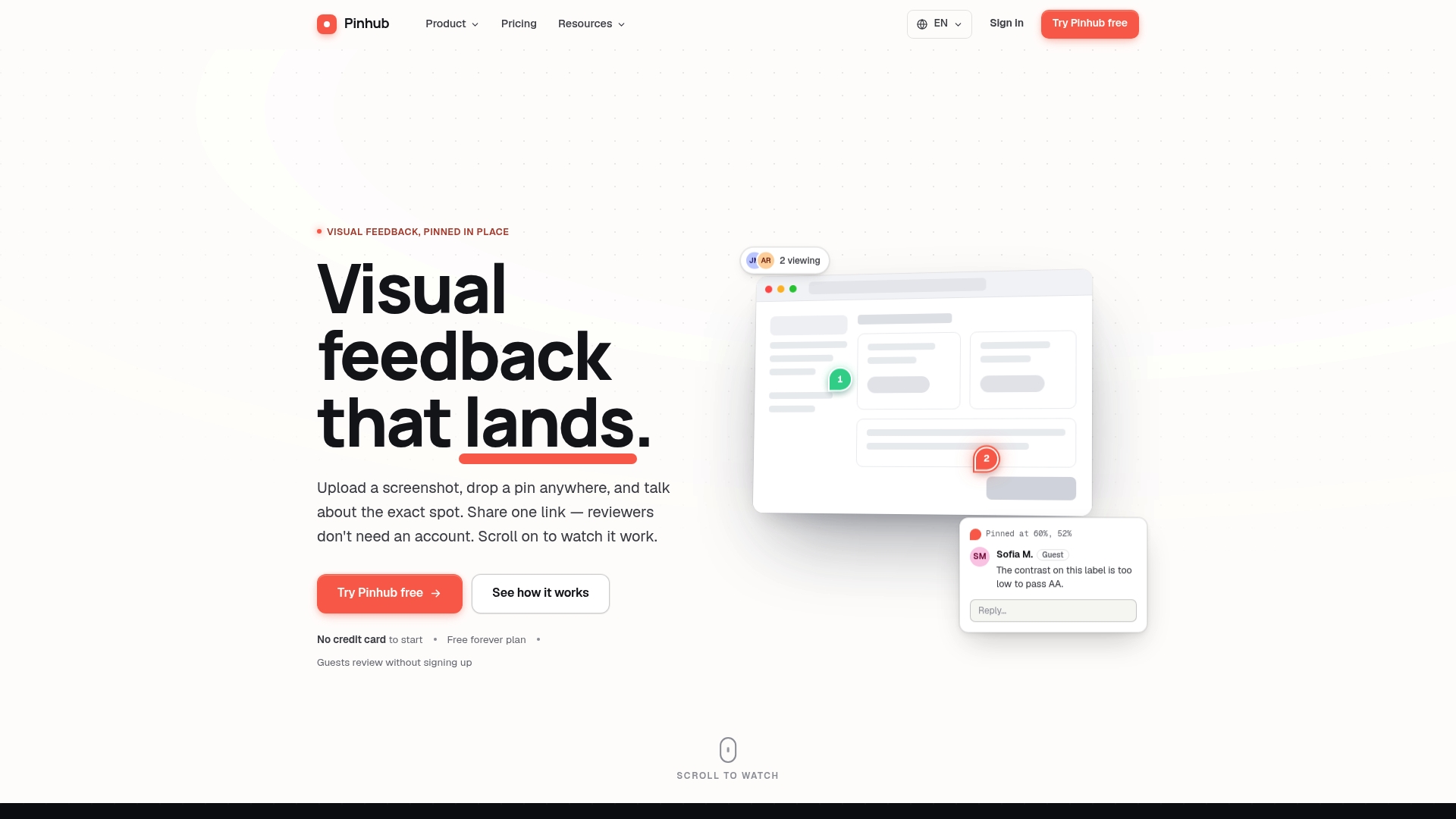
Reviewers can comment without creating accounts by using an unguessable share link. Pinhub anchors pins to exact pixels so feedback stays tied to the correct design element. The tool also includes version control and AI summaries that convert comments into concise action lists.
Core Features
Upload screenshots and pin and comment directly on images, then keep each discussion in threaded conversations attached to a pin. Share work with unguessable or password protected links so reviewers join as guests without accounts. Figma import, real time live view of viewers, and version history help track changes across iterations.
Key Differentiator
Pinhub keeps feedback anchored at the pixel level so comments remain tied to the exact visual element. Each pin hosts a threaded, context aware conversation that reviewers can open from a single shareable link.
Pros
The sharing flow reduces setup friction because external reviewers comment as guests using a single link. Pixel anchored comments and threaded replies make feedback precise and cut back on vague requests. AI summaries convert long comment threads into checklist style action items, helping project managers assign fixes. Figma import plus version history make iteration tracking straightforward for teams.
Cons
- Relies on browser access, so reviewers cannot work offline.
Notable Integrations
- Figma
Who It's For
Solo designers, product managers, and UX teams who need precise visual feedback will get the fastest gains. Marketing agencies that handle client approvals benefit from guest commenting and shareable links. Remote collaborators and QA teams can track changes with version history and AI summarization.
Unique Value Proposition
Unguessable share links let reviewers add feedback without creating accounts, cutting setup time for client reviews. That guest flow reduces the back and forth of account invites and speeds approval cycles for tight deadlines. Combined with AI summaries and version control, the link based workflow hands managers a concise task list after each review.
Real World Use Case
A UX designer uploads a mockup and pins accessibility and spacing issues on specific components. Clients comment as guests on the exact pixels that matter, and the project manager marks issues resolved. The team exports the AI summary to a checklist, then assigns fixes during the next sprint.
Pricing
Free tier covers solo, low volume feedback. Pro costs $9.99/month for individuals and Team at $19.99/month for larger teams with caps based on team size.
Website: https://usepinhub.com
Marker.io
At a Glance
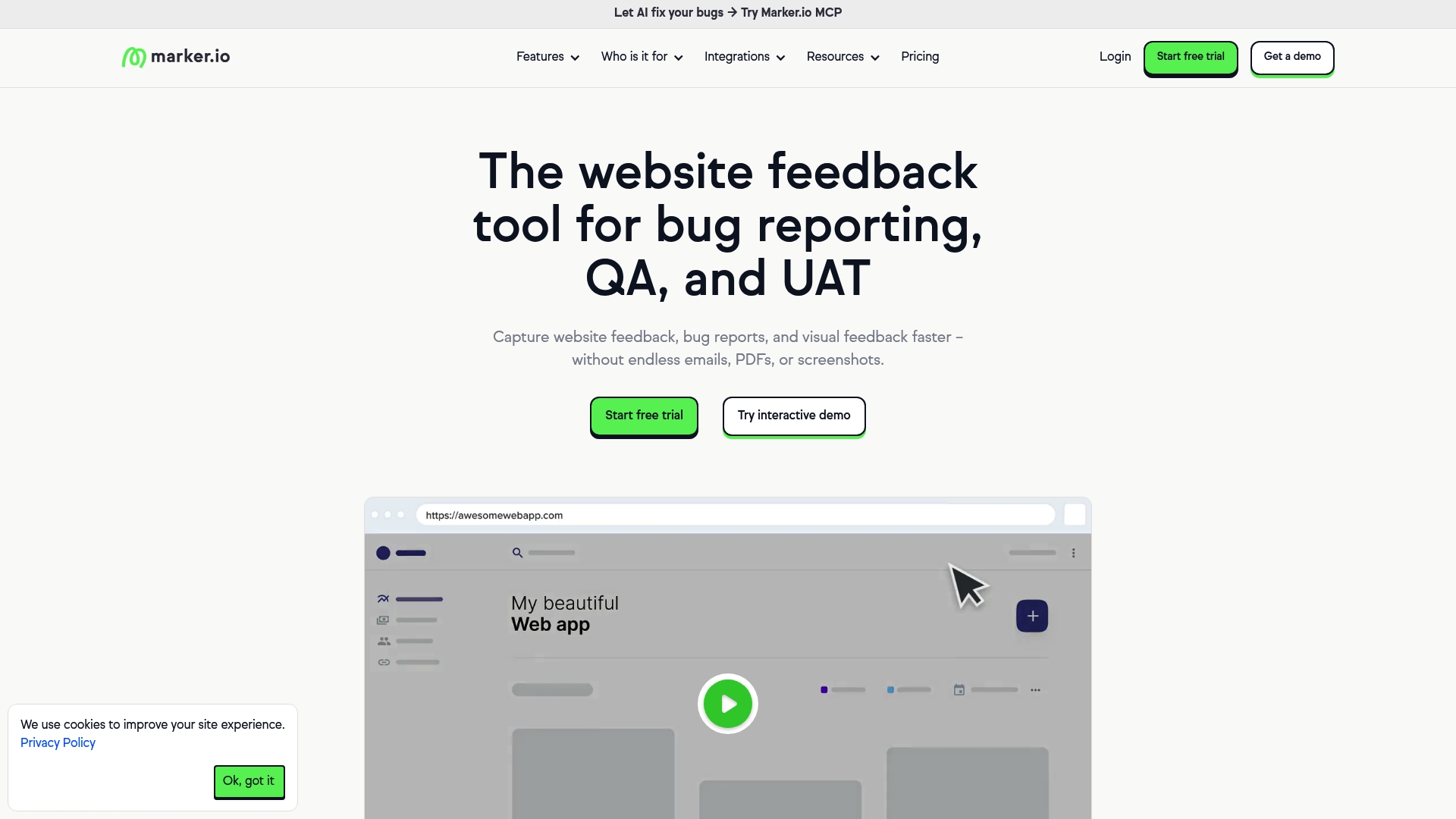
Plans start as low as $39 per month with a free 15-day trial. Marker.io combines visual website annotations with session replay and data masking to make reports clearer. The product targets teams that need enterprise controls for feedback and QA.
Core Features
Marker.io captures on page feedback with a WidgetCapture widget that pins comments to pixels and attaches environment details. It records sessions with Session Replay so teams can reproduce issues and it applies Data Masking to hide personal data in screenshots and replays. Workspace analytics and AI tools for translation and content rewriting round out the feedback workflow.
Key Differentiator
The clearest differentiator is the focus on AI in feedback creation. Marker.io puts AI translation, Magic Rewrite, and title generation into the bug report flow so nontechnical reviewers can submit clear reports in their own language. That combination of AI plus enterprise security is aimed at teams managing many sites.
Pros
Setup is straightforward because Marker.io supports browser extensions, a widget snippet, and plugins for common CMS platforms which reduces configuration time. Integrations with issue trackers let teams send annotated reports directly into dev workflows, which reduces manual ticket creation. Enterprise features such as single sign on and data masking make it a safer choice for regulated environments. The AI tools help clarify vague feedback, and session replay improves bug reproduction and triage.
Cons
- Pricing details beyond the stated starting price are focused on paid plans, which can obscure cost for smaller teams.
- Several integrations are marked as coming soon, which may delay adding specific tools to an established workflow.
- Marker.io does not replace specialized QA platforms when teams need deep test case management or complex automation.
When It May Not Fit
Small teams on a tight budget may find the paid plan emphasis limiting. Projects that require advanced QA features like automated test suites will need a dedicated testing tool alongside Marker.io. Teams that rely on an integration marked as coming soon should confirm availability before committing.
Notable Integrations
Marker.io connects to popular trackers and collaboration platforms. Integrations include Jira, Trello, Asana, GitHub, GitLab, Azure DevOps, Zendesk, and Intercom. These connections let teams create issues with attachments and environment metadata automatically.
Who It's For
Marker.io fits product teams, web agencies, and enterprise web operations that handle multiple sites and stakeholder reviewers. It suits QA teams that want visual context for bugs and design teams that need client annotation without account friction.
Real World Use Case
An enterprise used Marker.io to consolidate bug reports from dozens of microsites. Reviewers left annotated screenshots and session replays. Developers received tickets with full context which cut back-and-forth and sped up fixes.
Pricing
Plans start at $39 per month and Marker.io offers a free 15 day trial for evaluation. Detailed tier limits and seat counts are available on the vendor site.
Website: https://marker.io
Ruttl
At a Glance
Ruttl reports more than 1 million users worldwide. The tool collects visual feedback directly on live websites, mobile apps, images, and PDFs. Teams use it to replace long email threads with anchored comments and quicker clarification cycles.
Core Features
Ruttl lets reviewers place comments directly on live pages and image files, with bug tracking tied to each visual note. It supports PDF and image markup alongside comment attachments and private threads for sensitive feedback. The product also links to popular project management tools and offers AI powered feedback insights to help surface recurring issues.
Key Differentiator
Ruttl centers on comments anchored to exact pixels on live assets. That approach reduces ambiguity when clients or teammates point out visual problems. The combination of visual anchoring, integrations with PM tools, and AI powered analysis shapes its distinct workflow.
Pros
The visual feedback model clears up vague requests that normally come by email, so developers and designers spend less time guessing what to change. Integrations with Trello, Slack, Asana, Jira, and ClickUp keep comments visible inside the tools teams already use. The vendor also highlights strong adoption, and user testimonials emphasize ease of use and time savings.
Cons
-
Some third party reviews report minor bugs or occasional interface quirks that affect the workflow.
-
Advanced editing or whiteboard style design tools are limited; annotations focus on comments rather than deep image edits.
-
Larger teams may need a paid tier to access all collaboration features and central administration.
When It May Not Fit
Teams that need pixel level image editing or layered design tools will find Ruttl too lightweight for those tasks. Organizations that require on premise installs or heavy customization may not get the required controls from a cloud service. If every seat must be free for a large contractor pool, the paid plan requirement could raise costs.
Notable Integrations
Ruttl connects with Trello, Slack, Asana, Jira, and ClickUp. These integrations make it straightforward to surface visual comments inside common project boards and chat channels. Use the links to push visibility of issues into existing team workflows.
Who It's For
Web designers, front end developers, digital agencies, product managers, and marketing teams will get the most from Ruttl. It suits teams that review live prototypes, maintain content on production sites, or collect client feedback on visual assets. Small to medium sized groups using external reviewers or clients will appreciate the low friction for guest comments.
Real World Use Case
A digital agency pins client change requests directly on a live prototype. The design team turns each anchored comment into a tracked bug or task. That process eliminates multi email clarifications and shortens review cycles, letting the team ship visual fixes faster.
Pricing
Ruttl offers a free tier and a Pro plan at $18 per month per user. Enterprise pricing is custom for larger accounts. The free tier works for occasional reviewers; paid plans add seats and admin features.
Website: https://ruttl.com
Beep
At a Glance
The vendor advertises AI powered editing suggestions that include 5,000 tokens/month on the SuperBeeper plan. Screen recording is capped at 10 minutes on that tier, and comments capture auto screenshots in the browser. That mix speeds up live site review when you need context and quick edits.
Core Features
Beep lets you place visual comments directly on live websites and automatically captures a screenshot with each note. It pairs in browser commenting with task management using a Kanban board and supports file attachments of any format. Higher plans add screen recording and AI powered editing, and the extension can push updates into Slack, Jira, Notion, Zapier, ClickUp, Asana, or a webhook.
Key Differentiator
Beep links pixel anchored feedback to work items by saving each comment as a traceable task and capturing auto screenshots. That keeps discussion anchored to the exact page location and reduces guesswork when developers or clients act on feedback.
Pros
The interface is simple, which reduces onboarding time for internal teams and external reviewers. Pixel anchored notes cut down back and forth by showing exactly where the issue lives on a page. Integrations with major tools let you route issues into your current workflow while using the browser extension to annotate live pages.
Cons
- Free plan caps activity at 15 Beeps per month and limits key features.
- Some advanced capabilities, like unlimited recording and AI tokens, require the SuperBeeper paid plan at $9 per user per month.
- Core functionality depends on a browser extension, which can slow adoption for reviewers who avoid extensions.
- The product focuses on web projects, so it will not cover feedback workflows for non web assets.
When It May Not Fit
If your team needs heavy multimedia review outside of websites, this tool will feel narrow. Organizations that prohibit browser extensions will struggle to use the core annotation features. Teams seeking AI editing beyond the top plan will need to budget for SuperBeeper to get the advertised token allotment.
Notable Integrations
Beep connects to Slack, Jira, Notion, Zapier, Telegram, ClickUp, Asana, and supports webhooks for custom automation. These integrations let you convert a browser comment into a tracked issue in existing tools.
Who It's For
Beep fits web designers, front end developers, marketing teams, and project managers who need fast visual feedback on live sites. Freelancers and agencies that review client sites will find the pixel anchored comments useful. Educational programs that teach web editing can use the tool for hands on critique.
Real World Use Case
A digital marketing agency runs Beep during client reviews to mark revisions directly on the live site. Designers capture a quick screen recording, leave a note, and push the item into Jira for the developer. That keeps the client aligned and moves fixes into the sprint without lengthy email threads.
Pricing
Beep offers a free forever Lite tier at $0 per user per month with limited features and 15 Beeps monthly. The SuperBeeper plan is $9 per user per month and unlocks unlimited features and recordings. Enterprise plans are custom priced for larger organizations.
Website: https://justbeepit.com
Comparison of alternatives
PinHub distinctly anchors feedback at the pixel level, ensuring precision and clarity in visual review workflows. This approach allows teams to implement feedback with targeted accuracy, setting it apart from competitors focusing on broader integration or multi-format capabilities.
Precision in Feedback
Among the available choices, PinHub excels in scenarios requiring exact visual element identification. Its pixel anchoring keeps comments tied to specific design components, reducing ambiguity and allowing faster turnaround times for corrections. This precision is valuable for teams handling complex visual arrangements where slight misinterpretations could cause production delays.
Enterprise Integration Capabilities
Marker.io takes the forefront in enterprise integration. Its compatibility with tools like Jira, Trello, and Azure DevOps streamlines feedback transition into development pipelines. Additionally, its single sign-on (SSO) capabilities and data masking cater specifically to companies requiring stringent data privacy standards. These features position Marker.io as a dependable choice for stakeholder-annotated projects.
Best fit
- PinHub shines when precise visual anchoring is, especially in interface audits and accessibility feedback loops.
- Marker.io leads for enterprise teams prioritizing deep integrations and regulated workflows.
- Ruttl fits teams needing feedback collection across live prototypes and general design iterations.
- Beep aids projects requiring annotative screen recordings straight within Slack or Jira workflows.
Our pick
For scenarios demanding uncompromised accuracy in design feedback workflows, PinHub remains the most effective solution available. However, teams focusing on extensive integration support may consider Marker.io due to its extensive tool compatibility and privacy features.
The following table compares top visual feedback tools based on core features, key differentiators, pricing, and limitations to help you decide the best fit for your workflow.
| Tool | Core Feature | Key Differentiator | Pricing | Limitations |
|---|---|---|---|---|
| Usepinhub | Pixel-anchored comments, AI summary | Shareable links without account creation | Free tier or $9.99+ | Requires browser access |
| Marker.io | WidgetCapture, Session Replay | AI-driven bug clarity tools | $39+/month | Lacks deep QA platform features |
| Ruttl | Live asset feedback, AI insights | Comments on live prototypes | $18+/month | Limited advanced editing capabilities |
| Beep | Visual comments, browser tools | Auto screenshots with feedback | Free or $9+/month | Core relies on browser extension usability |
How to Find Clear Visual Feedback Without Account Hassles
The main challenge teams face when looking at bugherd alternatives is collecting precise, pixel-specific feedback without slowing down the review process. Many tools complicate collaboration by forcing reviewers to create accounts, which delays client approvals and stretches project timelines. Usepinhub solves this by letting reviewers add detailed comments anchored to exact pixels through unguessable guest links. This reduces confusion and speeds approvals, especially for product design teams, marketing agencies, and remote collaborators.
Usepinhub also organizes feedback into threaded conversations and compiles concise review summaries for efficient task management. See how focused feedback and simplified guest commenting help your team move faster.

Check how Usepinhub’s pixel-anchored comments and guest access features improve your project reviews. Visit Usepinhub to learn more and start sharing your designs with no setup delay.
FAQ
What unique feature does Usepinhub offer for collecting visual feedback?
Usepinhub anchors pins to exact pixels, ensuring that feedback remains tied to the correct design element. This feature allows for precise discussions around specific visual aspects of a project. Users can expect clear and actionable insights based on context-aware conversations.
How does Marker.io compare to Usepinhub for visual feedback?
Marker.io is effective for capturing on-page feedback with its WidgetCapture tool and session replay functionality, which aids teams in reproducing issues. For those primarily focused on anchoring feedback at the pixel level, Usepinhub is a better fit, as it streamlines feedback management through unguessable share links for guest reviewers.
Which platform is more suitable for solo designers, Usepinhub or Ruttl?
Usepinhub is particularly suited for solo designers needing precise visual feedback because it allows guest reviewers to comment without creating accounts. Ruttl, on the other hand, focuses more on live website feedback, which may not align with all solo designers' workflows.
Can Beep's AI-powered features compete with Usepinhub's overall capabilities?
Beep offers AI-powered editing suggestions that enhance feedback clarity and speed up live site reviews. While Beep excels in quick edits, Usepinhub provides a more focused approach to visual feedback with pixel-anchored comments, making it a stronger option for in-depth design discussions.
Does Usepinhub support collaboration among team members?
Yes, Usepinhub's threaded conversations make it easy for team members to engage in discussions about specific pins. Each comment is attached to an exact visual element, facilitating effective collaboration within the design team.