
Collecting clear, actionable visual feedback from reviewers and clients is often slowed by friction in account setup or vague comment placement. Most tools make reviewers create accounts or lack precise pinning, forcing teams to clarify feedback and repeat review cycles. This comparison helps designers, product managers, and agencies pick a visual feedback tool that matches collaboration style without account barriers or context loss.
Table of Contents
Pinhub
At a Glance
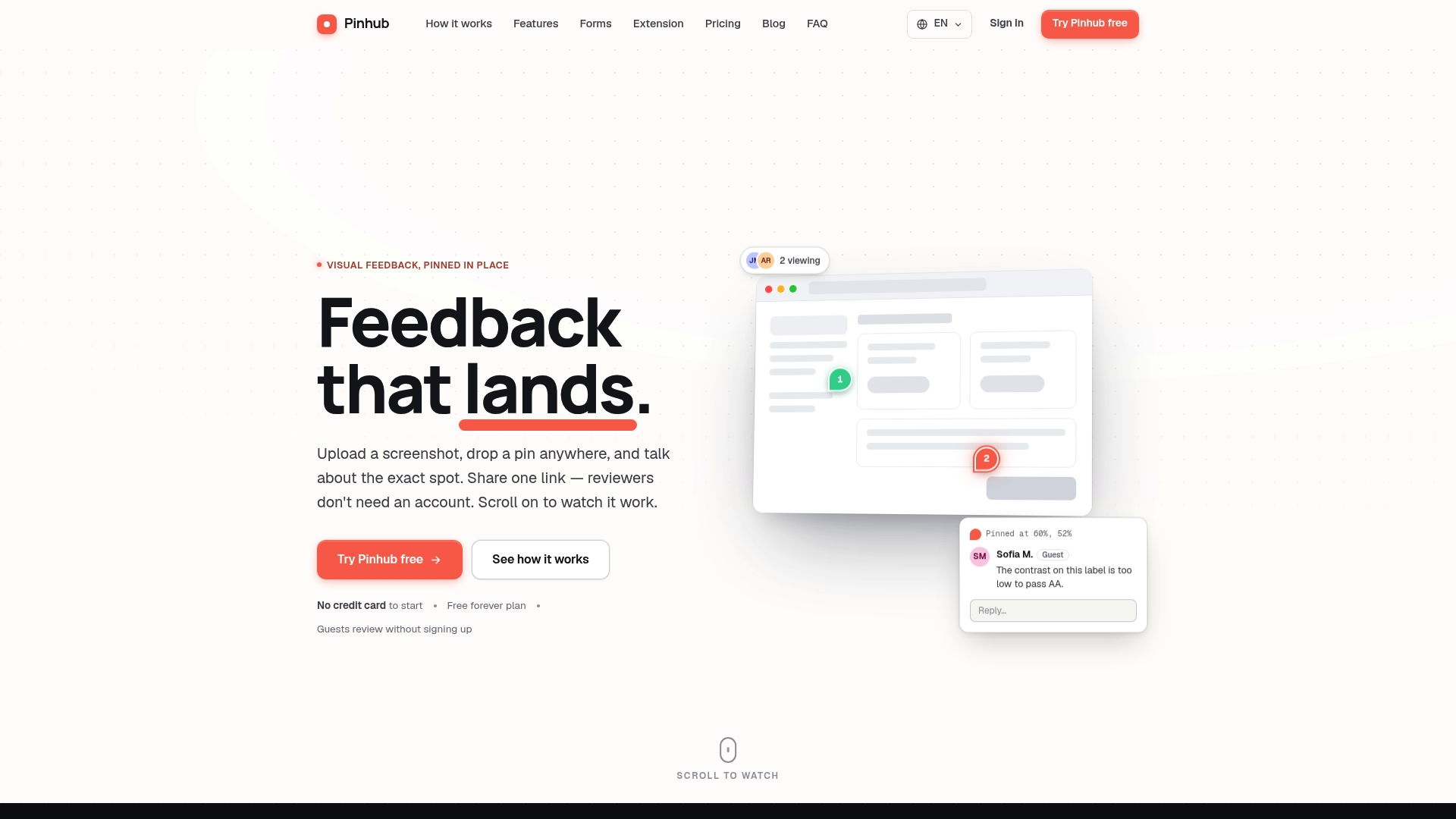
Guest reviewers can leave comments without creating accounts. That single capability removes a common bottleneck when collecting client feedback. Pinhub also pins comments to exact image coordinates and charges per workspace rather than per user.
Core Features
Pinhub lets you upload screenshots and pin comments to precise points, with threaded conversations anchored to the same pixel location. The platform supports share links for guest commenting, a real-time view of who is looking, password-protected links with revocation, and version history to track iterations. Additional features include Figma import, feedback forms and polls with exportable results, an extension for capturing pages, and AI summaries of feedback.
Key Differentiator
Pin comments stay attached to the same visual location even when you zoom or update the design. This anchoring keeps comment threads relevant across versions and prevents feedback from drifting off target. That precision reduces the need for follow-up clarifications when reviewers describe a problem. Teams that review many iterations will find the pinned threads preserve context as designs evolve.
Pros
No-account guest commenting removes friction when you share work with clients or stakeholders who do not want to sign up. Pixel-anchored pins keep feedback specific, which shortens iteration cycles by cutting vague requests. Workspace pricing gives predictable costs for teams and agencies because the bill does not grow with extra reviewers. Built-in version history and Figma import make it practical to compare changes and import designs directly. AI summaries and exportable poll results save time during review meetings.
Cons
- Limited free plan with only 3 active screenshots and 1 member, which may be restrictive for larger teams.
Notable Integrations
Pinhub integrates with Figma for direct import of designs. The integration lets design teams bring frames into Pinhub without manual export and upload steps.
Who It’s For
Designers and product managers who run review and approval workflows benefit from precise visual comments. Client-facing teams that need quick guest feedback will like the account-free commenting. Development teams using visual bug reports can pin issues to exact UI elements and follow changes through version history.
Unique Value Proposition
Workspace billing makes budgeting predictable for agencies and product teams. Charging per workspace rather than per seat removes a common barrier when external reviewers join a project. Paired with guest commenting, that pricing lowers the administrative cost of client reviews. The result is fewer billing surprises and simpler license management for multi-stakeholder projects.
Real World Use Case
A product team uploads a UI mockup, pins specific elements that need review, and shares a password-protected link with a client. The client comments as a guest on the exact pixels, and the team tracks those threads as the design moves through versions. AI summaries produce a short list of actions for the next sprint.
Pricing
Free for solo, low-volume feedback with limited screenshots and one member. Pro at $19/month or $15/month billed annually adds unlimited screenshots, feedback forms, and password-protected links. Team at $39.99/month or $32/month billed annually supports larger groups and multiple admins.
Website: https://usepinhub.com
BugHerd
At a Glance
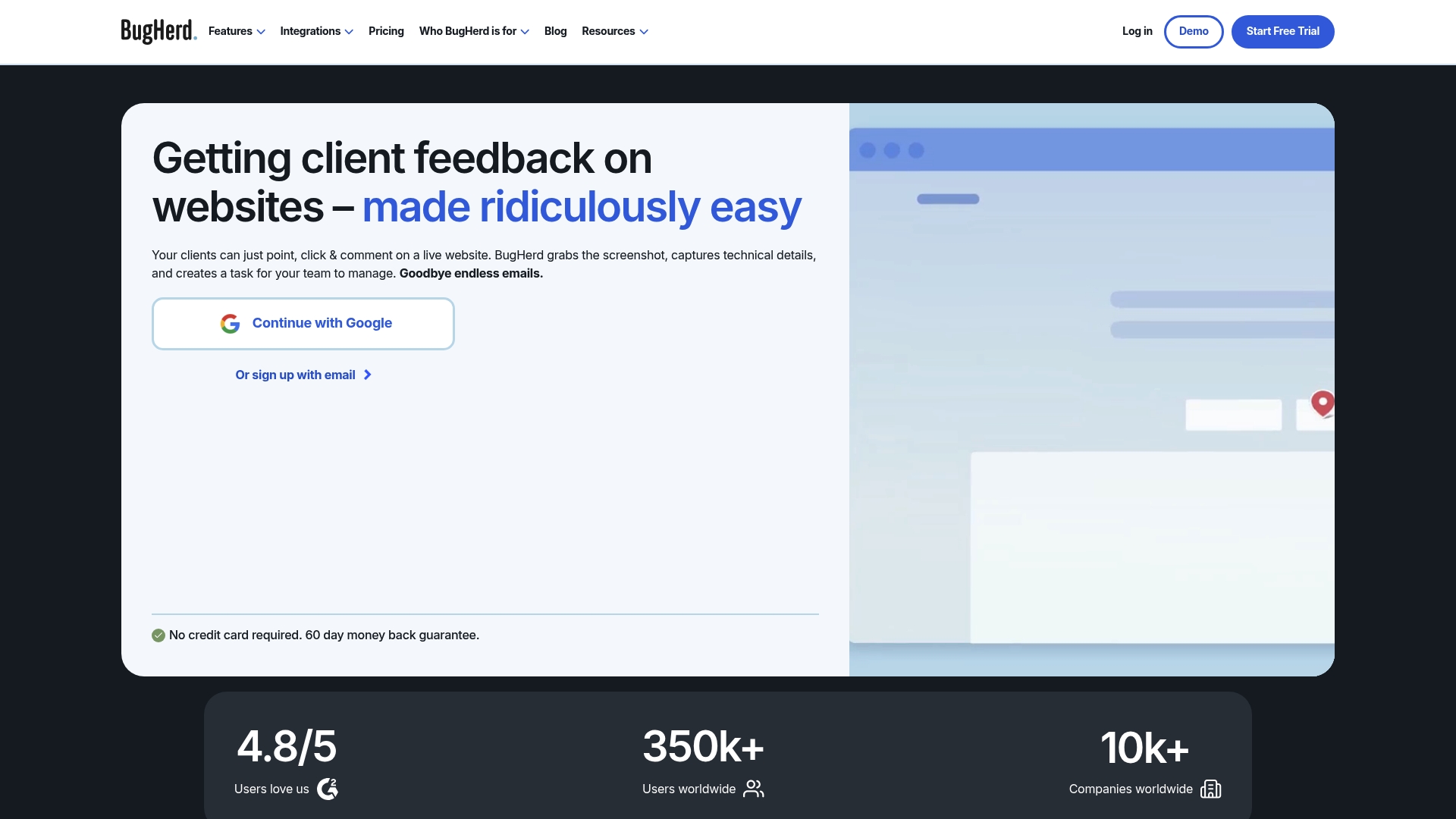
BugHerd captures technical environment data automatically with each web annotation. That automatic capture includes screenshots and browser details tied to every comment. The result is feedback that arrives with context rather than follow up questions.
Core Features
BugHerd uses point and click annotations so clients and teammates can mark exact page elements and leave comments. Each item records a screenshot plus technical metadata and can become a tracked task on an integrated Kanban board. The product also offers video feedback, public and private comment options, and multi platform capture via a browser extension or a JavaScript snippet.
Key Differentiator
The clearest distinction is the combination of in context annotations and automatic environment data capture. That pairing reduces back and forth by giving developers the exact state of the page when the issue occurred. Deep integrations then move annotated items into existing issue trackers or developer workflows.
Pros
The point and click feedback tool reduces ambiguous notes and email chains by pinning comments to pixels on the page. BugHerd reports an approximate 4.8/5 rating on review platforms, which suggests broad user satisfaction across agencies and in house teams. The product integrates directly with project tools and developer systems so tickets flow into the rest of your process without manual copying.
Cons
-
Pricing can feel high for larger teams. Some reviewers say higher tiers are needed for enterprise features.
-
Branding and single sign on are gated behind higher tier plans. That limits white label needs on lower plans.
-
Several AI features remain in beta. Those capabilities may not be reliable for mission critical workflows.
-
Advanced setup for integrations and SSO can require technical effort. Non-technical teams may need developer help.
When It May Not Fit
If your team needs full offline capture, this tool will not work because it requires an internet connection and a snippet or extension. Organizations that need SSO or company branding on every seat must plan for higher tier plans. Teams that expect mature AI automation should consider the current beta status before relying on it for prioritization.
Notable Integrations
BugHerd connects with common project and developer tools to keep work in one place.
-
Trello
-
Asana
-
ClickUp
-
Jira
-
GitHub
-
FullStory
-
LogRocket
Who It’s For
This product fits web development agencies, marketing teams, and designers who manage multiple client sites and need clearer client feedback. It also suits project managers who want annotated issues to appear inside their existing task systems. Freelancers who collect client edits directly on live pages will find the no login feedback flow helpful.
Real World Use Case
A marketing agency collects client edits on a redesign by asking clients to click and comment on live pages. Each comment arrives with a screenshot and browser details and automatically creates a Jira ticket. The team spends less time clarifying requests and completes revisions faster.
Pricing
Plans start at $50/month for the Standard plan with tiered options for larger teams. The vendor lists custom enterprise plans for organizations that need SSO or advanced branding. Contact sales for detailed enterprise pricing and seat counts.
Website: https://bugherd.com
Pastel
At a Glance
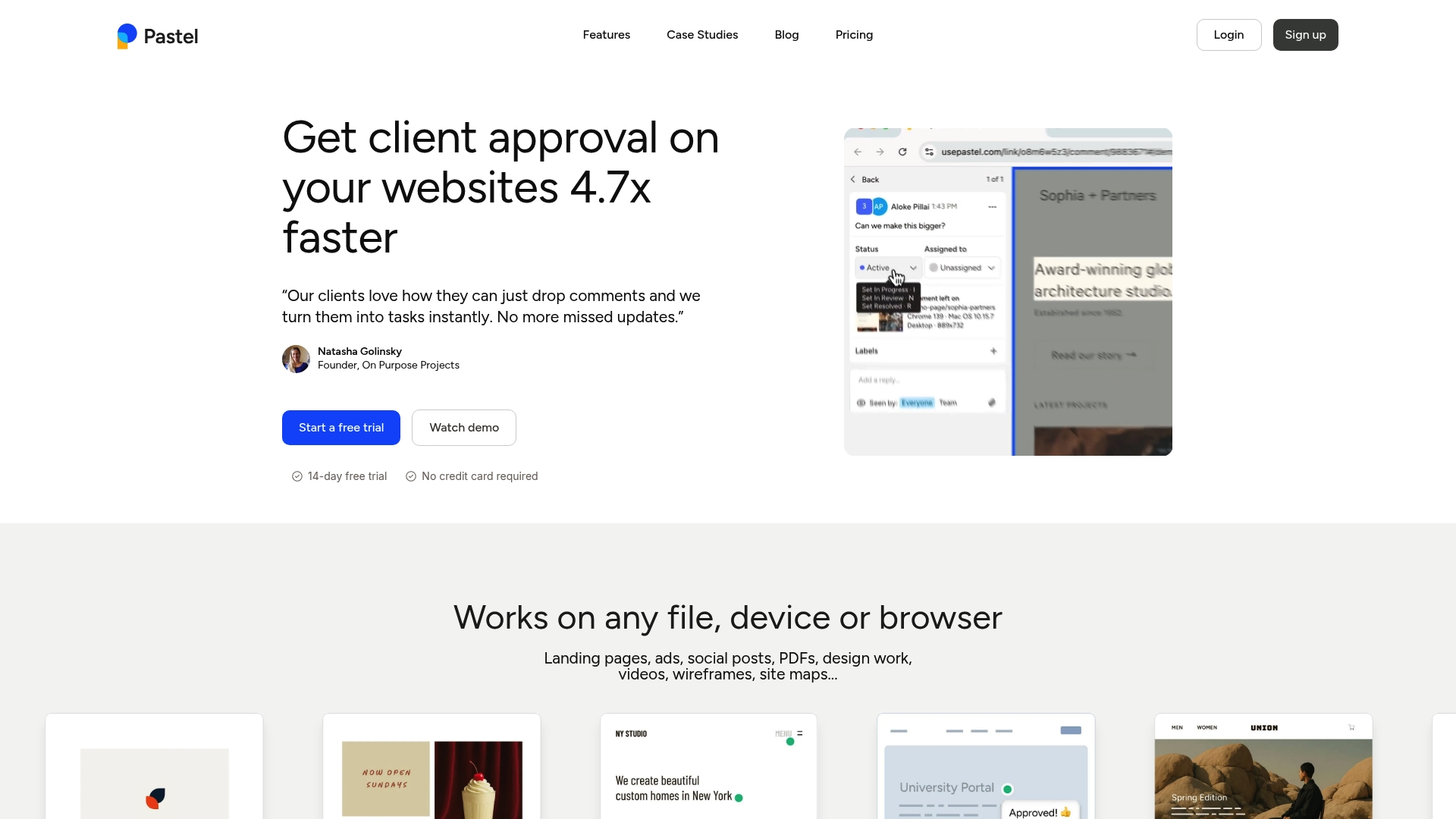
Commenters can leave feedback without creating an account. The tool captures a screenshot and device information automatically for every comment, helping reduce context loss. It supports comments on live websites, images, videos, PDFs, and email previews.
Core Features
You can turn any website or file into a shareable canvas via a single link and collect pinned comments directly on the asset. The platform records screenshots and browser or device details with each note, and it accepts multiple media types including video and PDF. Collaboration supports unlimited guest reviewers with labels, statuses, project folders, and export options to common formats or project tools.
Key Differentiator
The standout capability is the combination of no-login commenting with automated context capture for each remark. That combo shortens feedback loops because clients leave precise, pixel-anchored notes on live pages or files while the system stores the visual context. This behavior suits review-heavy workflows that require exact location and environment details.
Pros
Pastel makes client reviews straightforward by letting you share a single link and avoid account friction, which speeds approvals. The automatic screenshot plus device and browser metadata removes guesswork about screen size or browser differences. Support for videos, PDFs, and email previews means teams can consolidate feedback on marketing and creative assets in one workspace. Plans range from freelancer friendly to team-oriented, so organizations can pick capacity and features that match their team size.
Cons
-
Buyer reviews note problems placing comments on hidden elements or highly dynamic interfaces, which can frustrate front end testing.
-
Handling feedback on very large or highly interactive sites requires careful comment and version management to avoid clutter.
-
Some users report a learning curve for advanced features and mention unspecified limitations in particular edge cases.
When It May Not Fit
Pastel may not fit projects that rely on complex user interactions that expose elements only after scripted events. Teams doing deep automated QA testing will miss element-level hooks for hidden or dynamically created content. Agencies managing extremely large sites could find comment volume hard to track without strict version discipline.
Notable Integrations
Pastel connects to common project tools and automation platforms to move comments into work queues and tickets. Integrations include:
-
Trello
-
Jira
-
Asana
-
ClickUp
-
Zapier
Who It’s For
Creative and digital teams, freelancers, and agencies that need quick visual feedback on websites, landing pages, and creative assets will get the most value. The workflow favors reviewers who prefer pointing and commenting over writing long bug reports. Teams that need lightweight client collaboration without account setup will find this attractive.
Real World Use Case
A digital agency shares one link for a website design, video ad, and an email template. Clients click the link, drop pixel-anchored comments, and the agency receives screenshots with device details. That flow reduces back-and-forth and trims the number of revision cycles during approvals.
Pricing
Most tiers offer a 14-day free trial and a free tier that supports one active canvas. Paid plans scale by team size and feature set, letting small teams upgrade as review volume grows.
Website: https://usepastel.com
Ruttl
At a Glance
Ruttl reports over 1 million users worldwide. That figure appears on the vendor site as a trust signal for teams using visual feedback. The platform combines on page comments, recordings, and version history to compress review cycles for web projects.
Core Features
Ruttl delivers pixel level feedback directly on live websites, web apps, images, PDFs, and mobile apps. It captures screen recordings and screenshots and ties comments to specific page coordinates while managing versions inside the workspace. The product also includes a Kanban style bug tracker, responsive device previews, and AI powered feedback analysis to surface common issues.
Key Differentiator
Pixel level commenting on live pages plus in product AI analysis separates Ruttl from basic screenshot tools. That pairing lets teams point at a visual problem on a published page and attach context, task assignment, and a recorded repro in the same thread. The result speeds handoffs between designers, developers, and clients.
Pros
Ruttl enables visual, contextual feedback on live sites so you avoid vague email threads and static screenshots. Integrations with major project tools let feedback become tasks without manual copying. Support for recordings and device previews helps QA reproduce issues faster, and version management keeps review history tied to specific files and pages. Guest commenting without sign up reduces friction for client reviews.
Cons
-
The interface can feel dense for first time users and requires a short learning curve.
-
Pricing may stretch small teams or solo freelancers on higher tiers compared with lightweight annotators.
-
Some advanced capabilities described as AI powered are listed as coming soon, so full functionality may not yet be available.
When It May Not Fit
If you need a minimal tool for one off screenshots, Ruttl’s wide feature set can be overkill. Small freelance projects with tight budgets may find the Pro tier too costly. Teams that require built in time tracking or billing will need a separate tool since Ruttl focuses on feedback and task handoff.
Notable Integrations
Ruttl connects with Slack, Trello, Asana, Jira, ClickUp, and Zapier. Those integrations let you convert comments into tasks or send notifications to existing workflows without manual entry.
Who It’s For
Design and development teams, digital agencies, product managers, and marketing teams who run iterative web projects will get the most value. The product fits teams that review live pages and need precise feedback tied to page coordinates. Client facing agencies will appreciate guest commenting for approvals.
Real World Use Case
A web design agency uses Ruttl to collect client notes directly on a staging site. Clients drop pixel level comments, attach quick screen recordings, and the agency assigns tasks to engineers from the same comment. That workflow removes back and forth email and shortens approval time.
Pricing
Ruttl offers a Free basic plan for simple needs. Paid plans start at $18 per user per month for Pro, and Enterprise plans use custom pricing for larger teams and SLAs. Check the vendor site for current billing details.
Website: https://ruttl.com
Comparison of alternatives
Visual feedback platforms excel in various domains, yet Pinhub’s unique pixel-anchored commentary sequence provides exceptional contextual accuracy across design changes.
Contextual data capture
BugHerd stands out for its capability to merge visual feedback with automatic environment data collection, including browser and system details, alongside pinned annotations. This feature addresses the specific needs of web development agencies where resolving issues often requires reproducing exact technical setups. In contrast, while Pinhub emphasizes design precision, its lack of technical metadata recording positions BugHerd as the preferred option for teams focusing on environment-sensitive debugging workflows.
Multimedia feedback versatility
Pastel differentiates itself through its support for diverse feedback formats, covering websites, videos, PDFs, and email previews within a review ecosystem. This breadth suits digital agencies and creative teams handling multifaceted projects requiring cohesive feedback mechanisms across multiple asset types. Although Pinhub and BugHerd deliver web-centric feedback tools, they lack Pastel’s specialized multimedia integrations relevant to broad-spectrum creative workflows.
Best fit
-
Teams seeking pixel-precise annotation for design revisions find Pinhub ideal due to its pinned-thread comment accuracy.
-
Web development agencies desiring automated system and environment metadata alongside visual annotations will benefit from BugHerd.
-
Organizations needing multi-media feedback integration across diverse asset types, such as marketing agencies handling email campaigns, videos, and web deliverables, should select Pastel.
-
Digital teams aligning toward live multi-platform feedback with task progression capabilities will gain from Ruttl’s expansive setup.
Our pick
UsePinhub provides the best alignment of precision and contextual continuity for teams navigating iterative design feedback cycles. Its anchoring of visual comments ensures comment relevancy across zoom levels and version updates. However, for organizations emphasizing automated metadata collection or multimedia feedback into wider workflows, competitors like BugHerd or Pastel may prove more suitable.
Usepinhub excels in facilitating precise visual feedback and accommodating guest interactions, making it ideal for collaborative workflows.
| Product | Key Feature | Ideal For | Starting Price | Notable Limitation |
|---|---|---|---|---|
| Usepinhub | Comment pins on coordinates | Design review workflows | $19/month Pro | Limited free plan with restricted screenshots and members |
| BugHerd | Contextual data with comments | Web development agencies | $50/month Standard | Higher tiers required for branding and enterprise features |
| Pastel | No-login feedback on assets | Creative and digital teams | Varied by team size | Issues with hidden or dynamic interface comments |
| Ruttl | Live page responsive previews | Iterative web projects | $18/user/month Pro | Advanced AI functionalities not fully available |
How Can You Improve Feedback with Userback Alternatives for 2026?
Collecting clear, precise feedback without requiring guest accounts remains a top challenge for product design teams and agencies. Usepinhub addresses this by letting clients leave pixel-anchored comments directly on screenshots with no sign-up necessary. This helps reduce confusion from vague notes and shortens iteration cycles.
Usepinhub stands out by offering:
-
Accurate pinpointed comments that stay fixed across versions
-
Workspace pricing that controls costs despite multiple reviewers
-
AI-generated summaries to prioritize feedback quickly
If your team values quick, specific client input and budget-friendly options, visit Usepinhub to see how easily you can upload screenshots and gather detailed feedback all in one place. Try Usepinhub to turn scattered feedback into clear next steps for your design and review process.
FAQ
What features make Usepinhub ideal for visual feedback?
Usepinhub allows users to upload screenshots and pin comments to exact points on the image. This specific feature of pixel-anchored comments keeps the feedback directly tied to visual elements, making it easier for teams to address issues precisely.
How does Usepinhub compare to BugHerd in capturing environment data?
BugHerd automatically captures technical environment data including browser details with each annotation, which provides valuable context for developers. In contrast, Usepinhub excels in allowing guest reviewers to leave comments without creating accounts, making it simpler for clients to provide feedback quickly.
Which platforms support guest commenting without account setup?
Usepinhub and Pastel both facilitate guest commenting without requiring users to create accounts. This feature helps streamline client feedback and makes the review process more accessible for all stakeholders.
Can I track version history with Usepinhub?
Yes, Usepinhub includes version history that allows teams to track iterations of their designs. This capability is crucial for maintaining context and understanding how feedback evolves through different versions of a project.
What pricing options are available for Usepinhub?
Usepinhub offers a free plan that supports solo feedback with limitations, while the Pro plan starts at $19/month, providing more advanced features and unlimited screenshots. This range allows teams to select a pricing tier that fits their specific needs.