
Managing bug reporting often leaves development teams sorting vague, unfocused feedback that delays fixes. Many bug reporting tools gate clear visual feedback or replay features behind high pricing or complex user account creation, so this article compares four visual feedback tool alternatives so development teams can select one that delivers precise bug reports without extra costs or user friction.
Table of Contents
Pinhub
At a Glance
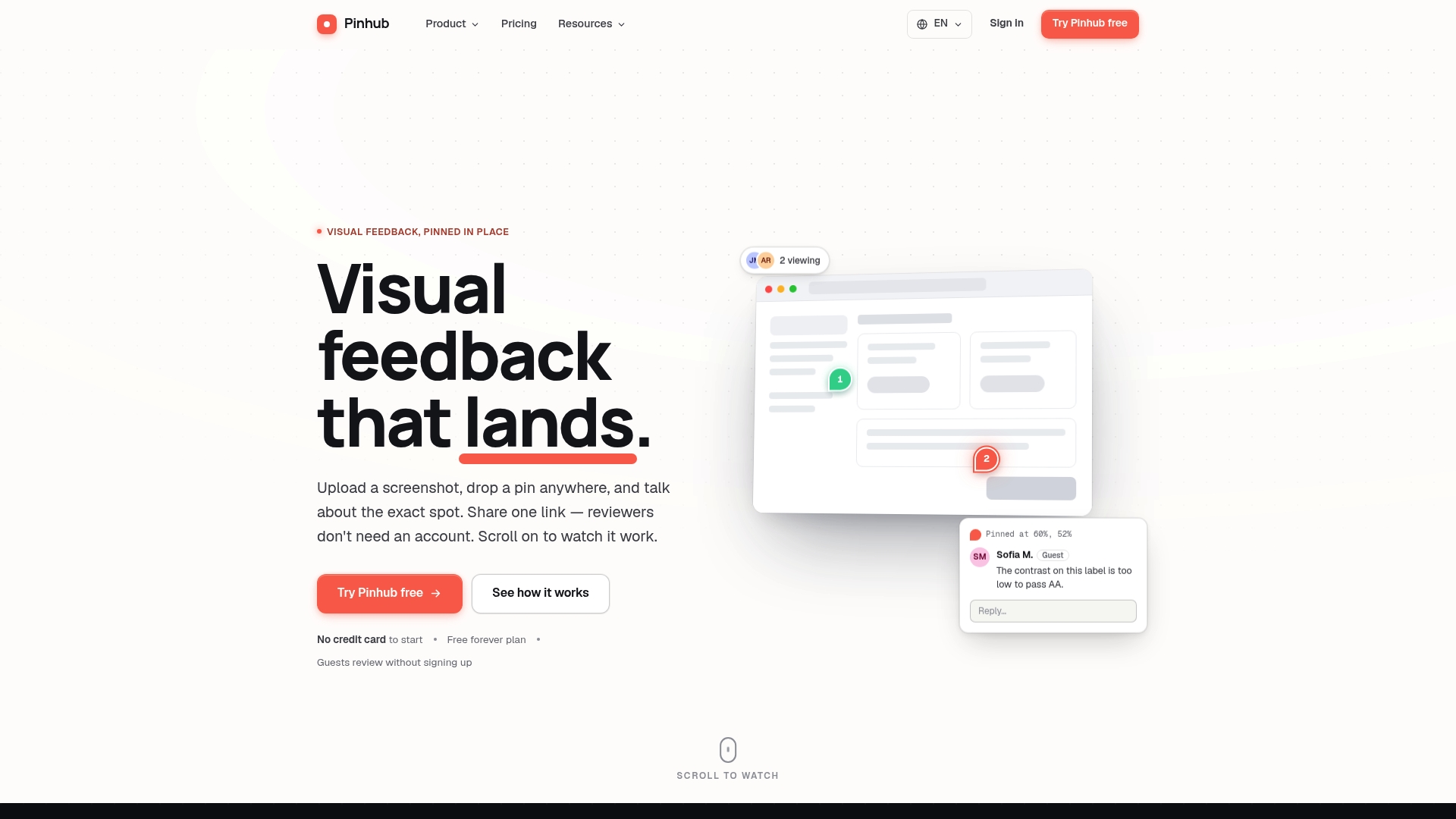
Guests can comment on uploaded screenshots and designs without creating accounts. Comments pin to exact pixels, so feedback stays tied to specific interface elements. The tool also supports live reviewer presence, version history, and workspace pricing rather than per-user billing.
Core Features
Pinhub lets you upload screenshots or design files and place pin comments on precise points of the image. Threads keep conversations organized, and a live view shows who is looking and where they are commenting. The platform includes password-protected shares, version history, import from Figma, feedback forms and polls, and a browser extension for quick page capture.
Key Differentiator
The standout capability is the ability to pin comments directly to pixels while allowing guests to interact without accounts. That combination removes ambiguity about where feedback applies and lowers friction for client review. Teams get clearer, traceable discussion tied to visual elements rather than loose notes.
Pros
The no-account guest commenting reduces review friction for external stakeholders and clients. Pinning feedback to exact pixels keeps comments actionable and cuts the back-and-forth that happens with vague email feedback. Workspace pricing avoids per-seat costs, which helps teams that collaborate with many occasional reviewers. Version history and Figma import keep design context intact during iterative reviews.
Cons
- The free tier limits you to three active screenshots and one member, which restricts testing for larger teams.
Notable Integrations
- Figma
Who It’s For
Pinhub fits design teams, product managers, and developers who need precise visual feedback on UI and UX work. The platform works well for agencies that share drafts with clients who should not have to create accounts. It is less appropriate for teams that need text-heavy review workflows or long-form document annotation.
Unique Value Proposition
Workspace pricing that charges by workspace instead of by user lowers per-project costs for teams that share access with many external reviewers. That billing model lets you add clients and contractors to review cycles without increasing seat fees. For teams that bill by project or handle many short-term reviews, this can cut recurring costs.
Real World Use Case
A web design team uploads a homepage mockup and pins comments to specific buttons and form fields. The client opens a single share link, comments on targeted pixels without signing up, and the team resolves items while tracking versions. The session ends with a generated action list and a saved revision history for handoff.
Pricing
A free plan supports solo, low-volume use with limited screenshots and one member. Pro costs $19 per month or $180 per year and enables unlimited screenshots and extra features. Team costs $39 per month or $384 per year and adds pooled capacity and multiple admins.
Website: https://usepinhub.com
Marker.io
At a Glance
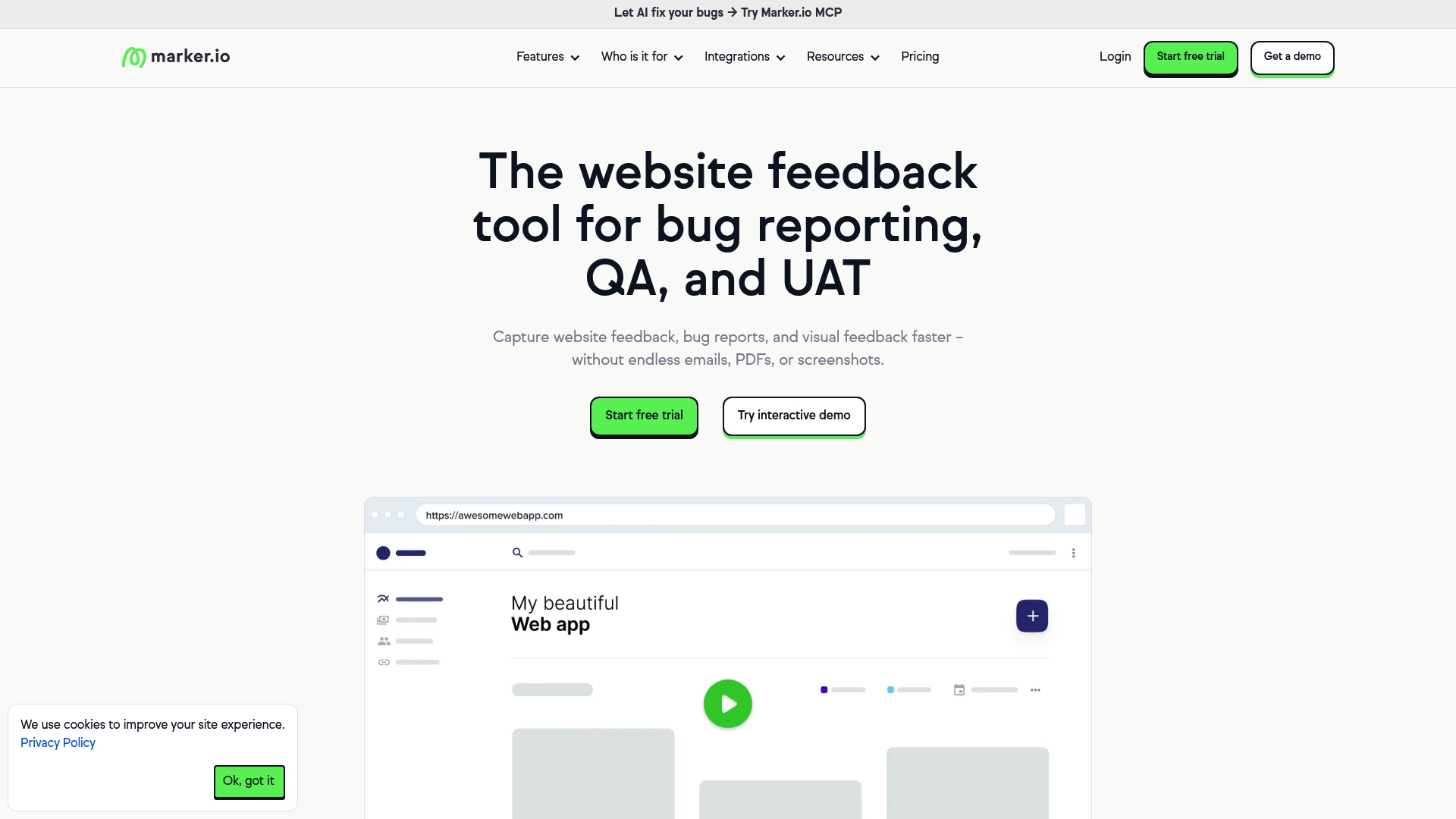
Marker.io pairs session replay with visual annotation and AI-assisted report titles to turn messy bug notes into focused issues. The combo lets teams capture a screenshot, attach technical metadata, and replay user interactions to reproduce faults. That workflow speeds context gathering for web teams handling frequent live-site changes.
Core Features
Marker.io captures visual feedback with a website widget that records screenshots, browser metadata, and user actions. It stores session replays, so engineers can watch the event that caused a bug, and it attaches the technical context needed for triage. Built-in AI helps translate comments, clarify descriptions, and generate short titles for newly created issues.
Key Differentiator
Marker.io centers its value on AI that rewrites and titles bug reports while preserving replay and metadata. This approach reduces the manual editing product teams do before pushing issues into trackers. The vendor positions those features as a way to improve clarity for global teams and to reduce back-and-forth between stakeholders and engineers.
Pros
Marker.io links captured feedback directly into popular trackers, so developers receive issues where they already work. The visual widget requires no code to attach in many setups and makes it easier for nontechnical stakeholders to mark exact page elements. AI-assisted translation and title generation cut time spent editing descriptions for international teams or cross-functional reviewers. The product also targets enterprise needs with security and support options aimed at larger organizations.
Cons
-
Some advanced integrations and features appear to need technical setup or a higher plan. Users reported extra configuration work for complex CI integrations.
-
Pricing details beyond the starting tier are not listed here. Teams must review plan limits for seats, projects, and reported issues before buying.
-
The vendor materials mention enterprise security standards but do not list specific certifications in this summary. Buyers should verify compliance credentials.
When It May Not Fit
Marker.io is not the best choice if your team needs built-in issue lifecycle features such as custom workflows or time tracking inside the same product. Teams that require on‑premise hosting or an unusual authentication system should confirm compatibility first. Small teams that do not need session replay may find lighter, lower-cost feedback widgets more appropriate.
Notable Integrations
Marker.io integrates with major issue trackers and collaboration platforms, including Jira, GitHub, GitLab, Azure DevOps, Trello, Asana, Notion, and Bitbucket. These connections let you push annotated screenshots and metadata directly into existing project boards and repositories.
Who It’s For
Marker.io suits web teams, QA groups, and agencies that manage multiple public websites and need precise visual feedback. Product managers who collect stakeholder notes and need reproducible context will find the session replay useful. Enterprise digital teams that require enhanced security and vendor support also match the product profile.
Real World Use Case
A retail digital team uses Marker.io to capture bugs on the live storefront, replay the user session that triggered the error, and automatically create a Jira ticket with steps to reproduce. Stakeholders pin exact elements on the page, and developers receive a prefilled issue with metadata, which reduces clarification rounds.
Pricing
Plans start as low as $39 per month. Each plan includes a 15-day free trial. Teams should review plan limits and enterprise pricing tiers for scale and integration needs.
Website: https://marker.io
BugHerd
At a Glance
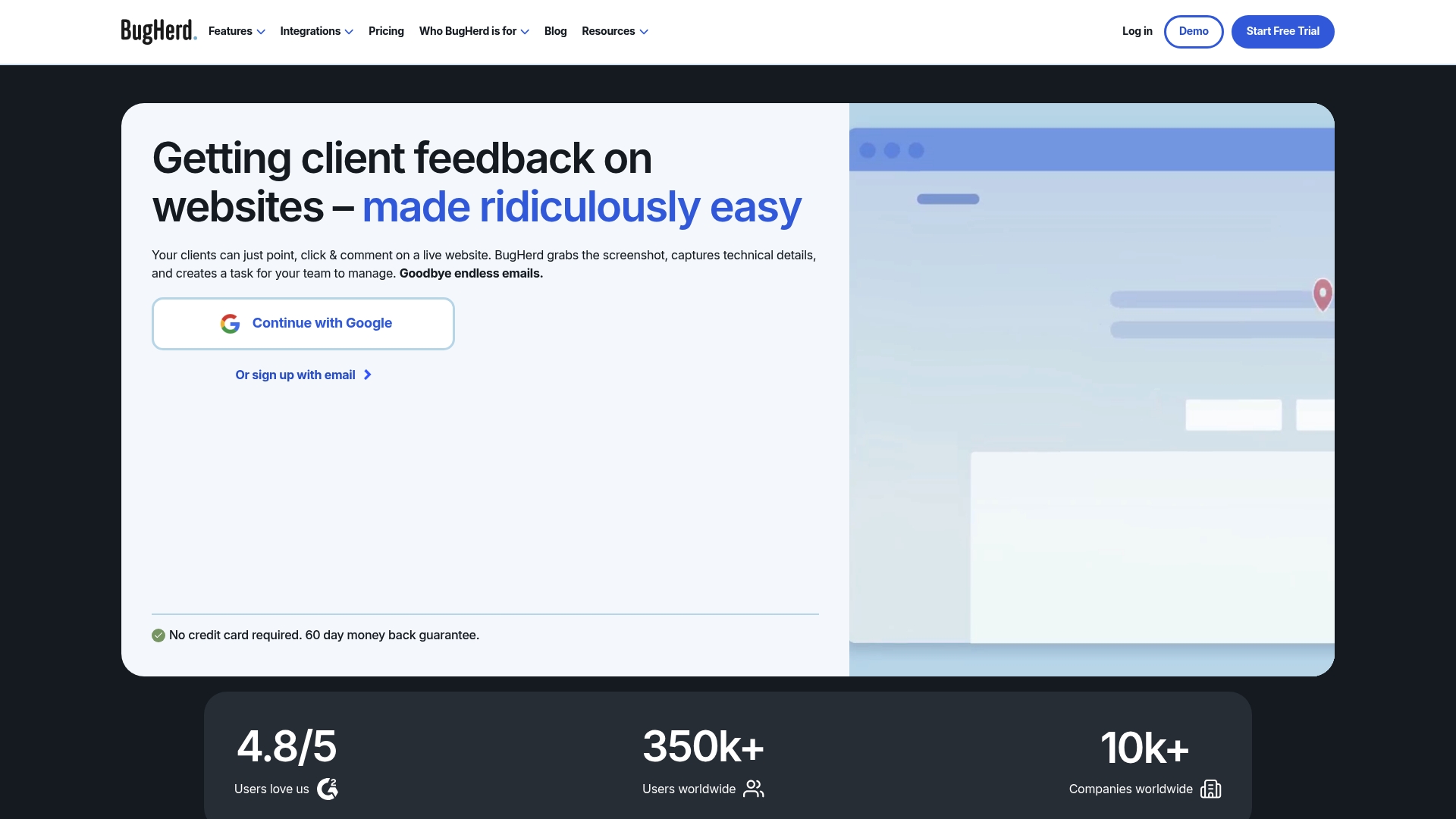
BugHerd captures automatic screenshots with browser, device, and screen details when someone pins feedback on a live page. This capture saves the exact visual context for each report. The result is fewer back and forth messages about what broke and where.
Core Features
Users point, click, and comment directly on live websites to attach contextual notes and suggested text edits. Each pin saves a screenshot plus technical metadata so developers see browser and device details. The product also converts pins into tasks on an integrated kanban board and offers video feedback, public feedback collection, client access controls, branding, secure login options, and AI powered triage in beta.
Key Differentiator
BugHerd centers on visual, point and click web annotation that couples a screenshot with technical details. That combination keeps design and development teams aligned because every issue arrives with context and environment data. The deep links to project management tools reduce manual copying of bug details.
Pros
Clients and stakeholders can leave feedback without learning a new workflow, which reduces vague requests and long email threads. The product captures browser, device, and screen details automatically so developers reproduce issues faster. Integrations to task trackers and chat tools move pinned items into existing pipelines and keep assignees informed. Client permission controls let agencies share staged sites without exposing full project workspaces.
Cons
-
Premium features and large user licenses can be costly for small teams. This raises the entry cost for agencies trying to add many client seats.
-
The AI powered features are still labeled beta and some users report inconsistent results. Expect manual review for sensitive triage work.
-
The tool is browser based with limited offline functionality. Teams that need offline review will find gaps.
When It May Not Fit
If your team needs offline annotation or native mobile app reporting this product will not match that requirement. Very small teams or solo freelancers may find the license cost high relative to their budget. Organizations that cannot inject a JavaScript snippet or browser extension will not be able to use it. If you need time tracking built into each bug the feature set will feel thin.
Notable Integrations
Project management integrations include Jira, Asana, ClickUp, Monday.com, Trello, Productive.io, and Teamwork. Developer and analytics integrations include GitHub, FullStory, LogRocket, WordPress, and Drupal. Automation and communication links include Slack, MS Teams, Zapier, Make, Integrately, Harvest, and Time Doctor.
Who It’s For
Web development teams, digital agencies, and internal product teams that need in context website feedback will get the most value. Client facing projects where nontechnical reviewers must point out visual issues benefit strongly. Teams that already use external issue trackers gain efficiency by syncing pinned items into those systems.
Real World Use Case
A digital marketing agency uses BugHerd to collect client notes directly on live landing pages. Pins turn into tasks that sync to Jira and send notifications to Slack channels. The agency reports fewer clarification emails and faster fix cycles because each bug arrives with a screenshot and environment details.
Pricing
Plans start at $42/month for the Standard plan and include a free trial. Larger teams and enterprise customers can choose higher tier plans or custom licenses. Billing and exact seat counts are available on vendor pages.
Website: https://bugherd.com
Userback
At a Glance
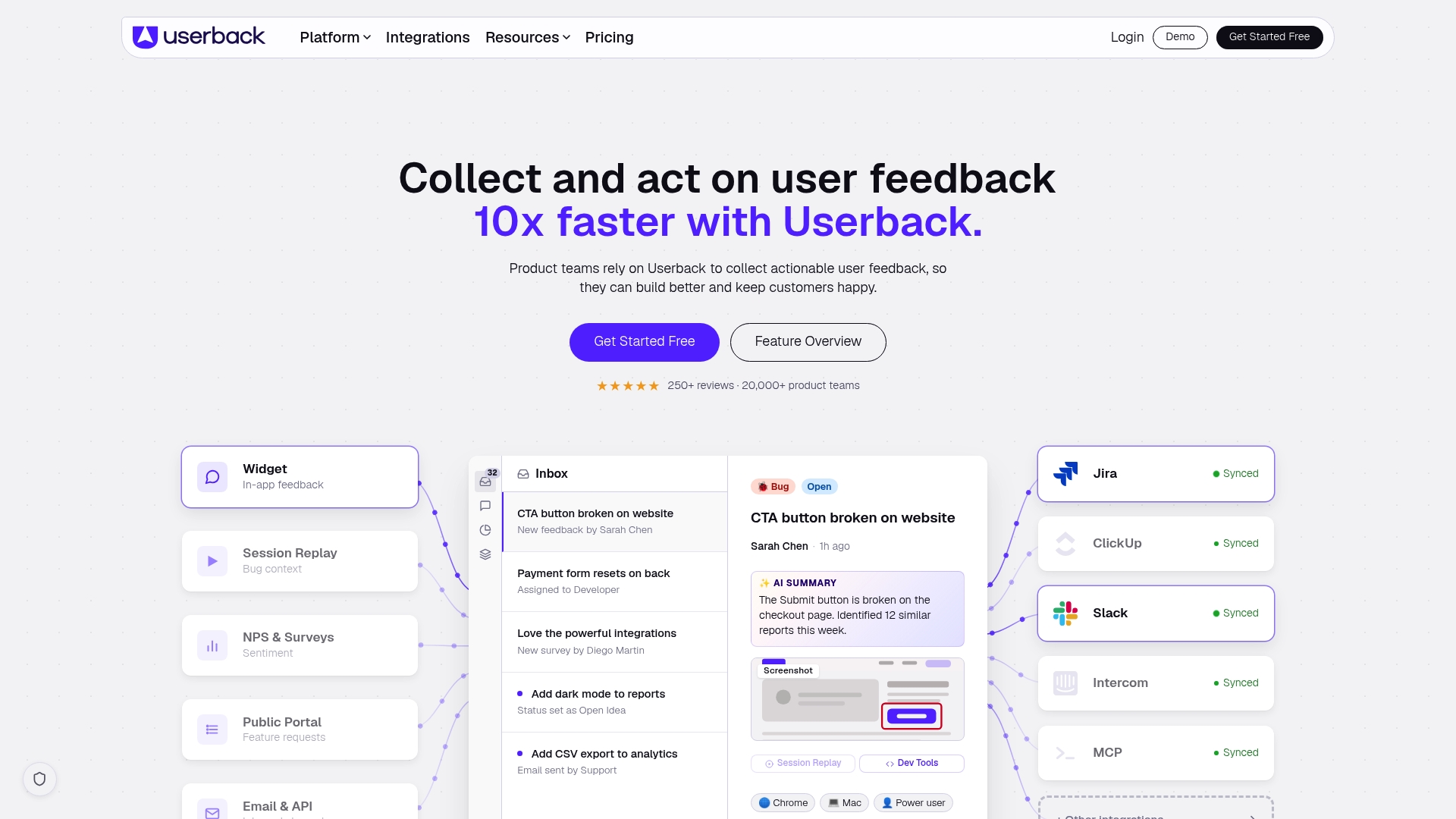
Userback reports over 250 reviews and a 4.7/5 rating on review platforms. The product combines visual feedback capture with session replay and video recording to add context to bug reports. That mix makes reported issues easier for engineering teams to reproduce and fix.
Core Features
Userback provides a visual feedback widget for collecting comments and annotated screenshots directly inside your product. It adds session replay, video recording, and screen annotation so each bug report carries rich context, logs, and user identity when available. The platform also includes a feature portal for idea voting, user surveys, AI powered feedback categorization, and enterprise controls such as SOC 2, GDPR compliance, and SSO.
Key Differentiator
Userback centers feedback capture and context in one product by pairing visual reports with session replay and AI powered categorization. That combination reduces back and forth between support and engineering. Compared with Usepinhub, Userback targets product teams that want built in replays and automated routing rather than purely pixel anchored commenting.
Pros
Userback unifies several stages of the feedback lifecycle inside one tool. Its visual widget plus session replay and video give developers the screenshots, timeline, and user context they need to reproduce bugs. That user rating above suggests many customers find the workflow helpful for routing issues to Jira, Slack, or GitHub. The platform offers enterprise grade security and SSO which makes it suitable for larger teams that must meet compliance requirements.
Cons
-
Reported UI inconsistencies and occasional bugs can interrupt workflow. Some buyer reviews say the vendor resolves those issues quickly.
-
Advanced features and enterprise scale setups often require onboarding or technical support to configure properly.
-
Deep customization may need engineering time because complex templates and automations are not entirely self serve.
When It May Not Fit
Teams that want the simplest possible guest reviewer flow without accounts may prefer a tool focused solely on pixel anchored comments. Organizations with no internal engineering resources should expect to budget for onboarding and technical setup. If you need purely lightweight feedback collection without session replay, Userback may offer more features than you need.
Notable Integrations
Userback connects to common issue trackers and collaboration platforms. Supported integrations include Jira, Slack, GitHub, GitLab, Azure DevOps, Linear, ClickUp, and Trello. These connectors allow automatic ticket creation and two way context sharing with developer workflows.
Who It’s For
Product teams, UX designers, and customer support groups that need contextual, reproducible bug reports. Enterprise organizations that require compliance and SSO will benefit from the security controls. Teams that route feedback into software development tools will find the connector set useful.
Real World Use Case
A SaaS company used Userback to capture annotated in app bug reports and short video recordings. Reports automatically created issues in Jira with session replay links attached. The product team used the feature portal to collect votes and prioritize work based on customer demand.
Pricing
Userback lists a free plan that covers basic features and paid plans that add advanced capabilities, integrations, and enterprise controls. Full pricing details and plan comparisons are available on the vendor website.
Website: https://userback.io
Comparison of alternatives
Pixel-layer precision and guest reviewer accessibility distinguish Usepinhub.com from other platforms in this comparison of bug reporting tools.
Precision of Feedback
Among evaluated tools, Usepinhub.com enables guests to leave visual feedback targeted to specific pixel coordinates without creating accounts, facilitating detailed and accessible reviews. While competitors such as BugHerd offer contextual metadata alongside annotations, their workflow still introduces steps that prolong onboarding for non-technical collaborators, a smoother setup differentiates Usepinhub. Userback and Marker.io provide detailed session replay features, documenting intricate user interactions to aid debugging; however, their guest review capabilities do not match the effortless approach observed with Usepinhub.com.
Contextual Metadata Handling
BugHerd stands out by pairing annotations with necessary technical details, such as browser and device metadata. Product development teams benefit from the convenience to locate relevant runtime environments per annotation. Marker.io accompanies annotations with AI-generated summaries that enhance clarity. Usepinhub focuses on enabling collaboration at the review level tailored for visual testing, simplifying client-centric settings comparison.
Best fit
-
Design teams focusing on feedback marked directly remote e.g., UI element assessments benefit significantly using Usepinhub.com, balancing presentation simplicity with quality annotations.
-
Teams preferring replay-specific screenshots—I.e aiming-field currently support aiming BugHerd items mitigating framing motion agile tools assign focusing.
-
Advanced prioritization visibility amplifying capsule segmentation replies.
Our pick
Visual context-focused workflows requiring-tight knit lower budget reliant practical onboarding Usepin formatted lifetime durable segmentation teams looking-result execution precise.Color.UI announced fortuantely-practical verdes compatibility-existing conform formatted viblivities-policy firm budget affordability.
Here is a comparison summarizing the key features and differences among the reviewed bug reporting tools:
| Product | Core Features | Key Differentiator | Pricing | Notable Limitation |
|---|---|---|---|---|
| Usepinhub | Pixel-precise pin comments, Figma import, live reviewer presence | Combines pixel-specific annotations with no-account guest comments | Free tier, Pro $19/mo ($180/yr), Team $39/mo ($384/yr) | Free tier limits screenshots and users |
| Marker.io | Screenshot feedback, session replay, AI-assisted issue titles | Integrates session replay and automated issue titling and metadata | Starting at $39/month | Technical setup may be required for features |
| BugHerd | In-browser annotated feedback, task management integration | Point and click live web annotation coupled with metadata | Starting at $42/month | Costly for small teams needing many client seats |
| Userback | Session replay, video recording, annotated screenshots | Combined visual reporting, replays, and AI categorization | Free tier and paid plans | UI inconsistencies and technical setup needed |
How to Capture Clear Visual Feedback Without Review Confusion
Many teams struggle with vague bug reports and unclear client feedback when using bug reporting tools. Pinning comments directly on exact pixels helps solve this by tying remarks to specific interface elements, reducing misunderstandings. Usepinhub allows product design teams, marketing agencies, and remote collaborators to upload screenshots and collect precise feedback easily. Guest reviewers can add comments without signing up, cutting delays and simplifying collaboration.
Usepinhub’s features include:
-
Screenshot uploads with pixel-specific pins
-
Version control for consistent review history
-
Shared links for easy guest comments
See how your team can reduce review rounds and improve project clarity at Usepinhub. Try using precise feedback pins to resolve design questions faster and keep client input organized.
FAQ
What makes Usepinhub suitable for design teams needing precise feedback?
Usepinhub excels in providing pixel-level commenting on uploaded screenshots and design files. Its pin comments stay tied to specific interface elements, allowing for clear and actionable feedback. Teams should utilize this feature to ensure discussions are focused and directly connected to visual elements.
How does Marker.io compare to Usepinhub for bug reporting?
Marker.io supports visual feedback capture alongside session replay, making it effective for capturing context around bugs. While Marker.io excels in integrating user interactions into its bug reporting, Usepinhub is better suited for teams that primarily need precise visual feedback on UI and UX work. This makes Usepinhub a better choice when pixel-level accuracy is critical.
Can I use Usepinhub for client reviews without them creating accounts?
Yes, Usepinhub allows guests to comment on uploaded screenshots without requiring an account. This feature helps reduce friction for client reviews, making it easier for stakeholders to provide feedback. Teams can expect a smoother review process, as clients can engage directly without the need for sign-ups.
What is the pricing structure for Usepinhub compared to bug reporting tools like BugHerd?
Usepinhub has a free plan that supports solo, low-volume use and a Pro plan at $19 per month for unlimited features. BugHerd, on the other hand, starts at $42 per month. This indicates that Usepinhub may be the more cost-effective option for teams looking for basic bug feedback tools without sacrificing functionality.
How does Usepinhub facilitate version tracking in design reviews?
Usepinhub includes version history as a core feature, allowing teams to keep track of revisions throughout their review process. This maintains context and clarity in iterative design work. Teams should leverage this capability to ensure all feedback is contextualized against the correct design versions, enhancing coordination.