
Collecting precise stakeholder feedback across screenshots, live sites, and multiple file types creates communication gaps and project delays. Most user acceptance test tools gate live feedback or external reviewer participation behind mandatory accounts, limited formats, or confusing integration setups. You can compare guest access, media support, automation, and integration features across six visual feedback platforms to find the right fit for your review workflow.
Table of Contents
Pinhub
At a Glance
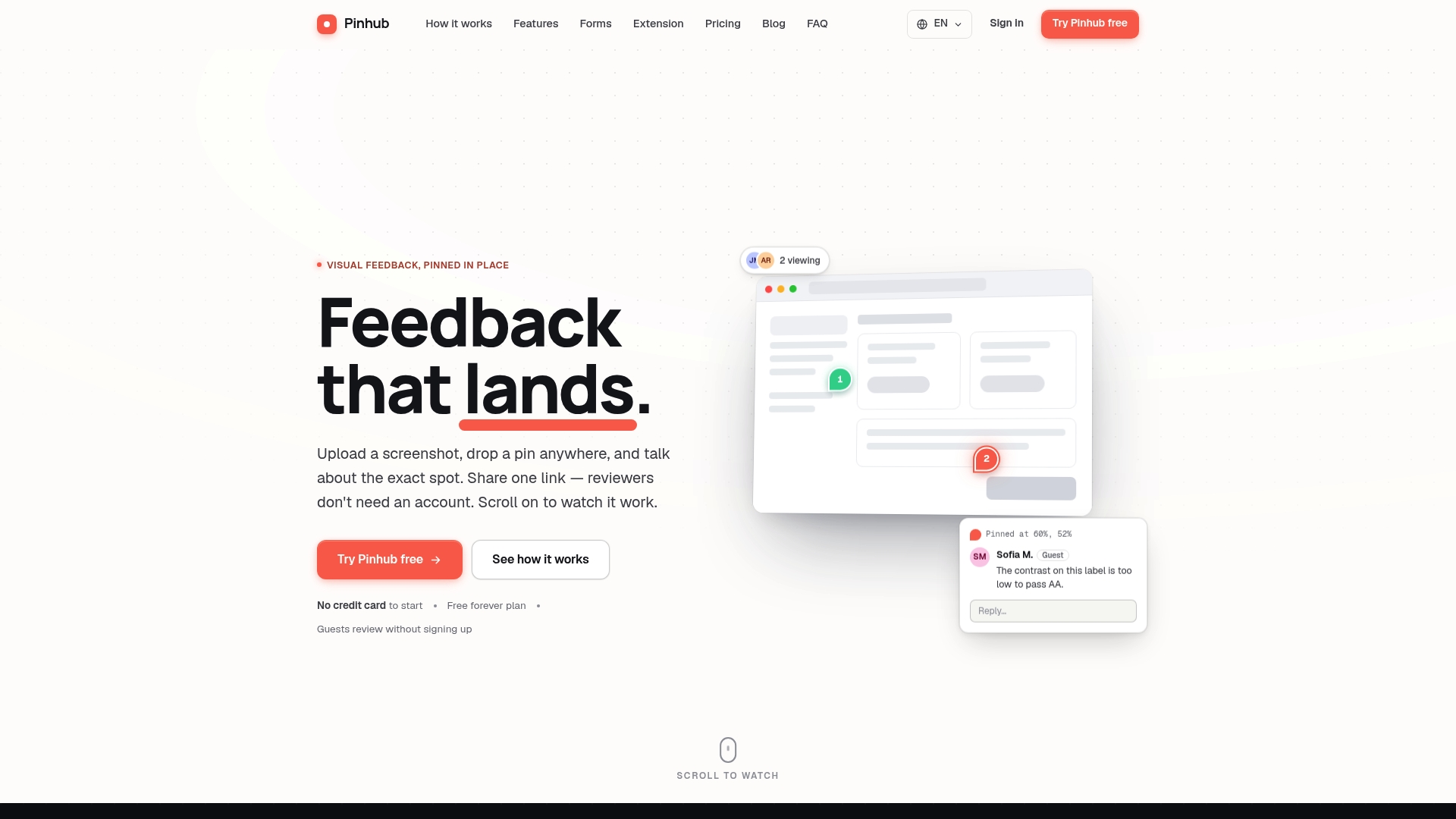
Pinhub pins comments to exact pixels on images so feedback lands on the precise element under review. It converts pinned threads into summary checklists with AI assistance. Guest reviewers can comment without creating accounts using unguessable share links.
Core Features
Pinhub lets you upload screenshots and place pinning markers that anchor comments to exact points on designs. Each pin hosts a threaded conversation and shows who is reviewing in real time, while version history tracks iterations. The tool supports password protected share links and revocation, and it offers AI summaries to turn threads into action items.
Key Differentiator
The platform forces precision by attaching feedback to specific pixels and then producing organized summaries that point back to those anchors. That combination reduces ambiguous comments that often get lost in email or chat threads. Reviewer access works through links rather than account creation, which lowers friction for external stakeholders.
Pros
Pinhub makes cross‑team review simple by letting you share a single link so anyone can leave a pinned comment. No account for reviewers increases participation from clients and nontechnical stakeholders. The Figma import keeps design assets in their native context and avoids manual uploads. Threaded pins keep conversations scoped to specific UI elements, which helps teams convert feedback into prioritized checklists. AI summaries reduce manual note taking after review sessions.
Cons
- The free plan limits you to three active screenshots, which can restrict small teams testing multiple flows.
Notable Integrations
Pinhub integrates directly with Figma for importing mockups and maintaining design fidelity. That integration lets designers move files without extra exports and preserves layers in the review workflow. No other third party integrations are publicly listed.
Who It’s For
Product managers, UI UX designers, and agency teams that need pinpoint feedback on visual work will get the most value. Client facing teams that require quick external review without onboarding will benefit from the link based reviewer flow. Teams that rely on screenshot driven approvals for web and mobile interfaces will find its feature set relevant.
Unique Value Proposition
Guest reviewers can leave pinned comments via unguessable links without creating accounts. That specific access model shortens review cycles and reduces the administrative overhead that usually accompanies client approvals. Teams that bill by iteration or need rapid stakeholder consensus will see fewer stalled reviews and clearer next steps.
Real World Use Case
A product team imports UI mockups from Figma into Pinhub, shares a single review link with stakeholders, and collects pinpointed feedback directly on the designs. Reviewers add threaded notes to the exact UI elements they reference. The team runs AI generated summaries after the session and exports an ordered checklist to their task tracker.
Pricing
Pinhub offers a free tier for low volume users with three active screenshots. The Pro plan is $19 per month and also lists an annual $180 option for individuals. Team pricing starts at $39 per month with options for 10, 20, or 50 members.
Website: https://usepinhub.com
BugHerd
At a Glance
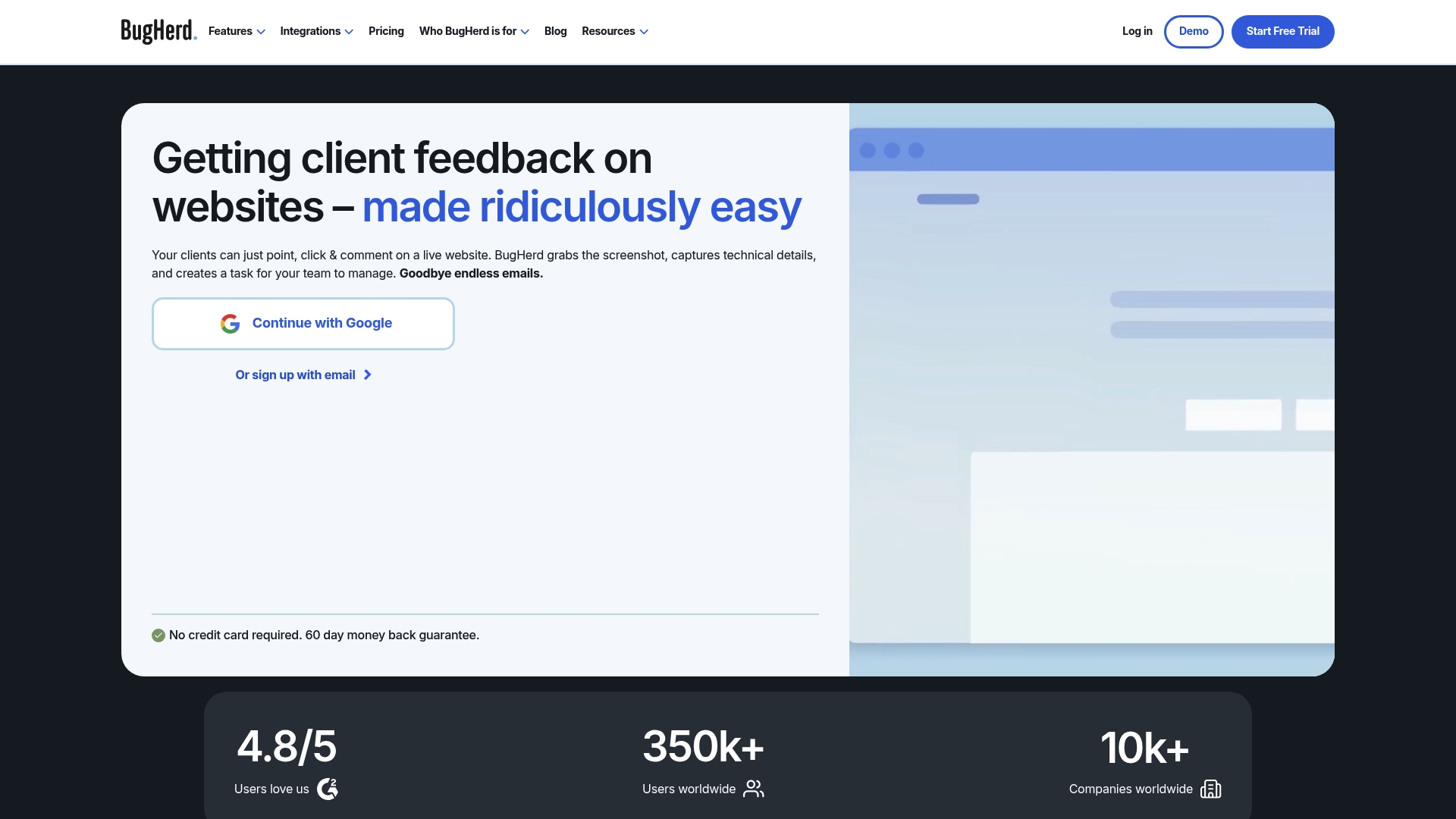
Clients can leave contextual feedback on live and staging websites without creating accounts. BugHerd captures an automatic screenshot and technical details for each comment. That capture turns vague client notes into actionable tasks on a board you can assign and prioritize.
Core Features
BugHerd offers in context website feedback that lets reviewers point, click, and comment directly on pages while suggesting text edits inline. Each comment saves an automatic screenshot plus browser and CSS details, and you can convert comments to tasks on a Kanban board. The platform also supports client permissions, feedback deadlines, guest interactions, and AI powered features for basic triage.
Key Differentiator
BugHerd stands out for letting clients report issues without accounts while attaching the technical context developers need. That combination reduces repeated questions about browser, screen size, or DOM location. The vendor emphasizes integrations with common project trackers so feedback flows into existing workflows.
Pros
BugHerd is simple for clients to use, which reduces friction on review cycles and gets faster responses from nontechnical stakeholders. Its automatic technical details capture cuts the back and forth between designers and developers and speeds resolution. The product also links to Jira, Trello, Asana, and other tools, and it includes AI powered features to help triage and automate repetitive updates.
Cons
-
Pricing may be relatively high for small teams or freelancers depending on plan choice.
-
Basic plans limit customization, and advanced options such as single sign on or custom branding sit behind higher tier plans or enterprise packages.
-
Some users report UI complexity when managing many concurrent projects, which can slow onboarding for larger portfolios.
When It May Not Fit
Very small teams or individual freelancers with tight budgets may find the entry cost prohibitive. Organizations that need heavy branding or SSO out of the box will need a higher tier or enterprise contract. If you prefer a minimalist issue tracker without visual annotations, BugHerd may add more overhead than value.
Notable Integrations
BugHerd connects to several popular project and communication tools so issues appear where teams already work.
-
Trello
-
Asana
-
ClickUp
-
Jira
-
GitHub
-
Slack
-
MS Teams
Who It’s For
Web development agencies, UI UX designers, project managers, and freelance developers who collect client feedback on websites will get the most from BugHerd. It suits teams that handle multiple client sites and want context attached to every bug report. The guest feedback feature makes client review rounds faster.
Real World Use Case
An agency adds BugHerd to a staging site and invites a client to review the build. The client clicks elements to leave notes, and each note arrives with a screenshot and browser details. Developers turn those notes into tasks on the Kanban board and complete fixes without long email threads.
Pricing
Plans start at $50/month billed monthly, with annual discounts available for teams that pay yearly. The vendor offers custom enterprise solutions and charges extra for additional members or enterprise grade features. Pricing scales up with advanced features and account size.
Website: https://bugherd.com
Marker.io
At a Glance
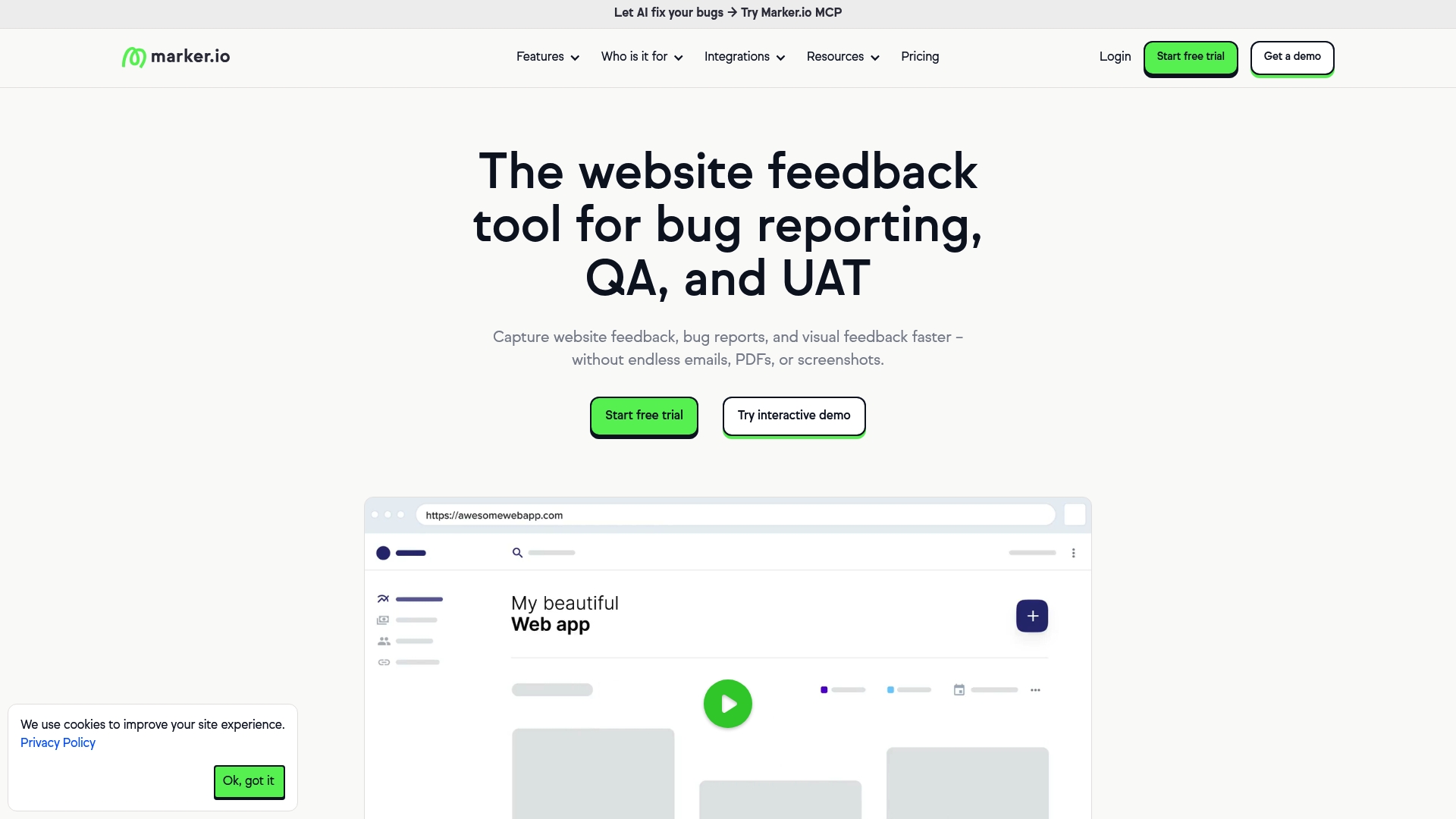
Marker.io reports more than 3,000 customers worldwide. The tool captures visual website feedback and links it directly to issue trackers while offering AI features for translation and content rewriting. It also targets enterprise teams with privacy controls and workspace analytics. That mix makes it suitable for teams handling many live sites.
Core Features
Marker.io provides a browser widget that captures screenshots, page context, and pinned annotations so reviewers point to exact elements. The product includes session replay to view steps that led to an issue and data masking to hide sensitive fields in screenshots and recordings. Workspace analytics surface recurring problems, and the AI features help translate feedback, rewrite unclear notes, and generate concise titles.
Key Differentiator
The clearest difference is the breadth of integrations plus the editing features that run at capture time. Marker.io connects directly to issue trackers and PM tools while enriching each report with context and suggested text. That pairing reduces back and forth between designers, QA, and developers.
Pros
Marker.io integrates with many popular tracking and PM systems, which reduces ticket hygiene work and keeps bugs attached to the right backlog items. Setup has no code options and browser extensions that let nontechnical stakeholders report issues from a live page quickly. The vendor states GDPR and SOC2 compliance, which supports enterprise security needs and role based access. The AI translation and rewrite features cut the time you spend clarifying vague bug reports.
Cons
-
Some advanced features and integrations require technical setup and a learning period for admins.
-
The long integration list can overwhelm smaller teams that only use a couple of basic tools.
-
Pricing might be a stretch for very small teams or early stage startups.
-
The product appears cloud only and has limited information on offline or on premise deployment.
When It May Not Fit
Marker.io requires an internet connection to function, which limits use in isolated environments. Organizations with strict self hosted security policies may find cloud only deployment problematic. Very small teams that do not need multiple integrations may prefer a simpler, lower cost reporting tool.
Notable Integrations
Marker.io connects to common development and project tools including Jira, Trello, Asana, GitHub, GitLab, Azure DevOps, ClickUp, and Notion. Those connections let your team create tickets with screenshots and metadata in the folders you already use.
Who It’s For
Web teams, QA professionals, and digital agencies responsible for designing and maintaining multiple websites will find the feature set relevant. Product teams that need context rich bug reports and agencies that collect client feedback across sites will benefit most. The tool fits groups that already use external issue trackers and want tighter capture to backlog workflows.
Real World Use Case
L’Oréal reports Marker.io helps them identify and resolve issues 10x faster for hundreds of websites. That acceleration came from sending annotated screenshots and metadata straight into the appropriate engineering trackers. Teams reduced clarification cycles between designers and developers.
Pricing
Plans start as low as $39 per month and the vendor offers a 15 day free trial. Pricing scales by seats and integration needs, so larger organizations should plan for enterprise controls and support costs.
Website: https://marker.io
Pastel
At a Glance
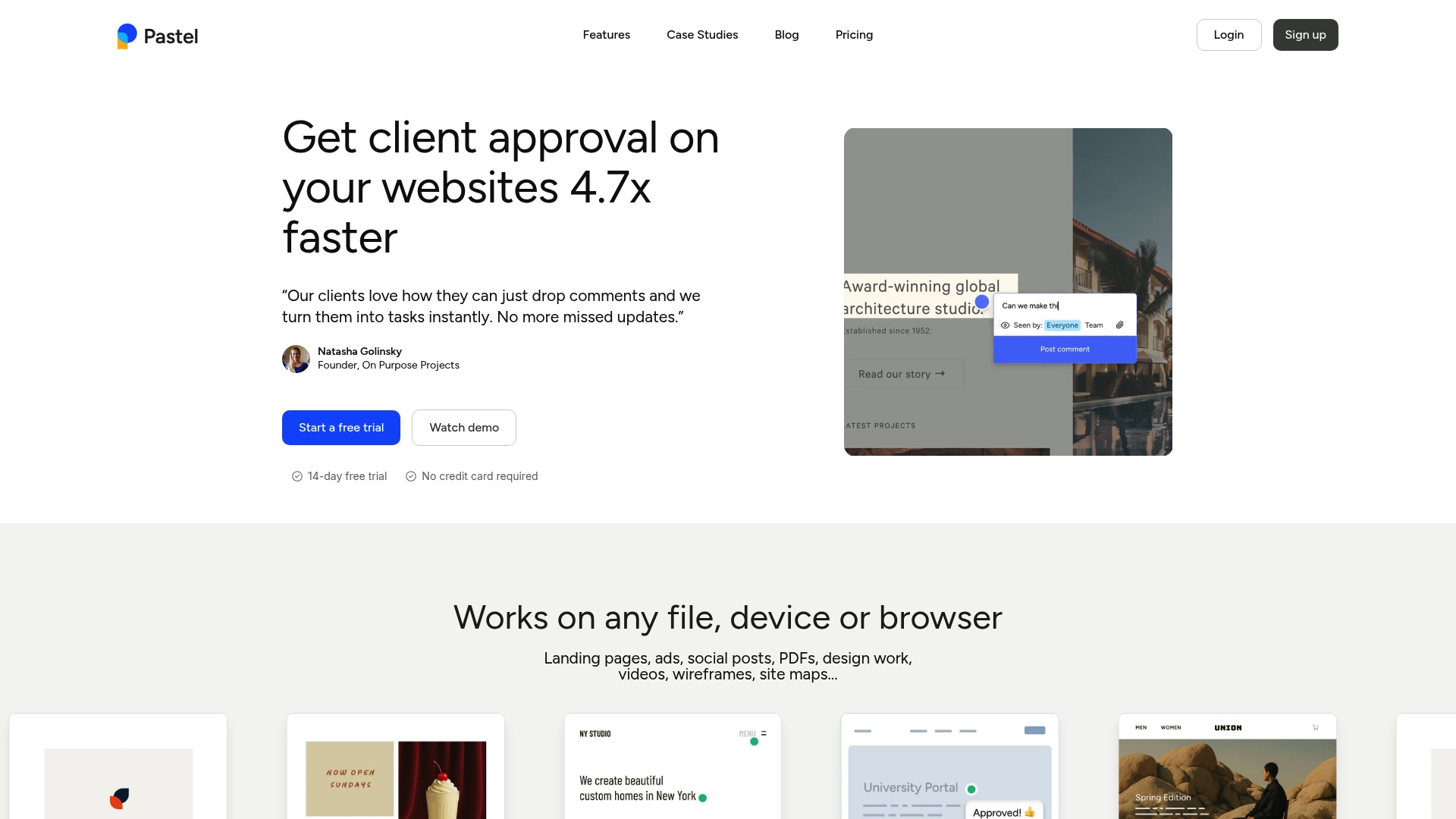
Unlimited guests can leave pinpointed comments on live pages without creating accounts. That model speeds client approvals and reduces email chains. Pastel captures a screenshot and browser metadata automatically with each comment to preserve context for developers.
Core Features
Create a shared canvas for any website or file and invite reviewers via links. Comment directly on websites, images, PDFs, videos, and emails while Pastel records device and browser context for every remark. Organize feedback with labels, deadlines, and status updates and connect items to project trackers.
Key Differentiator
Pastel’s defining capability is direct feedback on live content without requiring reviewer accounts. Each comment attaches a screenshot plus device and browser metadata to make reproduction precise. That model suits teams who need fast client approvals and clear QA notes.
Pros
Clients require no login, which removes friction and gets faster responses. Support for multiple media types lets teams consolidate feedback across campaigns and asset types. Integrations with Trello, Jira, Asana, ClickUp, Monday.com, and Zapier connect comments to task workflows. Automatic screenshots and metadata reduce back and forth by giving developers precise reproduction details.
Cons
-
Limited reliability on highly dynamic single page applications makes pin placement inaccurate at times.
-
Sites behind strict firewalls or password protection may need IP whitelisting or staging adjustments.
-
Managing many feedback rounds can feel cumbersome without clear project labels and owner assignments.
When It May Not Fit
If your product is a complex single page application, Pastel may misplace pins and miss dynamic content. If your team needs integrated testing for internal staging behind strict firewalls, expect extra setup for access. If you run dozens of concurrent review rounds, consider tools with stronger version control and workflow features.
Notable Integrations
Connectors move Pastel comments into task systems so feedback becomes tracked work items.
-
Trello
-
Jira
-
Asana
-
ClickUp
-
Zapier
Who It’s For
Designers, developers, project managers, and marketers at agencies or freelance teams will benefit most. Teams that need client feedback without account setup will speed approvals and reduce confusion. Internal QA groups that rely on screenshots and metadata for bug reporting will also find value.
Real World Use Case
A digital agency creates a live canvas and sends the link to a client for review. The client pins exact edits on the page and the team converts comments into Asana tasks. Developers replay the attached screenshots and metadata to reproduce bugs and confirm fixes.
Pricing
Pricing tiers start with a Free plan and continue with Pro at $35/month and Team at $119/month. Enterprise pricing is custom and requires contacting sales for volume and security options.
Website: https://usepastel.com
Webvizio
At a Glance
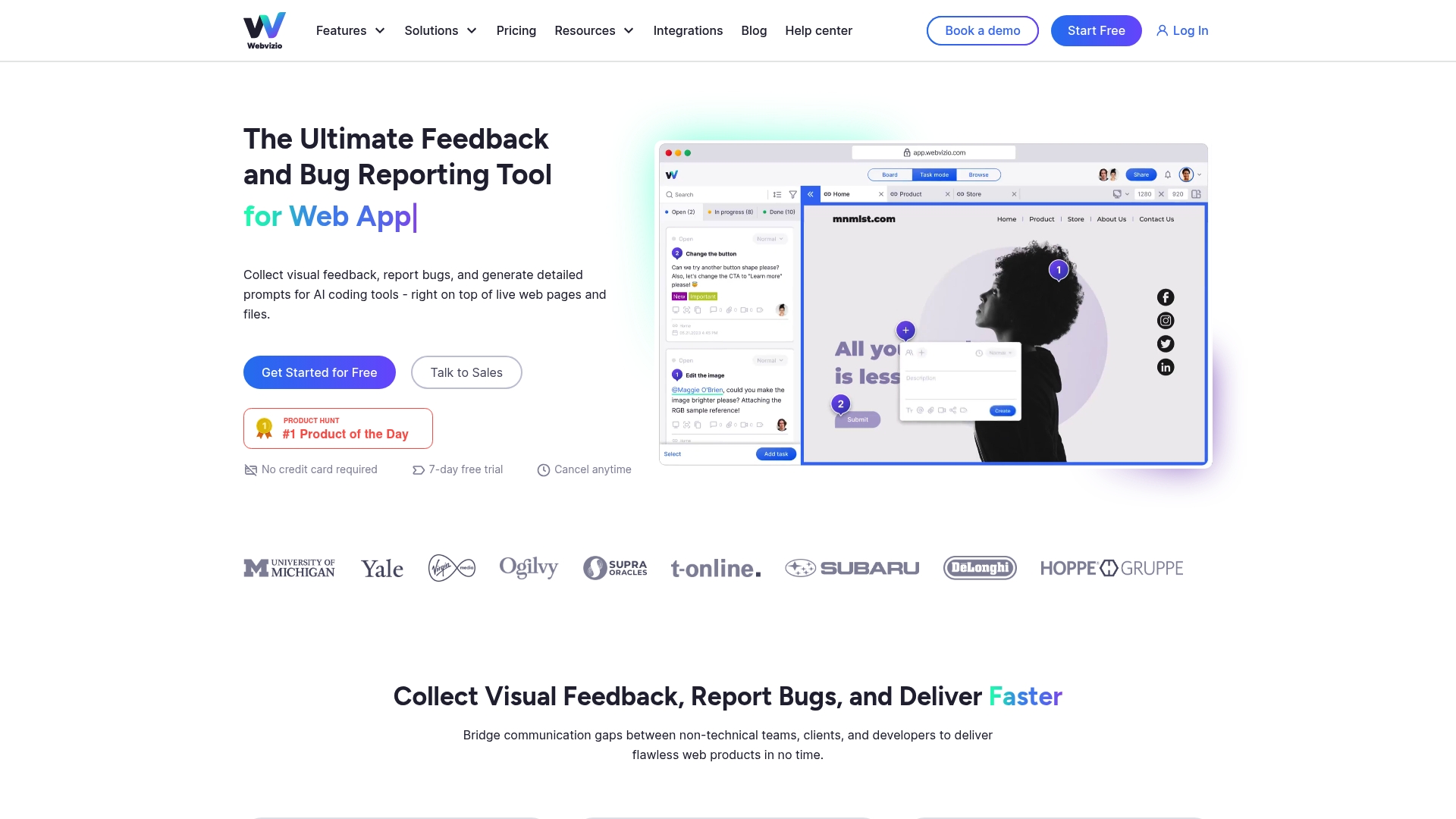
Generate AI coding prompts directly from annotated bugs on live pages and files to turn feedback into developer tasks. The platform captures visual feedback on websites and apps and attaches automated context for faster reproduction. A seven day free trial exists for hands-on evaluation.
Core Features
Webvizio captures click based comments on live web pages and web apps and supports annotated reviews of images and PDFs in the same workspace. It includes website task management and bug tracking with automated data collection so developers get reproduction details in one click. Review on multiple device resolutions and manage projects across production, staging, and private environments without installing code in every workflow.
Key Differentiator
Webvizio pairs live page visual feedback with built in AI prompt generation so teams can convert issues into structured developer tasks quickly. This focus on live, in context prompts sets it apart from pixel anchored screenshot tools like Usepinhub, which center on screenshot pin comments rather than live page reproduction and AI driven prompts.
Pros
The platform unifies feedback, bug reporting, file annotation, and AI powered prompts into a single workspace, which reduces handoffs between teams. Integrations with tools like Jira and Figma keep issues flowing into existing developer and design workflows. Automation via Zapier and webhooks helps push structured issues to trackers and chat channels so developers receive both context and action items.
Cons
-
Script installation can fail under strict security headers such as X-Frame-Options or Content Security Policy, complicating the first deployment.
-
Advanced capabilities like API access and complex integrations require configuration and carry a learning curve for non-technical users.
-
Performance may degrade on projects with many annotated assets, which can slow review sessions for large sites.
-
The free tier lasts only seven days, so ongoing use requires a paid plan for many teams.
When It May Not Fit
If your reviewers prefer static screenshot pinning and guest reviewer flows without installation, a screenshot centered tool may fit better. Organizations with strict content security policies will need developer time to adjust headers and embed scripts. Small freelancers who need a long free tier might find the seven day trial too short.
Notable Integrations
Connects with Jira, Trello, Slack, WordPress, Figma, Cursor, and Zapier to route issues into trackers and communication channels.
Who It’s For
Web developers, QA professionals, and digital agencies that need live page context for bug reproduction will benefit most. Product managers and marketing teams who work with developers and design files also gain from in browser annotations. Teams that plan to use AI prompted fixes will find the built in prompts especially useful.
Real World Use Case
A marketing agency collects client notes directly on a live site and attaches screenshots and reproduction details to each task. Webvizio’s marketing materials state reducing revision time by over 30%. That figure illustrates how converting annotated feedback into structured AI prompts can shorten developer turnaround and reduce back and forth.
Pricing
A limited free tier is available for seven days. Paid plans start at $8/month for Solo and $28/month for Starter. Advanced plans are listed at $45 and $76 per month, with custom enterprise options for large teams.
Website: https://webvizio.com
Ruttl
At a Glance
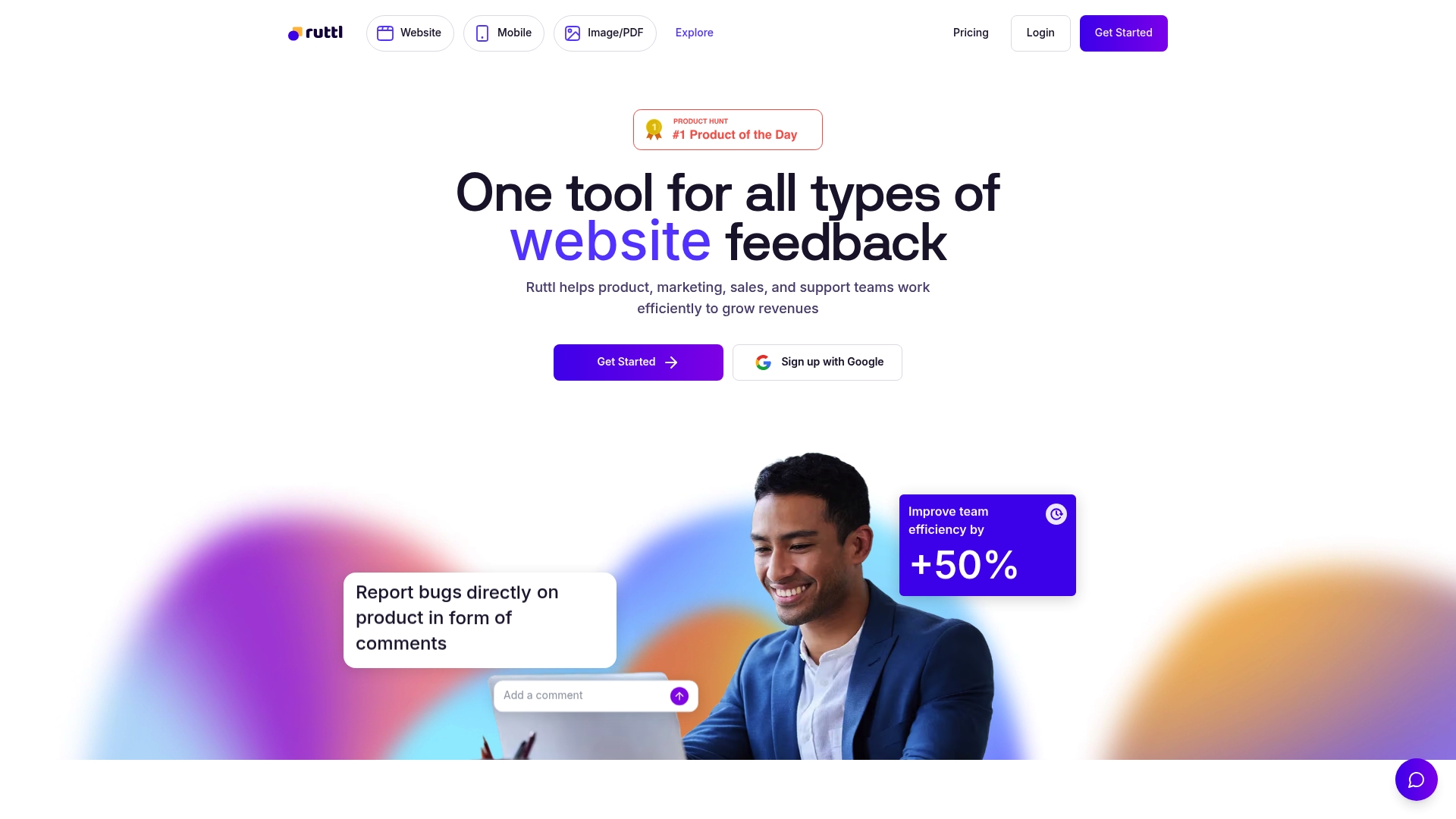
Ruttl reports being trusted by over a million businesses globally. It collects visual comments directly on live websites, images, PDFs, and mobile app screens to reduce ambiguous feedback. The vendor also advertises AI features that analyze comments to suggest performance and accessibility improvements.
Core Features
Ruttl supports real time feedback and comment tracking on live sites and static assets, with tools for annotating PDFs and images. It links comments to tasks by integrating with common project management tools and includes AI powered suggestions for site performance and accessibility. The product accepts feedback from multiple content types so teams can centralize review work.
Key Differentiator
The standout feature is Ruttl’s ability to capture pixel level visual feedback on live websites and across images and PDFs while handing off items into existing task trackers. That direct, in browser annotation model reduces guesswork when developers or designers begin fixes.
Pros
Ruttl combines visual context with comment tracking, so developers see the exact screen and markup behind each issue. The integrations with major task tools let teams push items into existing workflows instead of recreating tickets. Plans scale from individual creators to enterprise accounts, and the vendor claims broad adoption, which may help when choosing a tool other teams already accept.
Cons
-
Some user reviews report difficulties when managing very large projects or highly complex workflows, which can slow review cycles.
-
The AI feature set is still being rolled out, so the current suggestion capabilities are limited compared with the roadmap.
-
Pricing can vary by team size, and larger groups may face higher overall costs for full-seat plans.
When It May Not Fit
Ruttl is not a great choice for organizations running extremely large or highly customized review pipelines that require advanced workflow automation. Teams needing mature AI driven suggestions today will find the feature set still under development. Budget constrained groups that must license many seats should compare total cost against simpler annotation tools.
Notable Integrations
Ruttl connects to Slack, Trello, Asana, Jira, and ClickUp. These integrations let teams forward comments as tasks and keep issue status inside their existing project boards.
Who It’s For
Web developers, designers, product managers, and digital agencies who need visual feedback on live pages and static assets will get the most value. Marketing teams that collect client edits on landing pages also benefit. Teams that rely heavily on the listed project management tools will see smoother handoffs.
Real World Use Case
A web agency used Ruttl to collect client notes directly on a staging site, replacing long email threads. Designers marked exact elements and developers converted those notes into Jira issues. The process shortened the approval cycle and reduced duplicate clarification exchanges.
Pricing
Ruttl offers a Free tier, a Pro plan at $18/month per user, and custom Enterprise plans that require contacting sales. Enterprise pricing reflects additional features and support for larger teams.
Website: https://ruttl.com
Comparison of alternatives
Usepinhub.com excels in providing precise visual annotation with AI-driven checklists, presenting a significant advantage over general live page feedback tools. Each platform explored below caters to specific review methodologies, offering unique approaches to team collaboration and task management.
Pixel-Based versus Contextual Reviews
Usepinhub.com’s approach enables pixel-specific annotations, streamlining design feedback for detailed UI adjustments. In comparison, BugHerd captures live page interactions with metadata, serving technical teams who prioritize browser and site context for debugging purposes. This distinction underscores the importance of complementing visual fidelity with situational data.
Integration Depth
Marker.io and Webvizio shine with extensive integrations ranging from Jira to ClickUp, catering to workflows that heavily depend on third-party project management tools. Conversely, usepinhub.com narrows its focus by enhancing isolated design feedback cycles without encumbering users with multi-tool dependencies.
Best fit
-
Teams in design or user experience needing pinpoint annotation directly on offending UI elements, facilitated by summaries converting feedback into tasks.
-
Web developers requiring metadata for reproducing browser-specific issues without ambiguity—BugHerd’s live interaction capture drives resolution speed.
-
Agencies managing sprawling multi-page campaigns across diverse clients will benefit from Marker.io’s analytics dashboard and integration breadth.
-
Freelancers or teams with budget restraints juggling collaboration tools could explore Pastel’s affordable plans offering live context capture.
-
Larger organizations demanding live feedback synced to AI-driven knowledge trails might consider Webvizio for documenting development cycles.
Our pick
Usepinhub.com stands out by providing precise visual feedback coupled with threaded AI-generated summaries. Teams emphasizing layered UI feedback and reduced administrative setup will align well with usepinhub.com for review workflows. However, if your focus is on metadata-rich bug reporting or collaborative integration across high-volume tools, BugHerd offers pertinent advantages.
Pinpoint and consolidate your visual feedback needs using the following options:
| Product | Key Feature | Best Use Case | Pricing | Limitation |
|---|---|---|---|---|
| Usepinhub | Anchored comments to UI elements with Figma import | Client approvals without reviewer accounts | Free, Pro $19/month | Free plan limits to three active screenshots |
| BugHerd | Contextual feedback with automatic screenshots | Web dev agency bug tracking | $50/month | Entry cost may be high for smaller freelance teams |
| Marker.io | Browser widget for live site annotations | QA teams requiring session replay | $39/month | Advanced features need technical setup |
| Pastel | Feedback on live pages without member accounts | Marketing teams needing quick approvals | Free, Pro $35/month | Less accurate on dynamic single page applications |
| Webvizio | Comment-driven AI prompt generation | Mid-size agencies combining bug tracking | $8/month | Script setup can fail under restrictive security policies |
| Ruttl | Combined visual feedback and pixel-level comments | Agencies consolidating feedback management | $18/month per user | AI feature rollout currently limited |
How Can User Acceptance Testing Clear Communication Challenges?
User acceptance test software often struggles with vague feedback that slows product development. Teams and clients frequently face confusing comments that cause delays and unclear priorities. Usepinhub solves this by letting your team pin comments directly onto exact pixels in screenshots. This method ensures your product design and marketing teams know precisely what feedback targets which element, improving clarity and speeding iteration.
Usepinhub also removes the barrier of mandatory accounts for guest reviewers. Clients and external stakeholders can comment immediately via secure share links, increasing participation and cutting review cycles. Features like automated summary lists and version control help maintain organized feedback across live projects.

See how Usepinhub makes user acceptance testing feedback clear and manageable. Visit Usepinhub and try pinning comments to your designs today to turn feedback into a clear checklist your team can act on.
FAQ
How does Usepinhub’s AI summary feature assist teams?
Usepinhub generates AI summaries that convert comment threads into actionable checklists. This feature allows teams to easily prioritize tasks based on feedback received during reviews. Implementing this can enhance productivity and keep projects on track.
What is the difference between Pinhub and Usepinhub for feedback precision?
Pinhub offers pinning markers that attach comments to exact points on designs, ensuring precise feedback. Usepinhub excels in providing high-quality AI summaries of those comments, which can simplify task management for teams.
Can I use Usepinhub for version tracking of design iterations?
Yes, Usepinhub includes version history tracking that logs all design iterations. This feature helps teams understand the evolution of their projects and maintain a clear record of changes made throughout the design process.
How does Usepinhub improve the client review process?
Usepinhub allows guest reviewers to comment without creating accounts, which speeds up the review cycle. This ease of access encourages more participation from clients and reduces administrative overhead associated with onboarding external reviewers.
What makes Usepinhub suitable for cross-team collaboration?
Usepinhub facilitates collaboration by enabling teams to share a single link for feedback, allowing anyone to leave pinned comments. This capability reduces complexities in communication and ensures that all stakeholders are engaged throughout the review process.