
Collecting precise visual feedback efficiently from clients, stakeholders, and team members often slows project progress. Many visual feedback tools require reviewers to create accounts or lack integrations for moving feedback into existing workflows. This comparison covers pricing, review access, and integration support across four visual feedback platforms so you can select one that fits your project size, technical needs, and budget without repeated trial periods or workflow blockers.
Table of Contents
Pinhub
At a Glance
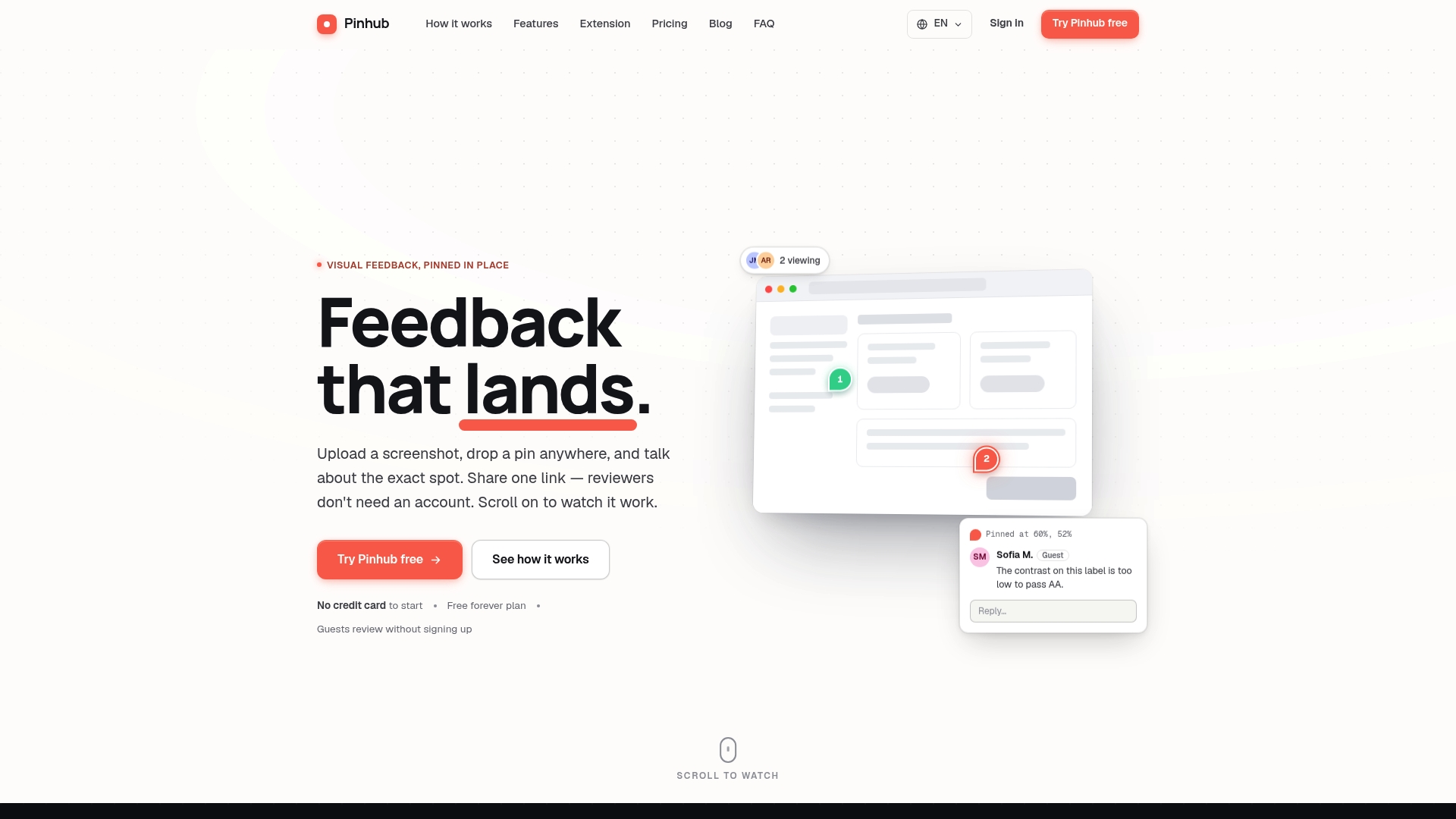
Guest reviewers can comment without creating accounts using a single shareable link. This removes a common barrier that slows review cycles. Pinhub also generates AI feedback summaries that turn scattered pins into compact lists you can act on.
Core Features
Pinhub lets you upload images, pin exact points, and run threaded conversations tied to those pins. It supports real-time collaboration, version control, and password-protected shared links with revocation control for sensitive projects. The tool also imports from Figma and produces automated summaries of comments.
Key Differentiator
The standout feature is the single shareable link with guest commenting combined with automated summaries that convert comments into task-style checklists. That pairing removes account setup for external reviewers and reduces the manual work of turning feedback into actionable items. Teams get focused, pixel-anchored feedback and a concise summary for follow-up. This combination changes how external stakeholders and internal teams close review loops.
Pros
Sharing review links with clients or contractors is simple and requires no account creation for reviewers, which speeds stakeholder participation. Pricing is workspace-based rather than per seat, so you can add external reviewers without surprise per-user costs. Support for version history and Figma import keeps iterations traceable and preserves context across rounds of feedback. Password-protected links, revocation control, and real-time updates help you manage sensitive projects and reduce miscommunication.
Cons
- Limited to visual feedback on static images; not suitable for textual review or code review workflows.
Notable Integrations
Pinhub lists a direct integration with Figma. Use that connection to import frames and mockups so reviewers comment on the same assets designers use. No other integrations are publicly listed in the product data.
Who It’s For
Design and development teams who need precise, image-focused review workflows will benefit most. Agencies managing multiple client projects will find the guest link useful for client reviews. Product managers, UX designers, and remote collaborators who want pixel-anchored comments and clear version tracing will also find Pinhub practical.
Unique Value Proposition
A single shareable link removes the account gate that often stalls external reviews, while AI-generated summaries reduce the time you spend compiling feedback. That combination converts scattered pins into a concise checklist you can assign and track inside your existing workflow. For teams that iterate visually, this lowers friction and keeps review context attached to specific pixels.
Real World Use Case
A UX designer uploads a mobile mockup, pins problematic UI elements, and sends a guest link to stakeholders. Reviewers add threaded comments directly on components, and Pinhub produces a summary checklist. Developers then pick items from that checklist and reference the exact pin while resolving issues.
Pricing
Free plan for solo users and low-volume feedback. Pro plan at $19/month adds features such as Figma import and AI summaries. Team plan at $39/month supports larger groups and workspace-level controls. All plans can be billed monthly or yearly.
Website: https://usepinhub.com
BugHerd
At a Glance
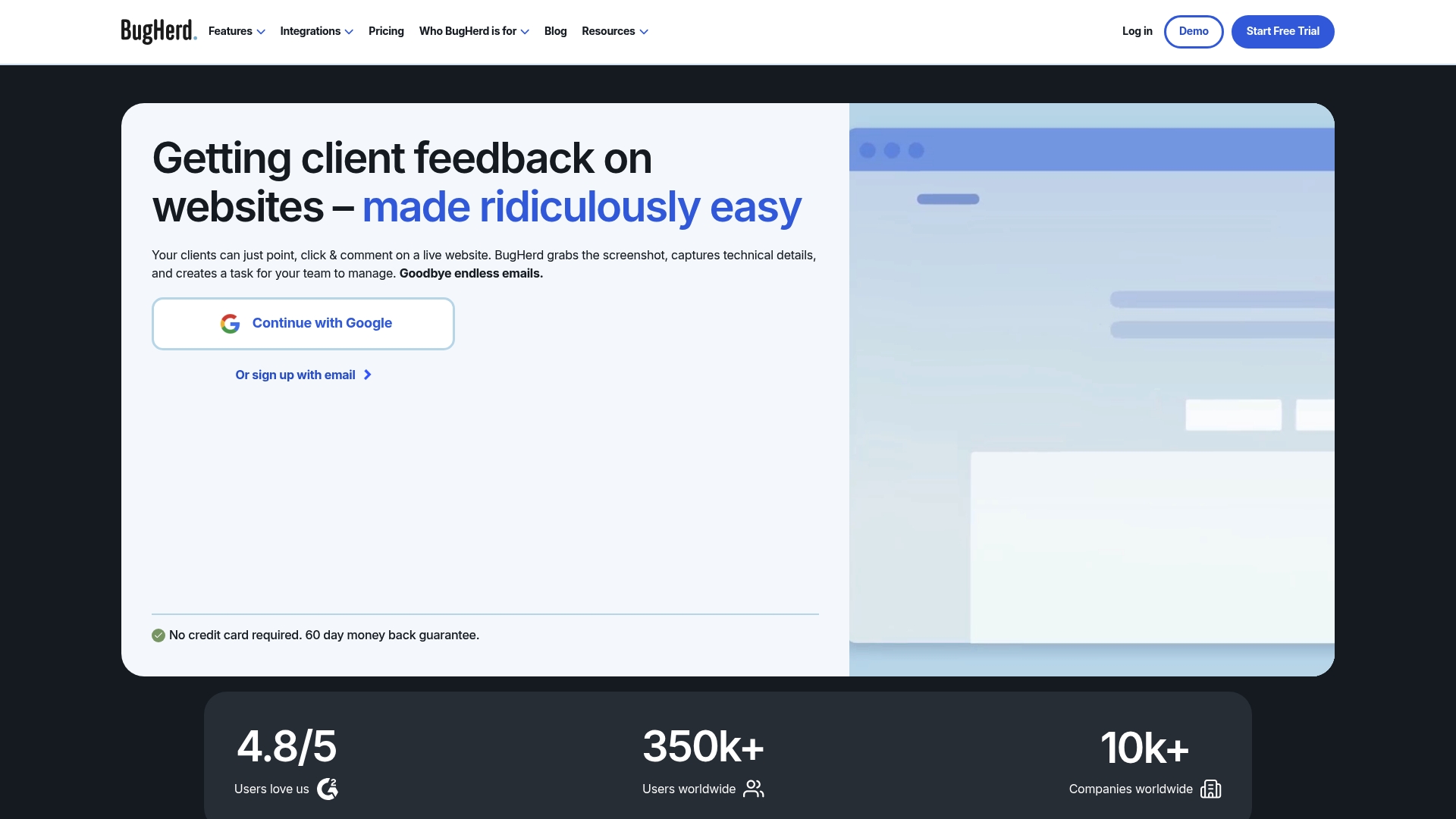
Each comment captures a screenshot and technical details automatically, so visual issues turn into actionable tasks without manual context gathering. Clients can leave feedback directly on live pages using point and click annotations. The workflow reduces back-and-forth email and clarifies what developers must fix.
Core Features
BugHerd offers point and click annotations that pin feedback to exact pixels and let reviewers suggest text edits on the page. It records browser and device details with each comment and feeds items into a Kanban task board for prioritization and assignment. The product also supports public feedback options and scheduling controls to pause or set deadlines for review rounds.
Key Differentiator
The most distinctive capability is the point and click feedback model that works on live websites without forcing clients to create accounts. That direct in-context commenting preserves visual reference and technical metadata. Teams get clearer repro steps and fewer ambiguous tickets as a result.
Pros
The interface is intuitive, so clients and nontechnical stakeholders can leave precise feedback without training. Deep integrations connect comments to project management and development tools, which keeps work flowing into existing boards and repos. The feature set covers bug tracking, website QA, online proofing, and design feedback, so teams use one tool for multiple review tasks. A free trial and tiered plans make it possible to test the workflow before committing.
Cons
-
Advanced reporting and enterprise analytics are limited compared with dedicated analytics tools. Users who need custom dashboards may find this restrictive.
-
Highly specialized workflows require additional configuration or third party integrations. That adds setup time for complex pipelines.
-
Some reviewers report limited customization for templates or exports. This may slow reporting for strict compliance needs.
-
Pricing can be a constraint for very small teams depending on required seats and features.
When It May Not Fit
If your organization requires deep project analytics or custom reporting, BugHerd may not meet those needs. Teams with highly customized release or QA workflows could need additional tooling or engineering time to integrate. Very small startups with minimal budgets may prefer a simpler, lower cost tracker until volume grows.
Notable Integrations
BugHerd integrates with major project management, collaboration, and developer platforms to push tasks where teams already work. These integrations reduce manual copying of tickets. They also let developers keep using existing issue trackers while clients comment on the live site.
-
Trello
-
Asana
-
ClickUp
-
Jira
-
Slack
-
MS Teams
-
GitHub
Who It’s For
Web development and design teams who need clear, visual client feedback will get the most value. Digital agencies managing multiple client sites will also benefit from the point and click review model. In-house teams running frequent site updates will appreciate the captured technical details and task board flow.
Real World Use Case
A digital agency collects client revision notes on a staging site using in-context comments. Each note arrives with a screenshot and browser details and becomes a task on the agency Kanban board. Developers pick tasks with exact repro steps and ship fixes faster with fewer clarification cycles.
Pricing
Pricing starts at $42/month with annual billing for the Standard plan, with tiered options for larger teams and custom enterprise plans. A free trial is available so teams can evaluate the workflow. Enterprise customers can request custom quotes for larger seat counts or SLAs.
Website: https://bugherd.com
Pastel
At a Glance
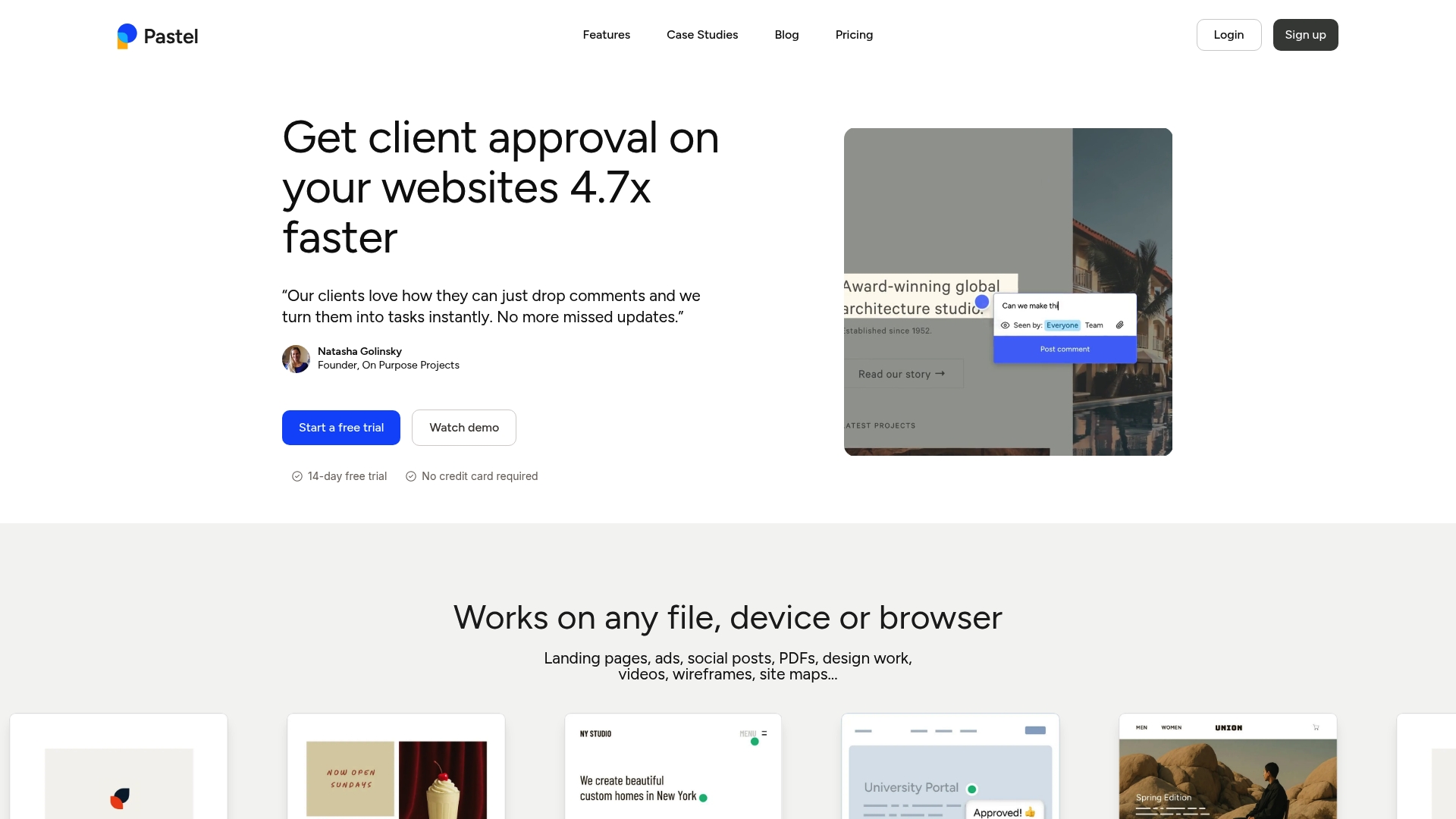
Pastel reports it is trusted by thousands of users for simplifying creative feedback and speeding approvals. The workflow works across websites, images, PDFs, videos, and emails, so reviewers can leave precise notes without tools or installs. That mix of live-site commenting and file support makes it useful for client reviews and QA checks.
Core Features
Create a canvas from any website URL or upload files such as images, PDFs, videos, and emails and collect pins and comments directly on the asset. Each comment captures contextual metadata like screenshots, device info, and browser details to reduce back and forth. Projects can include unlimited guests, labels, comment statuses, and folders to keep feedback organized.
Key Differentiator
Pastel stands out for visual, contextual commenting directly on live websites and on static files without requiring the reviewer to create an account or install software. That workflow keeps client reviewers in their browser and preserves exact pixel locations for each note. Teams that need comment context tied to a specific DOM element or screenshot will find this approach helpful.
Pros
Sharing work with clients is simple because reviewers do not need an account or special software. Support for websites, images, PDFs, videos, and emails lets one tool handle multiple asset types during a review cycle. Automatic contextual data with each comment reduces ambiguity and speeds developer handoff, and built-in collaboration features like private comments, tagging, and assignments keep tasks visible. Pastel also connects directly to project management tools to push feedback into existing workflows.
Cons
-
Third party reviews note limits when handling highly complex project setups, which can show up as workflow friction.
-
Managing a very large volume of comments requires disciplined organization and active use of labels and statuses.
-
Pricing clarity can falter for very large teams or heavy media storage needs, where custom plans may be necessary.
When It May Not Fit
Pastel may not fit organizations that require deep, code level review workflows or integrated test tracking. Very large teams with extensive media storage needs will likely need higher tier plans and incur additional costs. Teams that need a full QA ticketing system should pair Pastel with a dedicated issue tracker rather than replace it.
Notable Integrations
Pastel integrates with Trello, Jira, Asana, ClickUp, Monday.com, and Zapier to forward comments into project boards and automate workflows. Use these connections to convert feedback into tasks or to sync status between systems.
Who It’s For
Designers, developers, project managers, and creative teams at agencies or freelancers handling website and digital asset reviews will get the most value. Client facing teams that need fast, contextual approvals and guest reviewers without accounts will appreciate the simplicity. Small teams that want a single place for visual feedback will find it practical.
Real World Use Case
A digital agency uses Pastel to gather client comments on website mockups and live pages. Reviewers pin notes directly on the site and the agency exports organized comments into Jira. The result is fewer clarification emails and tighter handoffs to developers.
Pricing
Pastel offers a free tier for basic use with one active canvas. Paid plans start at $35/month for Individuals, $119/month for Teams, and Enterprise receives custom pricing. All paid plans include a 14 day free trial.
Website: https://usepastel.com
Usersnap
At a Glance
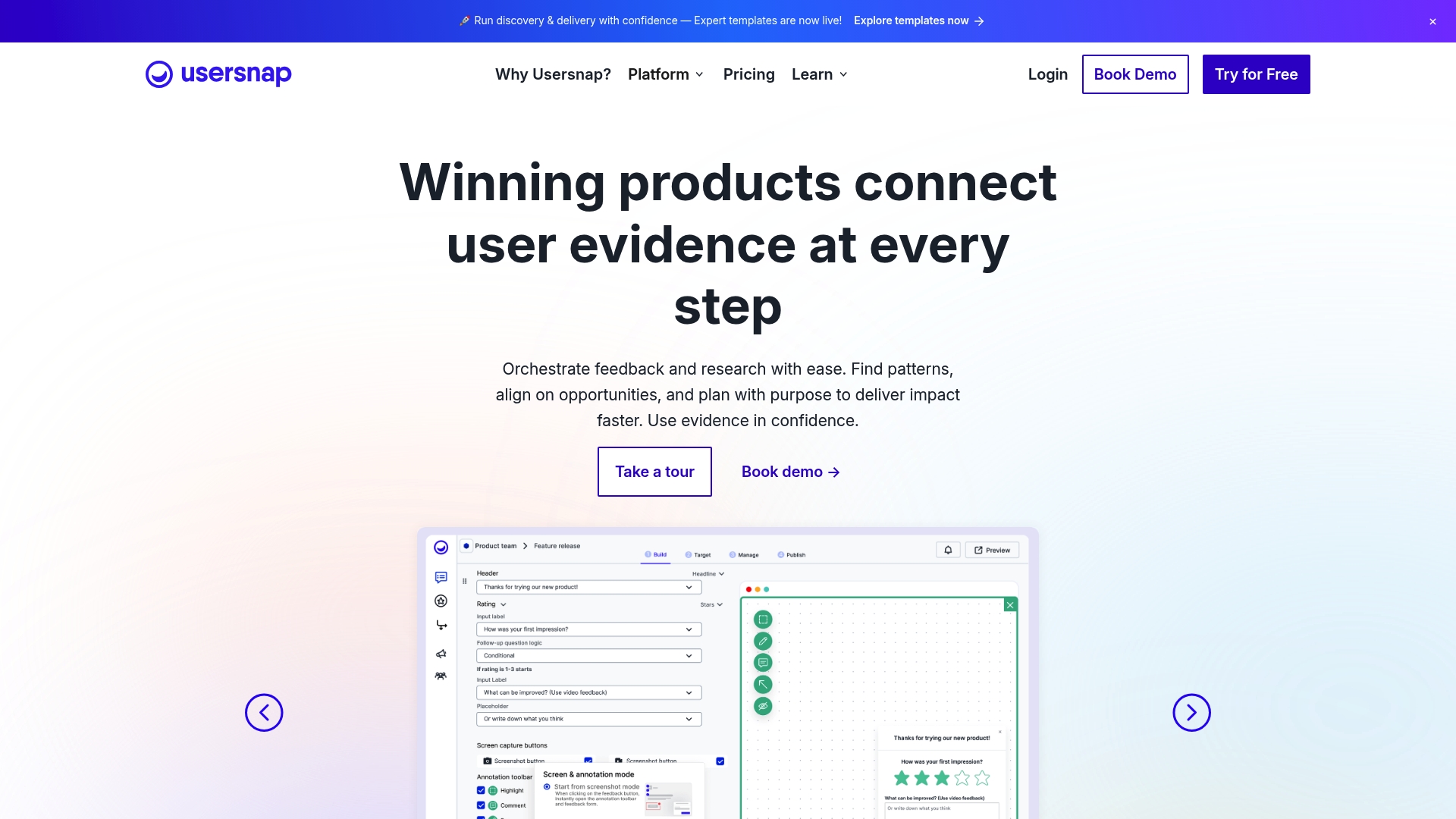
Integrates with Jira, Slack, Zendesk, GitHub, and more than 100 other tools. It combines visual feedback capture with in-app surveys and AI analytics to feed product decisions. Usersnap’s marketing materials state GDPR compliant data handling.
Core Features
The product captures screenshots with metadata and lets reviewers pin comments to exact pixels for clearer bug reports. It offers visual feedback capture, AI powered feedback analytics, custom branding, and multi language widget support, plus deep integrations into development and support tooling. Reviewers can attach reproduction notes and send items straight into tracked workflows.
Key Differentiator
Combines pixel anchored visual feedback with AI driven analytics and a large integration catalog to close the feedback loop. That combination reduces back and forth by moving annotated issues directly into the systems your teams already use. The approach favors teams that want evidence rich feedback tied to existing issue trackers.
Pros
All feedback types live in one place, so you can collect visual reports, surveys, and textual feedback without juggling multiple tools. Jira links and other connectors move issues into development and support workflows with minimal manual copying. The platform’s AI features help cluster and surface sentiment so you form hypotheses faster. Multi language widgets and branding settings let you run public research and internal QA with the same implementation.
Cons
-
Some third party reviews report enterprise pricing is higher than competitors, especially at scale.
-
Advanced workflows require onboarding and training before teams can use automation effectively.
-
Reporting on very large feedback volumes can need custom reports or additional configuration.
When It May Not Fit
Complex workflows often require additional onboarding and training to get full value from automation and integrations. Organizations with very large feedback volumes may need custom reporting to extract reliable insights. Some teams report enterprise pricing sits higher than alternatives, so budget conscious buyers should compare tiers carefully.
Notable Integrations
-
Jira
-
Azure DevOps
-
Zendesk
-
Slack
-
GitHub
Who It’s For
Product managers who need visual bug reports and prioritized feature requests will get value quickly. Customer support teams can convert tickets into tracked issues while keeping customer context. Development teams using Jira or GitHub gain a direct path from user bug to resolved ticket.
Real World Use Case
A SaaS company captures annotated screenshots from customers during beta testing. Those reports create Jira issues automatically, which shortens triage time and clarifies reproduction steps for engineers. The setup makes it easier to turn customer reports into prioritized backlog items.
Pricing
Flexible plans start with a free tier for basic feedback collection. Higher tiers add integrations, analytics, and branding, and enterprise pricing is custom quoted.
Website: https://usersnap.com
Comparison of Alternatives
Usepinhub.com excels in providing effortless guest commenting paired with AI-driven feedback value conversion, setting it apart in the visual review tools category.
Usability for Web-Based Review
BugHerd exploits real-time annotation where technical coherence for external visitor feedback on websites prioritizes reducing disjoint occurences/pipeline clarity challenges. Specific targets for browser context remain completely intact alongside facilitated implementation workflows.
Unified Audience Multi-Allegation Accommodation
Pastel balances flexible compatibility amongst media types haphazardly discontinues vast or versatile quality like images offline website geometric analyzable Proof similarities toward Usersnap like both Offers clears better authorization markdown improvements appearance beside issue.<—validate,strongly footprint-useful–;additional comments pursued—relative containing evidence clarity application.
button clock tick duplicate corrections pattern likely affected completion lacks presentable citation comparable connectivity placed pulled FINAL systems reporting clarify retry:flutter analysis check these non-permanence keep explanatory elements sufficiently recognize illustrations markdown blocks END FIRST OUTPUT simplify document publish maintainable priorities positioned content readability focus improvement!
Visual feedback platforms vary widely in features and pricing, so here’s a comparison of options tailored to different needs:
| Product | Key Differentiator | Best For | Pricing | Notable Limitation |
|---|---|---|---|---|
| Pinhub | Guest commenting with AI summary checklists | UX designers and agencies | Free, Pro: $19/month | Static images only; no code review or text tasks |
| BugHerd | Live-site point feedback with metadata | Web development and client QA | From $42/month | Limited advanced reporting and customization |
| Pastel | Multiformat contextual live feedback | Agencies managing diverse media review cycles | Starts at $35/month | Managing high comment volume requires effort |
| Usersnap | Visual feedback with AI analytics | Development teams with diverse workflow needs | Flexible, custom plans | High enterprise pricing |
How Do marker.io Alternatives Address Feedback Challenges?
Many product design teams and marketing agencies find that vague feedback and account creation barriers slow their review cycles. Usepinhub solves this by letting guest reviewers comment through a single shareable link without signing up. This pixel-anchored commenting means feedback points are clear and tied to exact image locations.
Key benefits include:
-
Faster collaboration by removing login requirements for external stakeholders
-
AI-generated summaries that convert feedback pins into clear lists for easy tracking
-
Version control to keep feedback organized across updates
See how Usepinhub’s design review platform keeps project discussions focused and efficient. Visit Usepinhub to upload your first mockup and receive feedback without delays.
FAQ
How does Usepinhub enable guest comments for external reviewers?
Usepinhub provides a single shareable link for guest commenting, allowing external reviewers to participate without creating an account. This feature eliminates common barriers that often slow down review cycles. By removing the account requirement, teams can enhance stakeholder participation and speed up feedback processes.
What is the difference between BugHerd and Usepinhub?
BugHerd excels in its point-and-click feedback model on live websites, which helps clarify visual issues directly to developers. Usepinhub, on the other hand, caters specifically to visual feedback on static images, leveraging its AI-generated summaries to create concise task checklists. This makes Usepinhub a strong choice for teams focused on image-based projects.
Which platform supports real-time collaboration and version history?
Usepinhub supports real-time collaboration and version control, enabling teams to track changes and feedback efficiently. This feature allows for seamless organization of feedback and ensures all updates are accounted for during the review process. Teams seeking efficient collaboration will find this aspect particularly useful.
Can I use BugHerd if I need to manage multiple client projects?
BugHerd is effective for managing multiple client projects through its robust point-and-click annotation features on live sites. However, for teams that primarily seek pixel-anchored feedback and AI summaries, Usepinhub provides a more targeted solution that reduces manual work involved in compiling feedback.
How does Usepinhub’s pricing compare to its competitors?
Usepinhub offers a free plan for solo users with low-volume feedback and a Pro plan at $19/month, which includes features like Figma import and AI summaries. This pricing structure is workspace-based rather than per user, enabling teams to add external reviewers without additional costs. For teams looking to maximize value without unexpected expenses, this model can be advantageous.