
Managing website feedback and annotation often leads to missed or misaligned comments during web design and development cycles. Many tools require reviewer accounts or shift annotations when site layouts change, which slows approvals and creates confusion. This comparison covers pricing, integration, and comment placement so you can choose a website feedback and annotation tool that fits your team’s workflow and offers reliable comment tracking across revisions.
Table of Contents
Pinhub
At a Glance
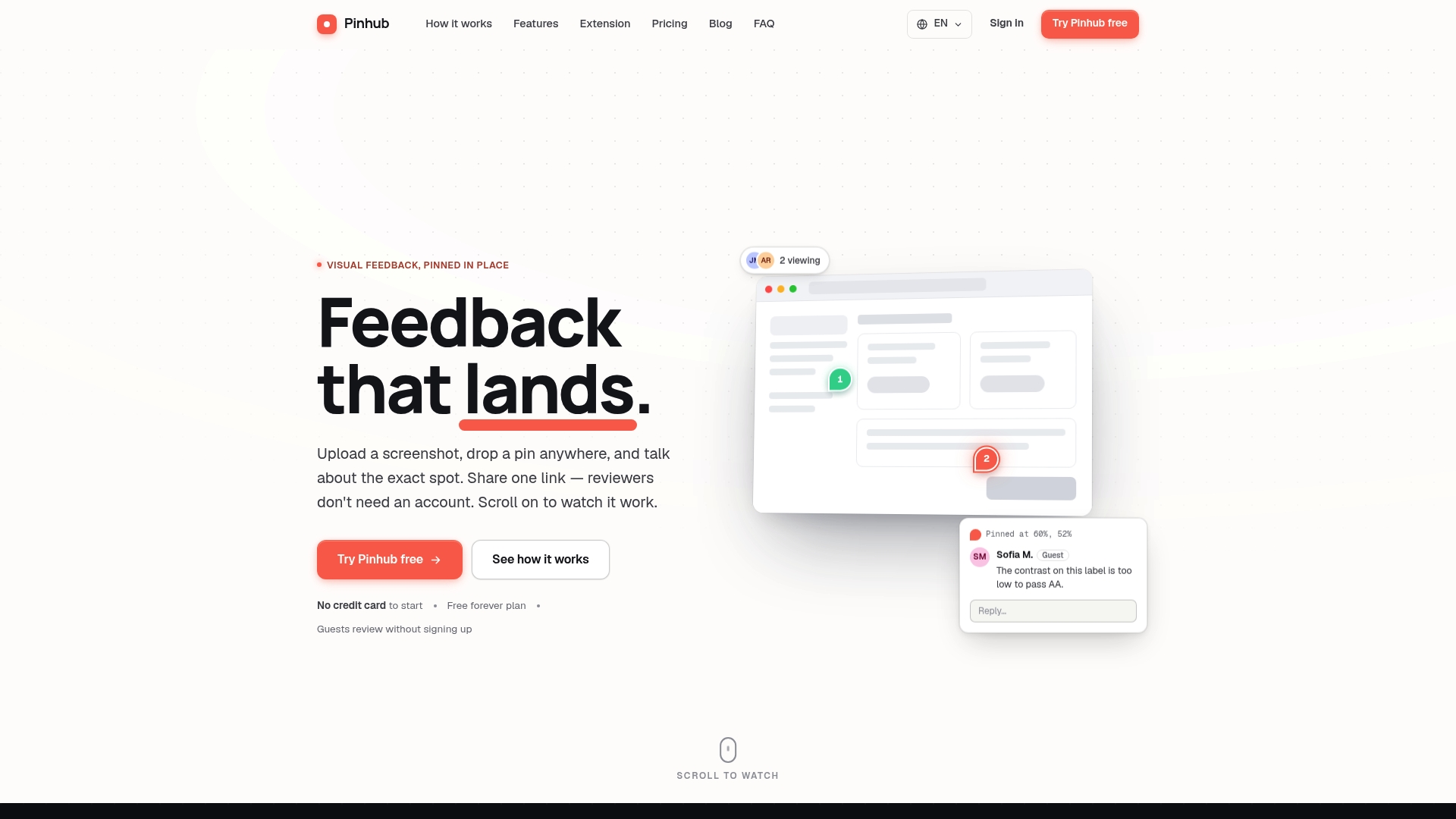
Pins are stored as percentages of the image, maintaining exact placement at any zoom level and after file updates. Guest reviewers can leave feedback without creating accounts, which reduces friction for client or stakeholder review. The product also includes version history and AI generated summarization to keep iteration notes concise and searchable.
Core Features
Pinhub lets teams upload screenshots and design mockups and place pinning exact points that remain linked to the same visual coordinates as designs change. Each pin supports threaded comments and a live activity view so reviewers and editors can see who is active now. Sharing uses unguessable links with optional password protection and instant revocation, and the tool offers a browser extension, import from Figma, version history, and AI generated summaries of open feedback.
Key Differentiator
Pins persist as image percentage coordinates, so comments do not shift when a reviewer zooms or when a file is updated. That model removes the common problem of misaligned annotations after edits. The persistent anchoring keeps feedback tied to specific UI elements across rounds of revisions.
Pros
Pinhub removes account friction by allowing guest reviewers to comment via share links, which speeds client approvals and stakeholder checks. The persistent pin model reduces back-and-forth clarifications because comments remain attached to exact pixels as designs evolve. Version history and annotation linking make it easy to see what changed between iterations and who left each comment. Flat-rate team pricing removes per-seat surprises and works well for agencies managing many reviewers. Direct Figma import and a capture extension let designers bring work into review without manual exports.
Cons
- The free plan limits you to three active screenshots, which can be restrictive for projects that require frequent or parallel visual reviews.
Notable Integrations
Pinhub integrates with Figma for importing mockups directly into review sessions. The integration removes manual file export steps and preserves design fidelity when pins and comments are added. No other third-party integrations are publicly listed here.
Who It’s For
Design and development teams, freelance designers, product managers, QA teams, and small to mid size agencies that need precise visual feedback on UI or web mockups. Teams that rely on external stakeholders or clients for approval will benefit from guest reviewer links and password protected sharing.
Unique Value Proposition
Guest reviewers can leave feedback without creating accounts, which shortens review cycles for external clients and reduces setup work for one off stakeholders. That approach lowers administrative overhead for agencies and product teams that collect feedback from many intermittent reviewers.
Real World Use Case
A UI team uploads a new dashboard mockup and shares a password protected link with the client. The client pins a color and layout issue directly on the component, the design lead replies in the thread, and the team uses the version history to confirm the fix stayed anchored after the next export. AI generated summaries produce a short checklist for the sprint.
Pricing
Pinhub offers a free forever option limited to solo or low volume use. Pro is $19 per month or $180 per year. Team is $39 per month or $384 per year for larger groups and agency workflows.
Website: https://usepinhub.com
BugHerd
At a Glance
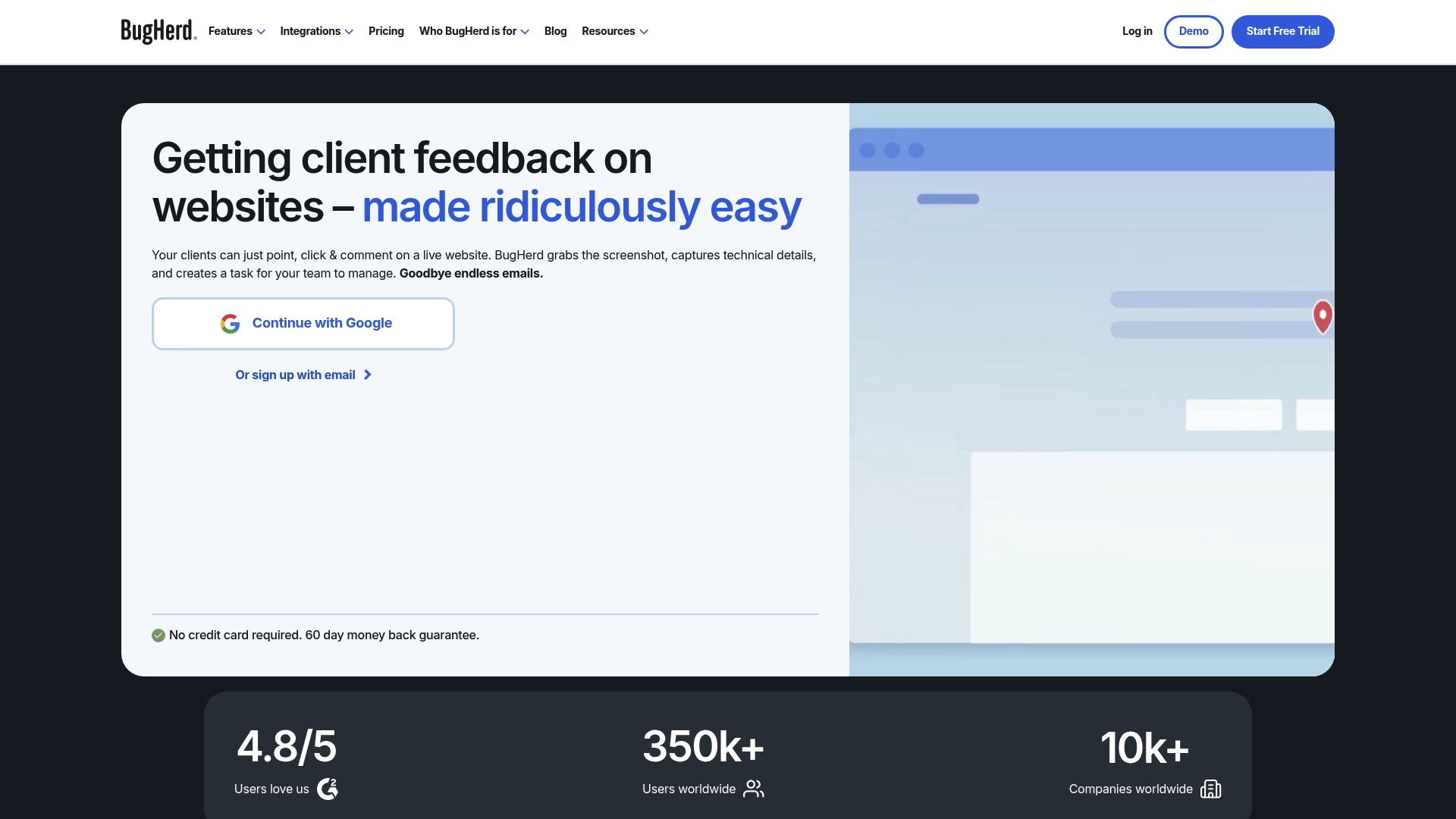
BugHerd captures a screenshot and technical metadata with every pinned comment on a live site. That automatic capture includes device and browser details so developers get context without extra steps. Clients can leave feedback without creating accounts, which speeds review cycles.
Core Features
BugHerd lets reviewers pin comments directly on page elements and suggest text edits in context. Each issue records an automatic screenshot plus technical metadata and can be routed into task workflows. Teams can organize tasks in a Kanban view and connect issues to project tools for developer handoff.
Key Differentiator
The standout is the combination of in context visual feedback and automatic technical data collection. That pairing reduces the back and forth between designers and developers. Deep project management and developer integrations let teams push issues into their existing workflows.
Pros
Feedback is easy for nontechnical stakeholders since they point and comment on the live page, which reduces unclear tickets. Built in integrations with Trello, Asana, Jira, Slack, and GitHub let teams route items into developer boards and communication channels. Automatic metadata capture and roles plus permission controls cut the time developers spend reproducing bugs.
Cons
-
The interface can feel overwhelming for teams that prefer minimal tools. Some buyers report many visible controls make training slower.
-
Complex setups that tie multiple integrations together sometimes cause syncing delays. That affects teams with intricate toolchains.
-
Pricing can be high for larger teams or enterprise needs. Smaller agencies and freelancers may find entry costly.
When It May Not Fit
Teams that need a very lightweight annotation tool will find BugHerd too feature rich and dense. Small freelance workflows with tight budgets may prefer a lower cost option. Organizations that cannot tolerate occasional syncing delays should test the integration flows before committing.
Notable Integrations
BugHerd connects natively to Trello, Asana, Jira, Slack, GitHub, Zapier, WordPress, and Drupal. These links let you convert pinned feedback into tasks or pull site context into developer tools. The set covers both agency project boards and developer repositories.
Who It’s For
Web development teams, digital agencies, and in house product teams that need visual bug tracking will get the most value. UX designers who want clients to point at live pages will appreciate the in context annotation. Teams already using Trello, Asana, or Jira will find the handoff smoother.
Real World Use Case
A design agency collects client notes on a staging site with pinned comments and suggested text edits. Each pin arrives with a screenshot and device info and appears in the agency Kanban. Developers pull those items into Jira and resolve them with clear reproduction steps.
Pricing
Plans start at $42/month for the Standard plan when billed annually. Higher tier plans include Studio, Premium, and custom enterprise options for larger teams. Contact sales for custom volume and feature pricing.
Website: https://bugherd.com
Marker.io
At a Glance
Marker.io reports GDPR compliance and SOC 2 Type II certification, which matters to teams handling regulated data. The product focuses on visual website feedback and bug reporting with session replay and data masking. Plans start as low as $39 per month and include a 15-day free trial.
Core Features
Marker.io captures visual feedback through an on page widget that attaches screenshots, annotations, and technical metadata to issues. It includes session replay for replaying user interactions and data masking to hide sensitive fields during captures. Workspace analytics and AI features help summarize feedback, translate comments, and suggest titles to speed triage.
Key Differentiator
Marker.io connects directly into issue trackers and project boards so captured feedback becomes actionable issues in the tools teams already use. That tight bidirectional flow reduces manual copying of screenshots and metadata into tickets. The vendor highlights AI features that refine text and generate short titles to make issues clearer for developers.
Pros
Marker.io integrates with many popular project management systems, so teams can push annotated issues into existing workflows. Installation typically has little impact on site performance, which matters for large e-commerce or enterprise sites. The product supports external stakeholders, letting clients leave visual comments without complex account setup. Marker.io also bundles privacy controls and compliance features useful for regulated industries.
Cons
-
Onboarding can feel steep for nontechnical stakeholders. The setup and training require time before teams see full value.
-
Pricing may be high for very small teams or startups. The entry plan exists, but advanced features and larger seat counts raise costs.
-
Some integrations are marked as coming soon. That limits workflow options until those connectors arrive.
When It May Not Fit
If your team relies exclusively on a free tier of an issue tracker, Marker.io’s full value depends on richer paid integrations. Teams that need advanced AI features or enterprise grade security controls may have to choose higher priced plans. Small single person shops with minimal feedback volume will likely find the price to feature ratio unfavorable.
Notable Integrations
-
Jira
-
Trello
-
Asana
-
GitHub
-
GitLab
-
Azure DevOps
-
ClickUp
-
Notion
Who It’s For
Marker.io fits teams responsible for maintaining large websites, including QA, web development, design, and digital marketing groups. It suits agencies that collect client feedback across campaigns and enterprise teams that must track compliance. Choose Marker.io when you need visual evidence attached to tickets and a traceable review trail.
Real World Use Case
A global fashion retailer uses Marker.io to collect annotated bug reports from regional teams. The retailer attached session replays and masked sensitive fields so engineers reproduced issues faster. That process reduced back and forth communication and cut email driven reporting.
Pricing
Plans start as low as $39 per month and include a 15 day free trial to test core features. Advanced AI features and enterprise security options are available on higher tiers or enterprise plans. Contact sales for custom seat counts and enterprise contracts.
Website: https://marker.io
Comparison of Alternatives
When seeking an effective solution for precise and reliable visual feedback, distinguishing among choices like BugHerd, Marker.io, and Pinhub helps teams pinpoint the right fit.
Integration and Tool Compatibility
BugHerd shines in integration capabilities with Trello, Jira, Slack, and other popular project tools, offering streamlined task management for teams requiring project connectivity.
Regulatory Compliance and Data Security
Marker.io emphasizes privacy and compliance with features like GDPR alignment and SOC 2 Type II certification, essential for operations involving sensitive data.
Best Fit
-
Design agencies relying heavily on full-cycle client collaboration gain efficiency from Pinhub’s features like guest reviewer links reducing adoption friction.
-
Teams utilizing multi-tool integrations can leverage BugHerd’s connectivity across varied platforms, simplifying the developer workflow.
-
Organizations with strict compliance requirements will excel using Marker.io’s security and regulatory solutions.
Our Pick
Usepinhub.com delivers remarkable precision and intuitive access for clients and stakeholders, aligning with projects demanding effortless feedback implementation without user registration. Larger regulated enterprises or agencies relying on integrated workflows might favor competitors aligning with unique workflow requirements.
Choosing between feedback tools depends on features like annotation accuracy and integration compatibility.
| Product | Key Differentiator | Best For | Pricing | Notable Limitation |
|---|---|---|---|---|
| Usepinhub | Persistent annotations through updates | Small-to-medium design agencies | $19/month Pro | Free plan limited to three files |
| BugHerd | Automatic technical metadata capture | Web development teams | $42/month | Interface complexity for nontechnical users |
| Marker.io | Compliance features with session replay capabilities | QA and enterprise website teams | $39/month | Higher costs for small teams |
Choosing the right markup tool for precise feedback
Projects that involve product design teams, digital agencies, and remote collaborators often struggle with feedback that shifts or loses clarity. Usepinhub addresses this challenge by letting you pin comments to exact points on screenshots, keeping feedback anchored even as designs evolve. This reduces confusion and accelerates review cycles, especially when stakeholders participate without the need for accounts.
Usepinhub also offers features that make tracking changes straightforward, such as version history and automated summary lists. See why teams seeking reliable markup.io alternatives trust Usepinhub to simplify collaboration. Visit https://usepinhub.com to upload your first screenshot and start keeping visual feedback tied firmly to your designs.
FAQ
What advantages does Usepinhub offer for website feedback and annotation?
Usepinhub effectively supports threaded comments and live activity views. Its feature of allowing guest reviewers to leave feedback without creating accounts speeds up client approvals and stakeholder checks, making it user-friendly for teams handling visual feedback.
How does Usepinhub compare to BugHerd in terms of user experience for nontechnical stakeholders?
BugHerd provides an easy pinning mechanism for nontechnical stakeholders to leave feedback directly on live pages. In contrast, Usepinhub excels with persistent pinning that keeps feedback tied to specific UI elements across revisions, which can be essential for design iterations.
Which platform features automatic metadata capture alongside visual feedback?
BugHerd captures automatic screenshots and technical metadata with feedback provided on live sites. Usepinhub, while it does not focus on metadata, offers precise visual feedback through persistent pinning, which can be advantageous for design accuracy.
What should I know about the pricing plans for Usepinhub?
Usepinhub offers a free forever option which may have limitations, such as only allowing three active screenshots. For more robust features and additional screenshots, the Pro plan starts at $19 per month, making it accessible for various team sizes.
How does Version History in Usepinhub benefit design teams?
Usepinhub’s version history allows design teams to easily track changes between iterations and see who left comments. This feature can reduce confusion and enhance communication within the team during the feedback and design process.