
Coordinating website QA feedback between designers, developers, and clients is slow and often leads to confusion over comments and approvals. Traditional solutions require account creation for every reviewer or do not attach context like screenshots and browser details, which delays clear sign off. This comparison covers guest access, visual annotation, and technical metadata so agencies, design teams, and QA groups can select a tool that actually speeds up their review cycles.
Table of Contents
Pinhub
At a Glance
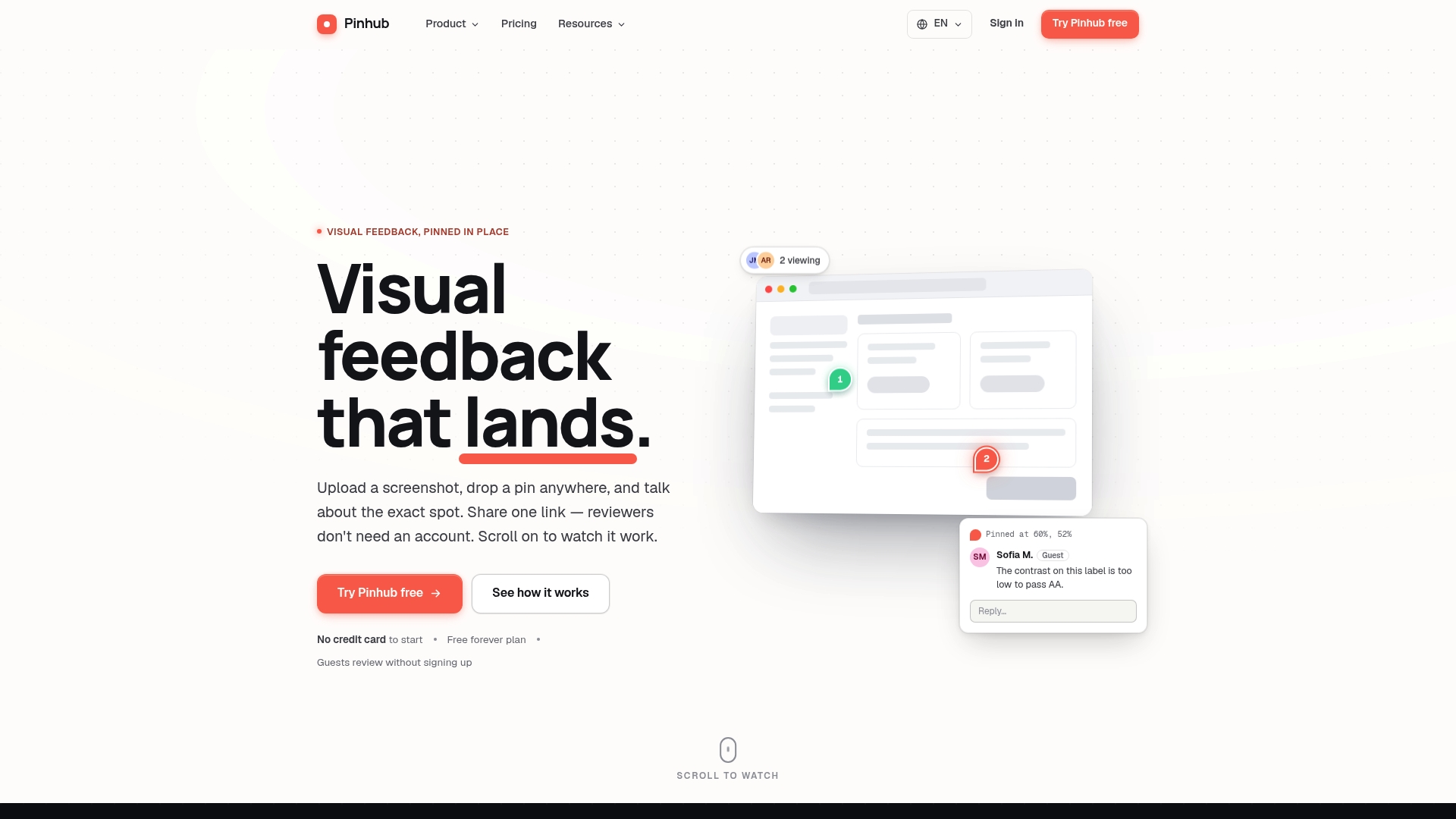
Pixel anchored pins remain fixed to exact image coordinates across zoom levels and devices. Pinhub attaches comments to those exact points, so reviewers talk about the same pixel. Guests can comment without creating accounts, which shortens review cycles and reduces email back and forth.
Core Features
Pinhub lets teams upload screenshots and add pins that store their position as a percentage of the image, so annotations stay put as designs scale. Threaded conversations attach to each pin, and share links let guests reply without signing up. The tool includes a live presence view, version history, a browser capture extension, import from Figma, password protected shares, feedback forms and quick polls, plus AI summaries that turn open comments into checklist items.
Key Differentiator
The most distinctive capability is the pixel anchored pins combined with persistent threaded conversations. Pins keep their location across devices and zoom levels, which prevents misunderstanding about which element a comment targets. The built in AI summaries reduce manual triage by condensing open threads into actionable items.
Pros
Guest commenting with no account requirement removes the usual onboarding hurdle for external reviewers and speeds client approvals. The platform supports precise visual feedback through pins stored as image percentages and threaded replies, so designers and developers can resolve UI notes without guessing. Sharing works via a single URL with optional password protection, and the Figma import plus version history keeps design iterations and feedback aligned.
Cons
- Limited functionality for dynamic web content or live website interactions, since the workflow relies on static screenshots.
Notable Integrations
Pinhub connects directly to Figma for importing design files. This integration keeps review context inside the design system and reduces manual file exports.
Who It's For
Designers, product teams, and agencies that need focused visual review and clear sign off will find Pinhub useful. Individual contributors who want fast client feedback with minimal setup also benefit. Teams that require annotation tied to precise visual locations will get the most value.
Unique Value Proposition
Guest reviewers can comment without creating accounts, which removes friction from client and stakeholder reviews. That single capability shortens approval loops and lowers the barrier for nontechnical reviewers to give precise feedback. For teams billing by the hour or working across time zones, fewer setup steps mean faster cycles and less context chasing.
Real World Use Case
A UX team uploads a homepage mockup and pins layout issues on the hero image, form, and footer. The client follows a shared link, leaves comments as a guest, and flags which items block approval. The team uses the AI summary to create a punch list, updates the design in Figma, and uploads a new version to Pinhub to close the loop.
Pricing
Pinhub has a free tier with basic capabilities for occasional reviewers. Pro pricing is $9.99 per month for individual users. Team pricing starts at $19.99 per month and aims to cover larger groups with one plan.
Website: https://usepinhub.com
BugHerd
At a Glance
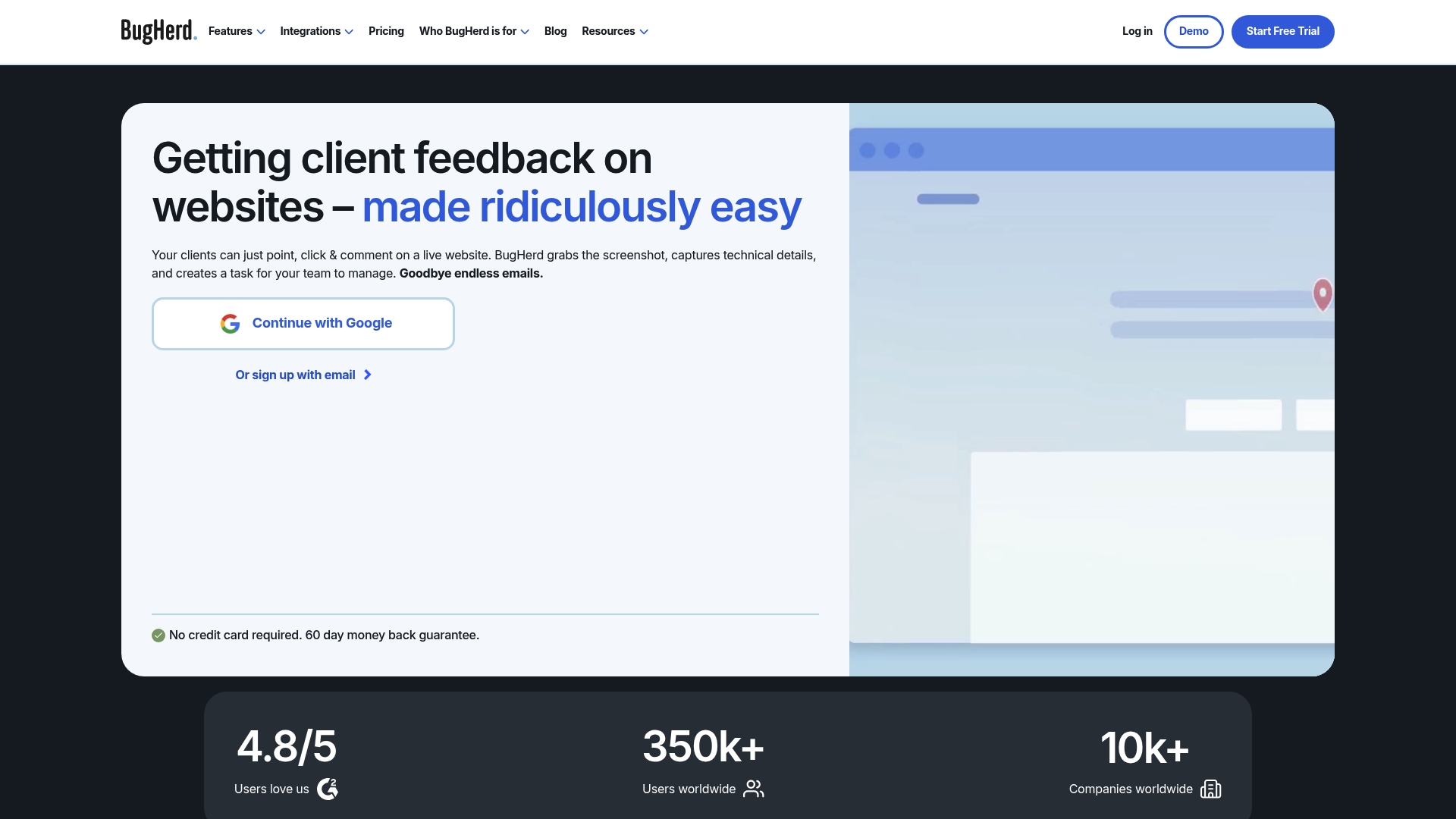
Clients can leave visual feedback directly on live websites without creating accounts. That workflow removes emailed screenshots and vague notes, and pins comments to exact page elements. BugHerd captures technical context with each report so developers see the browser details they need.
Core Features
BugHerd offers easy website annotations and the ability to suggest text edits on a page. It captures screenshots along with technical data and accepts feedback on designs, PDFs, and images. The tool also supports video feedback sessions with audio to clarify complex issues.
Key Differentiator
The standout feature is the ability for clients and stakeholders to add in context visual feedback on a live site without signing up. That approach keeps comments precise and tied to DOM elements and CSS selectors. Teams get clearer bug reports and fewer follow-up questions.
Pros
The interface is simple and approachable so nontechnical clients can pin issues directly on pages and attach screenshots. Installation is straightforward via a code snippet, which gets teams reporting bugs fast while preserving browser and environment data. Built in screenshot annotation and video feedback reduce back and forth, and the platform links issues to external tools to keep developer workflows intact.
Cons
- Some users report lag or slower responses when many annotations load on a page. This can interrupt rapid testing sessions.
- Selecting the exact comment point can be imprecise on small or dense layouts, which leads to extra clarification steps.
- Mobile functionality relies on browser extensions or workarounds, so on device testing is less smooth than desktop workflows.
- Feature releases have felt slow to some teams, which affects organizations that need frequent new capabilities.
When It May Not Fit
Organizations that depend heavily on mobile native testing will find limitations because the mobile experience depends on extensions and is not as polished. Teams needing immediate platform updates or rapid feature delivery may prefer alternatives with a faster release cadence. Large enterprises that require deep custom integrations should verify API and workflow support before committing.
Notable Integrations
BugHerd integrates with popular project and communication tools so issues move into existing pipelines. Key connections include:
- Trello
- Asana
- ClickUp
- Monday.com
- Jira
- GitHub
- Slack
- MS Teams
Who It's For
This product fits web development teams, digital agencies, and in house marketing or design teams that need visual, in context feedback from clients. It also suits QA teams that prefer annotated screenshots tied to technical context. Project managers who route bugs into task boards will find the integrations useful.
Real World Use Case
A web design agency uses BugHerd during site launches to collect client comments directly on pages. Designers review pinned notes and developers pick up tickets already populated with browser data. The process reduces email threads and speeds resolution of layout and copy issues.
Pricing
Plans start at $50/month for the Standard plan. Larger teams and enterprise customers can choose higher tiers that add custom branding and advanced integrations.
Website: https://bugherd.com
Marker.io
At a Glance
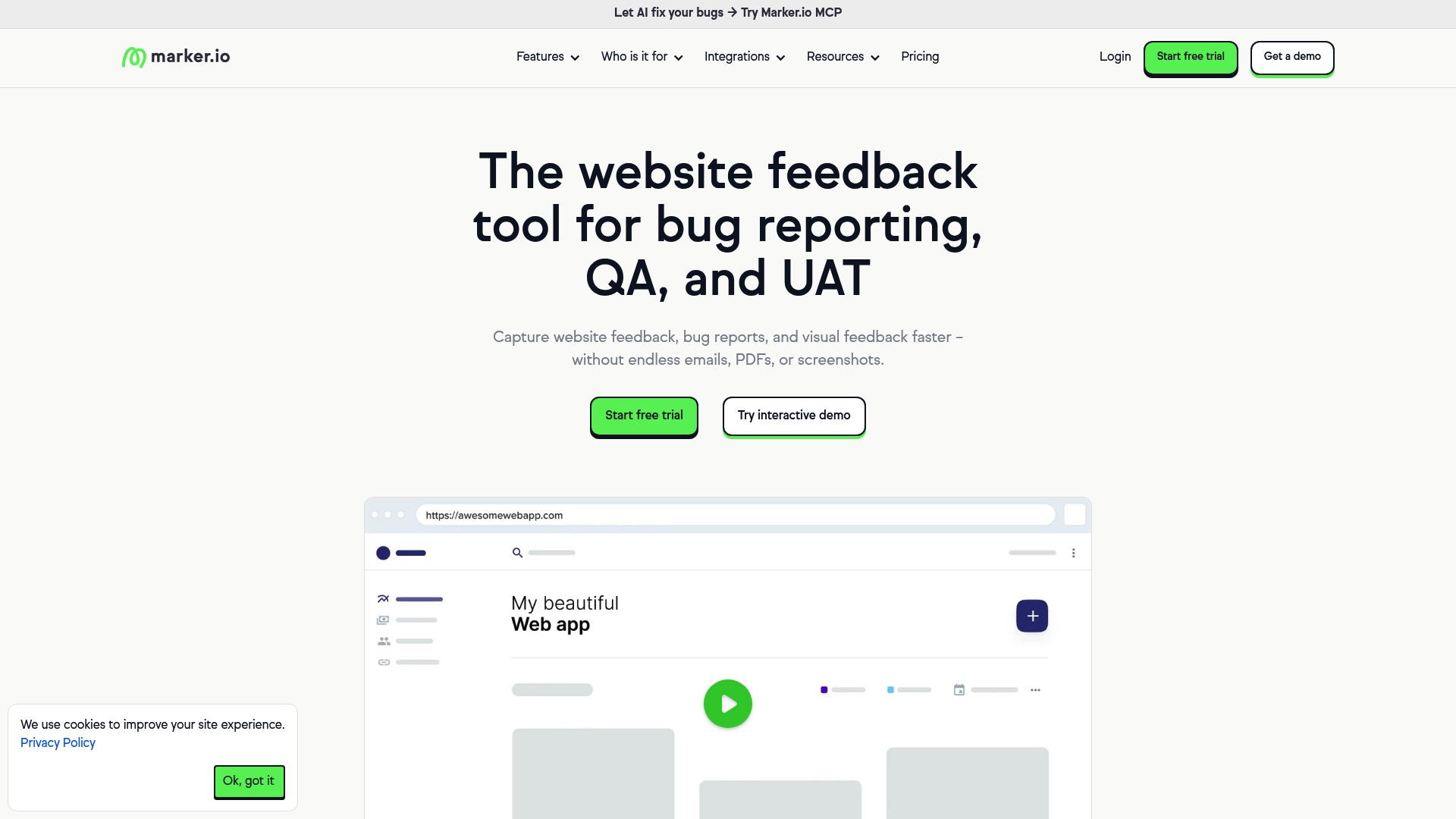
Marker.io pushes annotated website screenshots and technical metadata straight into trackers such as Jira, Trello, Asana, GitHub, and Notion. The tool captures screenshots from a widget, extension, or CMS snippet and records user sessions for reproduction. Its AI powered features help translate and reorganize feedback into clearer issue descriptions.
Core Features
Capture website feedback from an on page widget, browser extension, or CMS snippet while attaching OS, browser, and URL metadata. Marker.io stores session replays and hides sensitive fields with data masking, which helps reproduce hard to catch bugs. Workspace Analytics summarizes workspace activity, and AI powered tools assist with translation, rewrite, and title generation.
Key Differentiator
The product links visual reports directly to many project trackers while applying AI powered feedback structuring to the captured content. That combination speeds handoff to engineering by reducing back and forth about steps to reproduce. The integration breadth and automated content shaping set it apart from single channel bug reporters.
Pros
Reporting starts from a simple UI that non technical stakeholders can use to pin comments and annotate screenshots. The system collects rich metadata including OS, browser, and page URL which saves time for engineers reproducing issues. Integrations with popular trackers and the availability of browser extensions, CMS plugins, and snippet installation options reduce setup friction for teams.
Cons
- Pricing can be expensive for smaller teams. The cost may be hard to justify for low volume projects.
- Workflow steps may feel slow or restrictive for some users. Complex approval flows can add overhead.
- Lacks advanced templates or in depth reporting tools. Teams that need custom analytics will need another solution.
- Occasional issues with tagging and notification workflows interrupt handoffs between teams.
When It May Not Fit
Small teams on tight budgets will find the higher price point limiting. Organizations that need highly customizable reporting or deep analytics should look elsewhere. Groups requiring ultra fast lightweight reporting without enforced workflow steps may prefer simpler tools.
Notable Integrations
Marker.io connects to major trackers and collaboration tools including Jira, Trello, and Asana, plus GitHub, GitLab, Azure DevOps, ClickUp, and Notion. These integrations send annotated screenshots and metadata directly into existing issue workflows.
Who It's For
Web development, QA, design, and product teams that manage multiple sites or complex web properties will benefit most. Digital agencies working with clients also gain from the guest friendly capture flows and annotation features. Teams that already use one of the supported trackers see the largest efficiency gains.
Real World Use Case
An enterprise with hundreds of websites uses Marker.io to collect annotated bug reports from content teams. The reports include session replays and metadata and post directly to Jira, reducing clarification cycles and helping engineers fix issues faster.
Pricing
Plans start as low as $39 per month, with a 15 day free trial. Larger teams and enterprise customers can request custom plans and enterprise features through the vendor.
Website: https://marker.io
Pastel
At a Glance
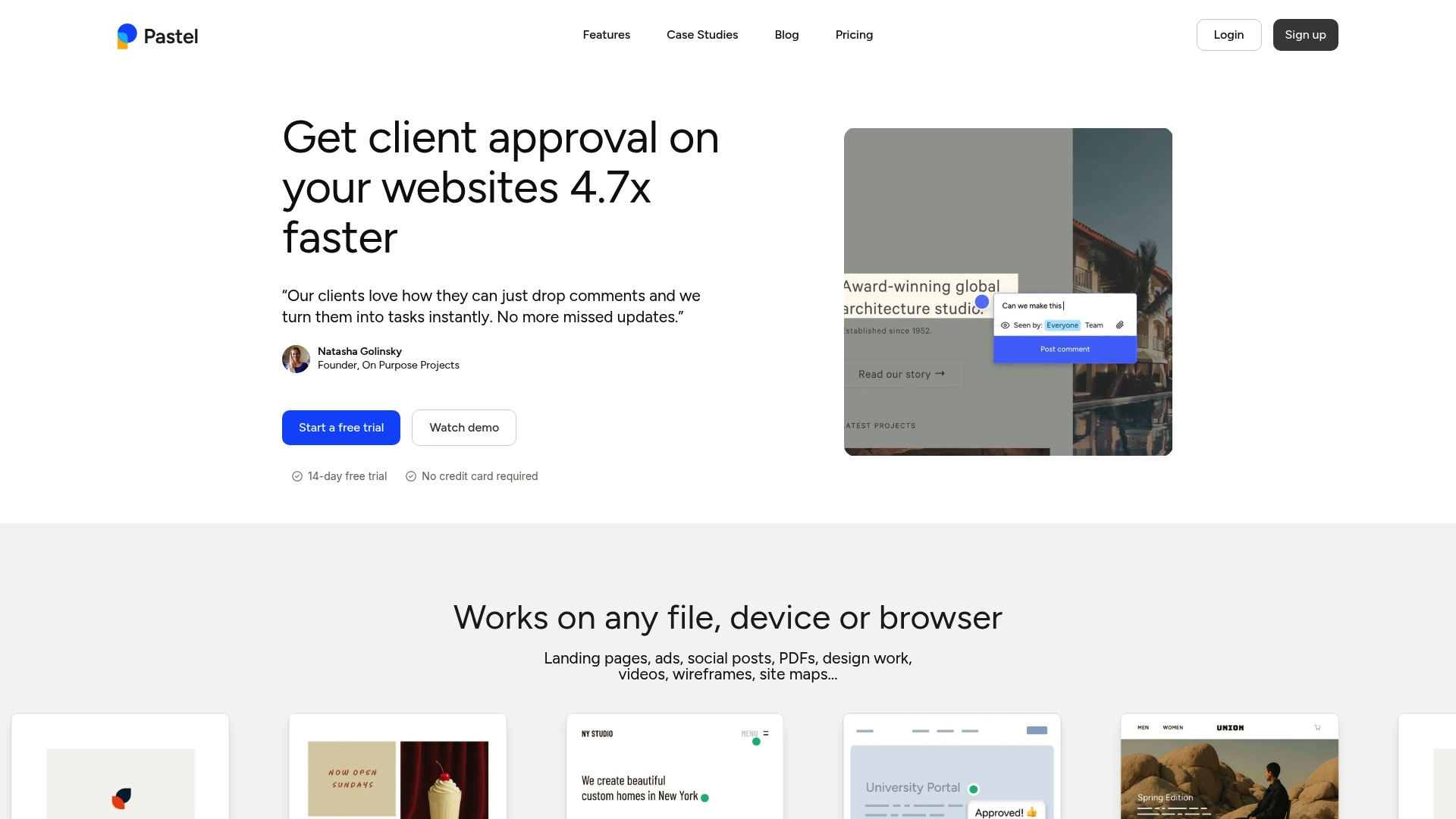
Pastel captures pinpointed comments on live sites and files with no login required for collaborators. It saves the browser and device metadata with each comment so reviewers see context automatically. This behavior makes client reviews faster and reduces back and forth over vague feedback.
Core Features
Pastel turns any URL or uploaded file into a visual feedback canvas where teammates and clients pin comments directly on elements. Each comment includes an automatic screenshot plus browser and device details, and you can tag status and deadlines for follow up. The tool supports images, PDFs, videos, emails, and it exports feedback to CSV or connects to project trackers.
Key Differentiator
Pastel focuses on rapid, in context commenting that requires no account for guest reviewers. That approach removes friction for nontechnical clients and speeds approvals. The automatic context capture with each note keeps engineers and designers from guessing what a reviewer saw.
Pros
Pastel is easy to roll out. You share a link and reviewers click and leave comments without installing anything or creating accounts. The inline comments attach metadata so your team knows the device and page state when each note was made. Labels and simple statuses help keep feedback organized without forcing a full task system. The interface stays lightweight and readable, which reduces training time for clients and stakeholders.
Cons
- Interface lacks advanced task workflows and complex issue tracking, so large engineering teams may need a separate tracker.
- The UI can feel basic for power users who want custom fields or nested tasks.
- Resource usage can be heavy in constrained hosting or proxy environments, which may slow large canvases.
When It May Not Fit
If your team needs advanced project management inside the feedback tool you will likely outgrow Pastel quickly. Organizations that require strict audit trails and detailed issue states will find the built-in tracking limited. Teams with complex release gates or many parallel sprints will need deeper integrations with a dedicated tracker.
Notable Integrations
Pastel connects to common project tools so feedback flows into existing work queues. Supported integrations include Trello, Jira, Asana, Zapier, webhooks, and CSV export. Those connections let you push comments into ticket systems and automation workflows.
Who It's For
Pastel fits agencies, freelance designers, and small to medium creative teams that collect client feedback. Project managers and marketing teams that need quick approvals will get the most value. It also works well for internal QA when you want testers to point at specific UI elements and add context.
Real World Use Case
An agency shares a Pastel canvas for a staging site so the client clicks a button and drops a comment. The comment arrives with a screenshot and device info so developers reproduce the issue fast. The team marks items in progress and exports unresolved notes to Jira for tracking.
Pricing
Pastel offers a free tier and paid plans starting at $35/month for the Pro tier. Higher team and enterprise plans are available for larger collaboration needs.
Website: https://usepastel.com
Comparison of alternatives
When comparing visual feedback tools, the precision of Pinhub's pixel-anchored annotations contrasts with the flexible live-site feedback options offered by competitors. Each platform offers notable advantages tailored to specific use cases, aiding teams in diverse workflows.
Annotation accuracy and context
Pinhub excels in delivering precise annotations using their pixel-anchored pin system, maintaining positional accuracy across design iterations and scaling scenarios. Conversely, BugHerd emphasizes live website feedback, enabling stakeholders to comment directly on interactive page elements with technical context. Pastel supports guest capabilities for quick annotation sharing without account creation, catering to external stakeholder updates efficiently. The tradeoffs amongst platforms stem from the need for static versus live feedback requirements.
Integration and workflow flexibility
Marker.io integrates extensively with established trackers such as Jira and Trello, streamlining feedback insertion and progression into existing development pipelines. Pastel provides simple tagging and organization for lightweight projects, and BugHerd captures feedback in rich technical detail, complementing QA workflows. These options offer varying degrees of integration depth based on organizational needs, with strengths leaning towards incorporation into existing tools or simplicity for rapid deployment.
Best fit
- Teams prioritizing precise static image annotations and detailed design reviews will find Pinhub in accuracy and usability.
- For groups needing live interactive site feedback with embedded technical data, BugHerd provides streamlined workflows tailored to web development.
- Development teams requiring thorough integration into project trackers benefit most from the broad connectivity of Marker.io.
- Lightweight, fast deployment of visual feedback for smaller projects aligns perfectly with Pastel's features.
Our pick
For workflows centered on static visual feedback, especially those requiring pixel-perfect annotation and clarity across scales, Pinhub stands out as the premier choice. Distinguishing itself by anchoring annotations directly to image pixels, it eliminates miscommunication in visual contexts. However, teams focusing on live web feedback or deeply integrated bug-tracking pipelines might explore alternatives like BugHerd or Marker.io based on their strengths in those areas.
Comparing website feedback tools demonstrates distinctive strengths in precise annotations, guest accessibility, live site context, and seamless integration.
| Product | Core Feature | Key Differentiator | Best For | Pricing | Notable Limitation |
|---|---|---|---|---|---|
| Pinhub | Feedback as percentage-based pins | Pixel-anchored pins across devices and zoom levels | Designers and agencies | Free, Pro $9.99/month | Limited support for dynamic or live content |
| BugHerd | Live website annotations with technical data | In-context feedback on live websites without guest accounts | Web development and QA teams | Starting at $50/month | Lag issues with high comment volume |
| Marker.io | Screenshot reporting with session metadata | Annotated reports with AI-powered feedback structuring | Teams managing complex web properties | Starting at $39/month | Higher costs for smaller teams |
| Pastel | Canvas-based visual feedback with metadata | Guests can comment without account creation | Agencies and small creative teams | Free, Pro $35/month | Lacks advanced issue tracking workflows |
Finding Clear Visual Feedback for Website QA Tester Challenges
Providing detailed website QA tester feedback often suffers from vague comments and long review cycles. Usepinhub solves this by letting you upload screenshots and pin comments exactly where you want. This pixel-anchored feedback keeps conversations focused on the right elements, reducing confusion between teams and clients. Guest reviewers can add input without creating accounts, speeding up approvals for product design teams, marketing agencies, and remote collaborators.
Usepinhub also offers automated summary lists and version control to keep feedback organized and actionable. If your goal is to speed up website QA testing with clear, location-specific comments, explore how Usepinhub handles those pain points.
Explore Usepinhub features and start sharing precise visual feedback. With fewer setup steps and clearer input, you can cut review time and improve project outcomes.
FAQ
How does Usepinhub enhance visual feedback for website QA testers?
Usepinhub allows teams to upload screenshots and add pixel anchored pins that store their position as a percentage of the image. This means comments remain fixed to specific elements regardless of zoom level, enabling clear communication about design issues. Explore using Usepinhub to make your visual feedback process more precise.
What is the difference between BugHerd and Usepinhub?
BugHerd excels at allowing clients to leave visual feedback directly on live websites without requiring accounts, which can be beneficial for quick feedback cycles. In contrast, Usepinhub’s strength lies in its pixel anchored pins, which help prevent misunderstandings about which element a comment refers to. Choose Usepinhub for annotation tied to precise visual locations.
Which platform captures technical context along with comments?
BugHerd captures browser details with each annotation, providing developers with vital context. Conversely, Usepinhub focuses on anchoring comments to specific points on images. Consider using Usepinhub for a stronger emphasis on maintaining comment placement across different devices and zoom levels.
Can I use Usepinhub if I want guest reviewers to comment without signing up?
Yes, Usepinhub allows guests to comment without creating accounts, which helps reduce friction in the review process. This feature makes it easy for clients and stakeholders to provide feedback quickly and effectively. This approach makes Usepinhub an ideal choice for those seeking smooth client approvals and faster review cycles.
Does Usepinhub support integration with design tools?
Usepinhub connects directly to Figma for importing design files, which streamlines the review process. This integration helps maintain context across design iterations, so expect a smoother workflow when using Usepinhub for collaborative design reviews.